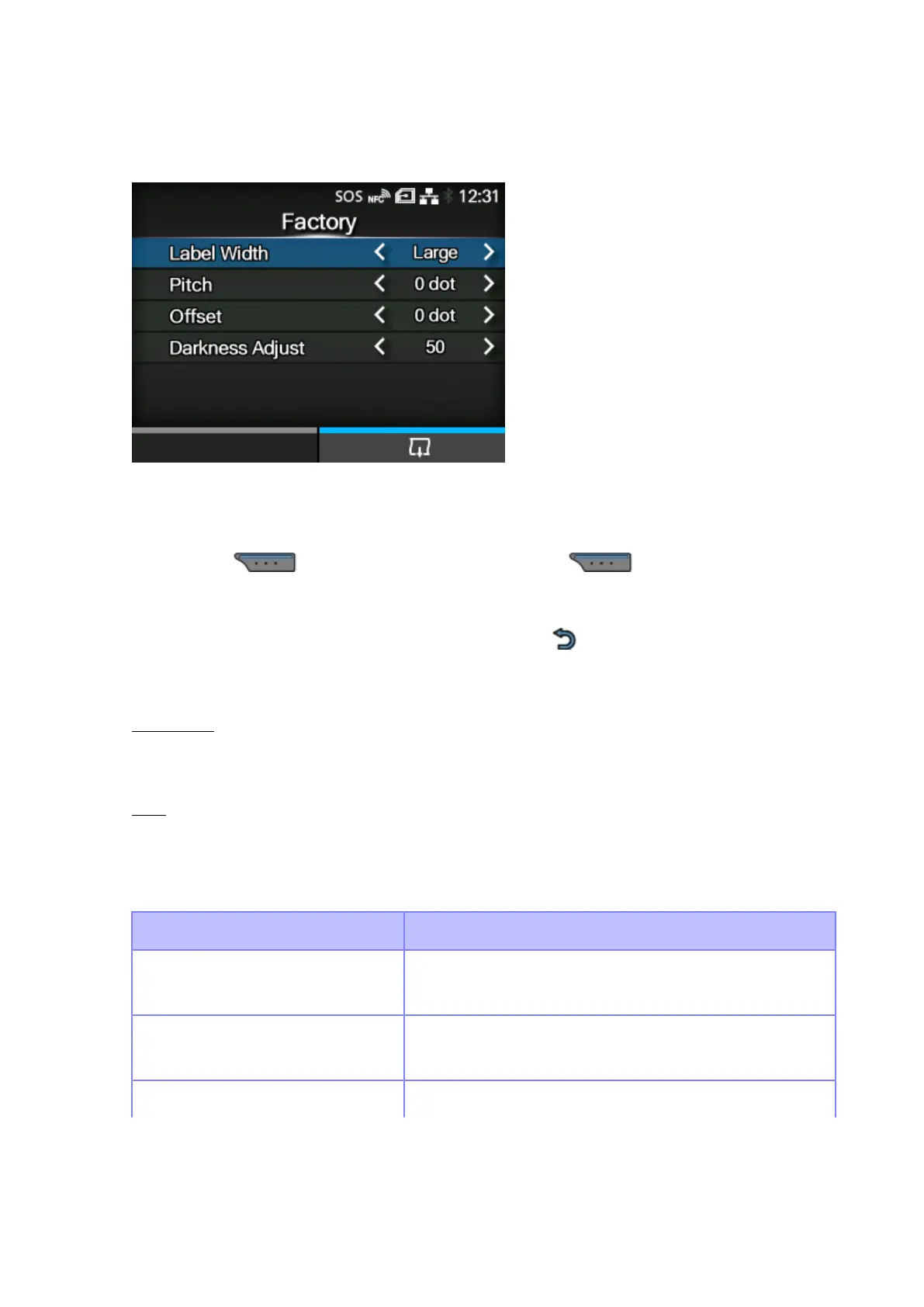
[Test Print]
464
[Factory]
Perform the factory test print.
1. Check and set the items as listed on the [Factory] menu.
2.
Press the button to start the test print. Press the button again to pause the
print.
To stop the test print, first pause the print and then press the button.
The setting items are as follows:
Label Width
Set the media width used for the test print.
The options are [Large] (101.6 mm (4”) ) and [Small] (50.8 mm (2”)).
Pitch
Set the print position in the vertical direction.
The setting range varies depending on the print resolution of the product.
The setting range is as follows:
Resolution CL4NX Plus
203dpi
(1 dot = 0.125 mm (0.0049"))
-30 to 0 to 30 dots
305dpi
(1 dot = 0.083 mm (0.0033"))
-45 to 0 to 45 dots
609dpi -90 to 0 to 90 dots



 To Next Page