[Test Print]
470
Darkness Adjust
Fine tune the print darkness of the test print.
0 is the lightest and 99 is the darkest.
• The value of [Label Length], [Pitch], [Offset] and [Darkness Adjust] set in the [Configure
QR] menu will be reflected to the same item settings in the [Factory] menu, [Configure
List] menu, [Paper Sensor] menu and [Head Check] menu.
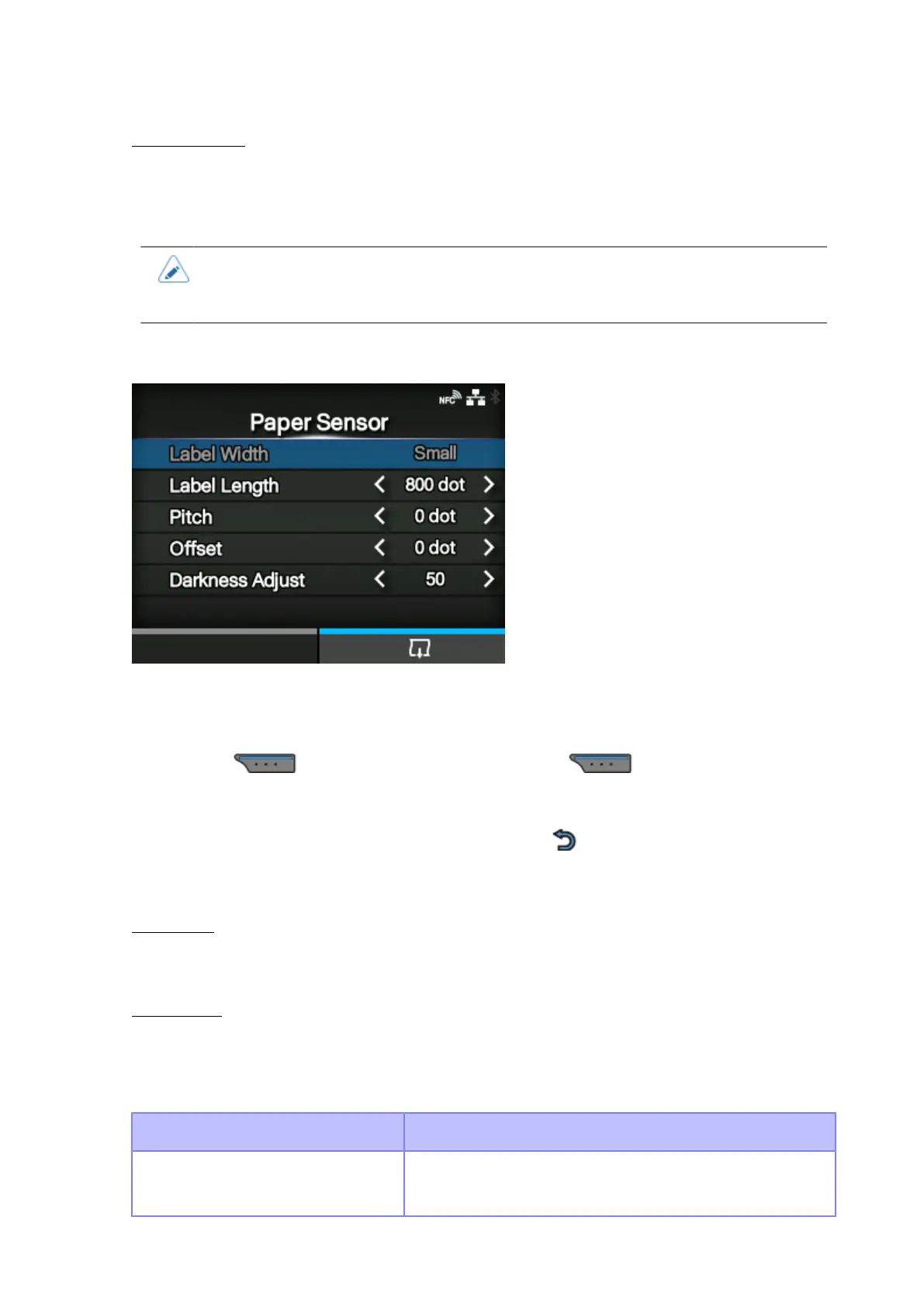
[Paper Sensor]
Print the detection result of the media sensor level.
1. Check and set the items as listed on the [Paper Sensor] menu.
2.
Press the button to start the test print. Press the button again to pause the
print.
To stop the test print, first pause the print and then press the button.
The setting items are as follows:
Label Width
Shows the necessary media width of the test print.
The necessary media width is 50.8 mm (2") for [Small].
Label Length
Set the length of one piece of the media used for the test print.
The setting range varies depending on the print resolution of the product.
The setting range is as follows:
Resolution CL4NX Plus
203 dpi
(1 dot = 0.125 mm (0.0049"))
400 to 1600 dots



 To Next Page