475
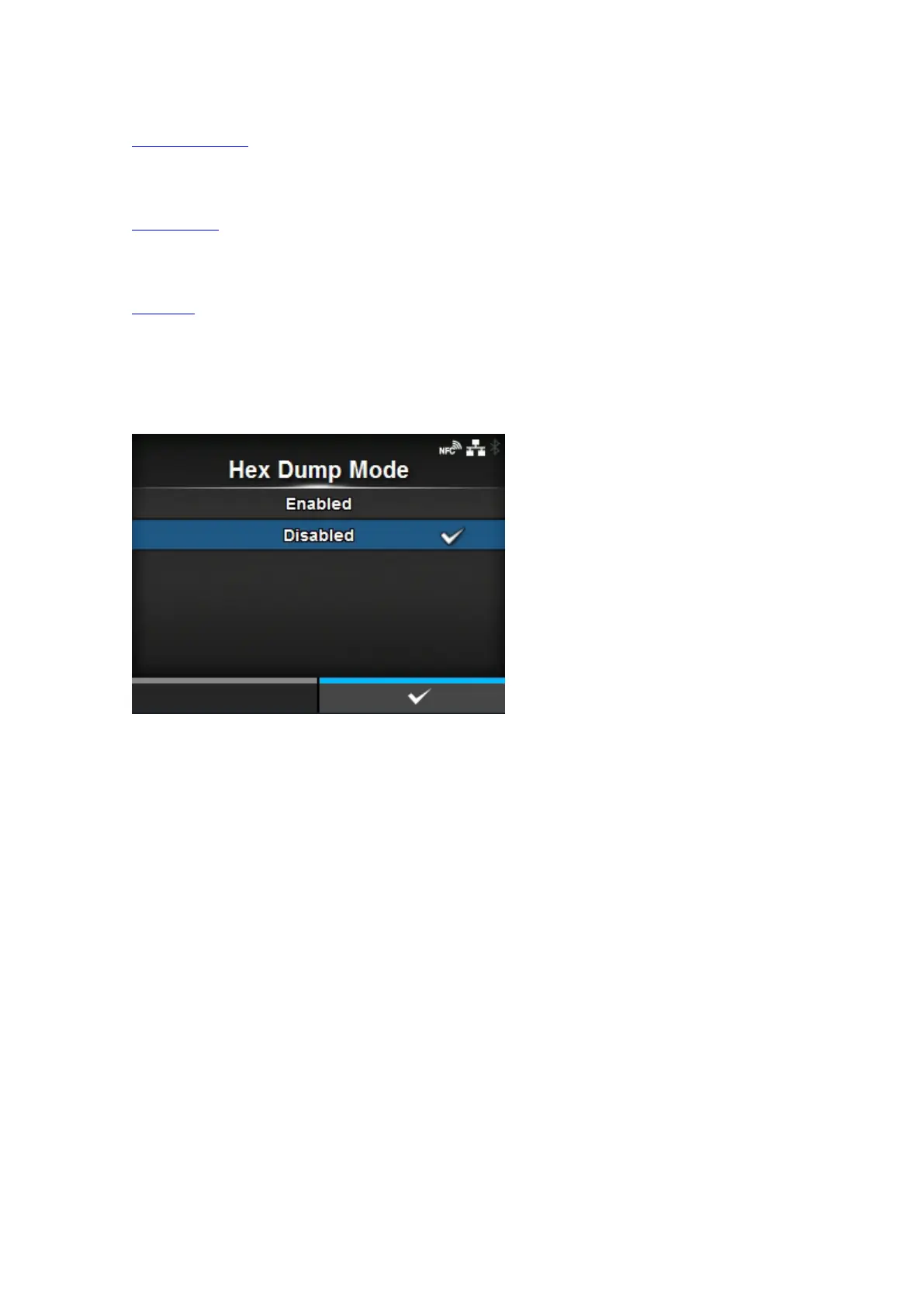
Hex Dump Mode
Enable or disable the Hex Dump mode.
Buffer Dump
Save the receive buffer data to the product.
Log Files
Manage the log files of the product.
[Hex Dump Mode]
Enable or disable the Hex Dump mode.
If you set [Hex Dump Mode] to [Enabled], the product prints the received data and at the same time
creates a file of the received data inside "hexdump/".
When you return the setting to [Disabled], you can check the file on the screen.



 To Next Page