481
[Print]
Print a hex dump of the log files of the product.
The procedure to print the log files is as follows:
1.
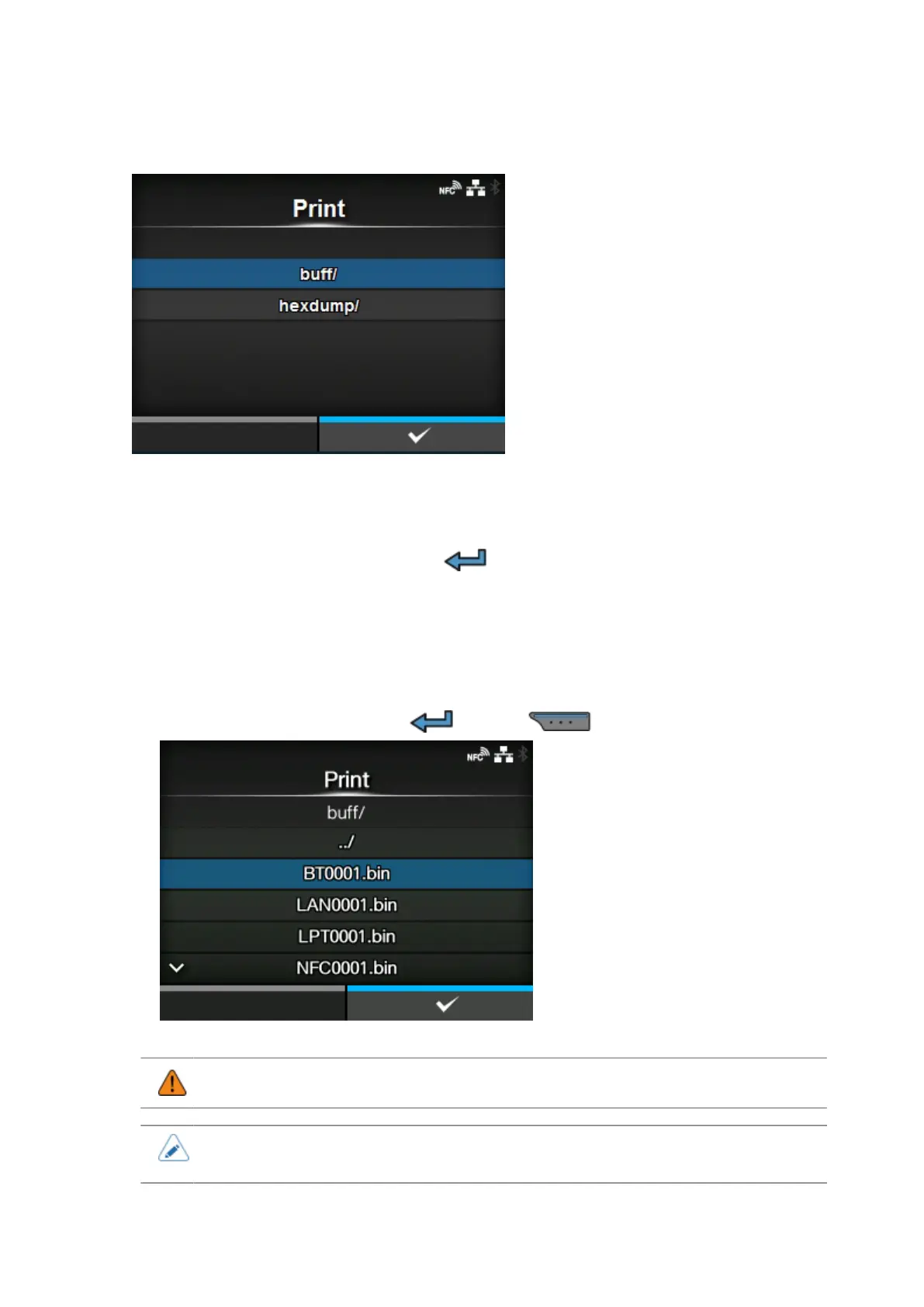
Select the file type to print and press the button.
◦ buff/
The buffer data saved when you perform the [Buffer Dump].
◦ hexdump/
The received data created through [Hex Dump Mode].
2.
Select the file to print and press the button or button to perform the dump print.
• Printing the contents of the file may use a lot of media.
• When [Hex Dump Mode] is set to [Enabled], it may take some time before the files
appear.



 To Next Page