483
[Data]
Initialize the data saved on the product.
The data to be initialized are the fonts and graphics registered in the product.
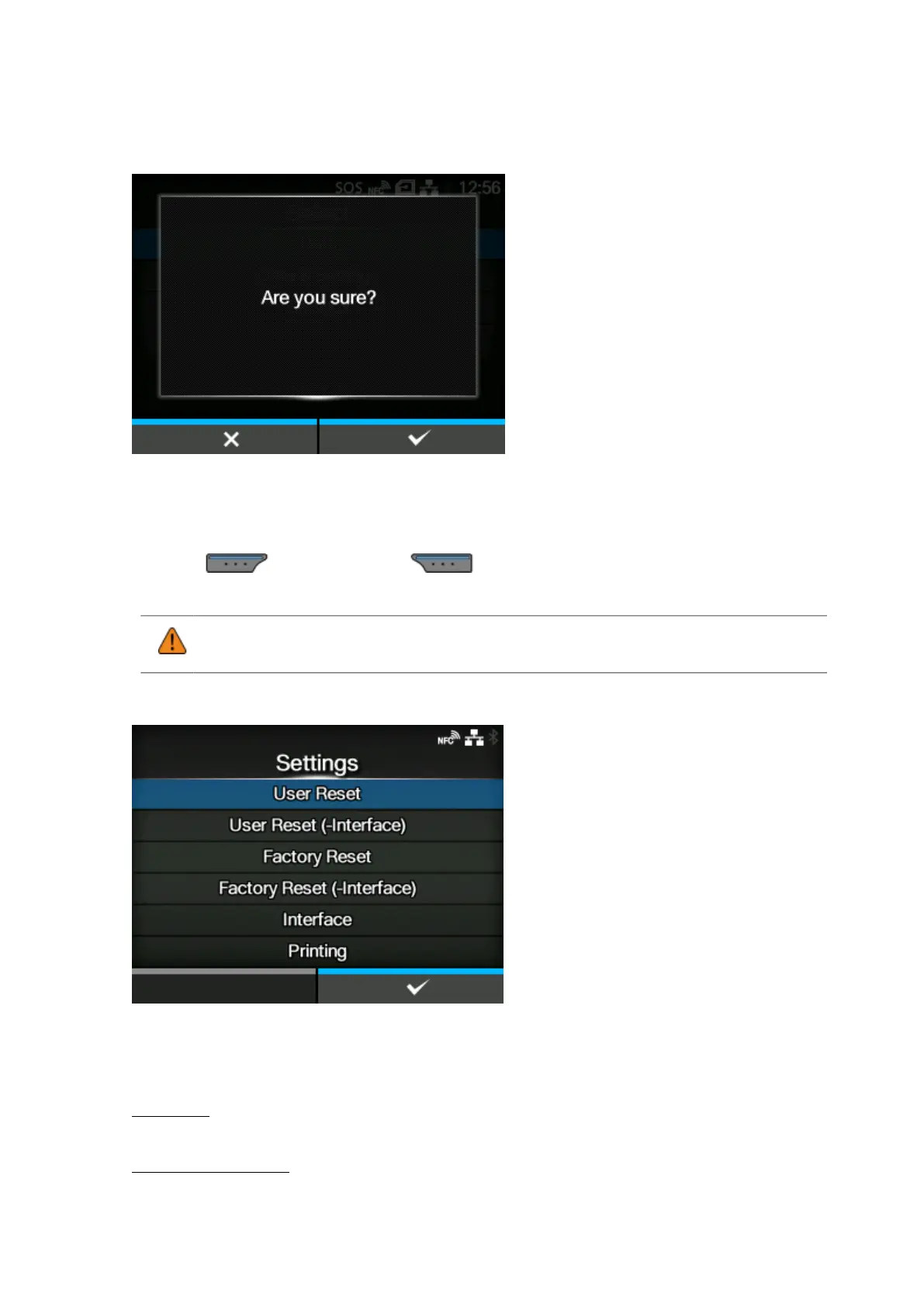
When you select [Data], the confirmation screen appears.
Press the button to cancel or button to perform the initialization.
The product will reboot after the initialization.
• Normally, it is not necessary to perform the initialization. Doing so could change the
print conditions.
[Data & Settings]
Initialize the data and setting values on the product.
Select the setting items to be initialized.
The options are as follows:
User Reset
Initialize the data and setting values.
User Reset (-Interface)
Initialize the data and setting values that are not included in the [Interface] menu.



 To Next Page