[Reset]
484
Factory Reset
Initialize to the status after factory shipment.
Factory Reset (-Interface)
Initialize the items that are not included in the [Interface] menu to the status after factory
shipment.
Interface
Initialize the data and setting values in the [Interface] menu.
Printing
Initialize the data and setting values in the [Printing] menu.
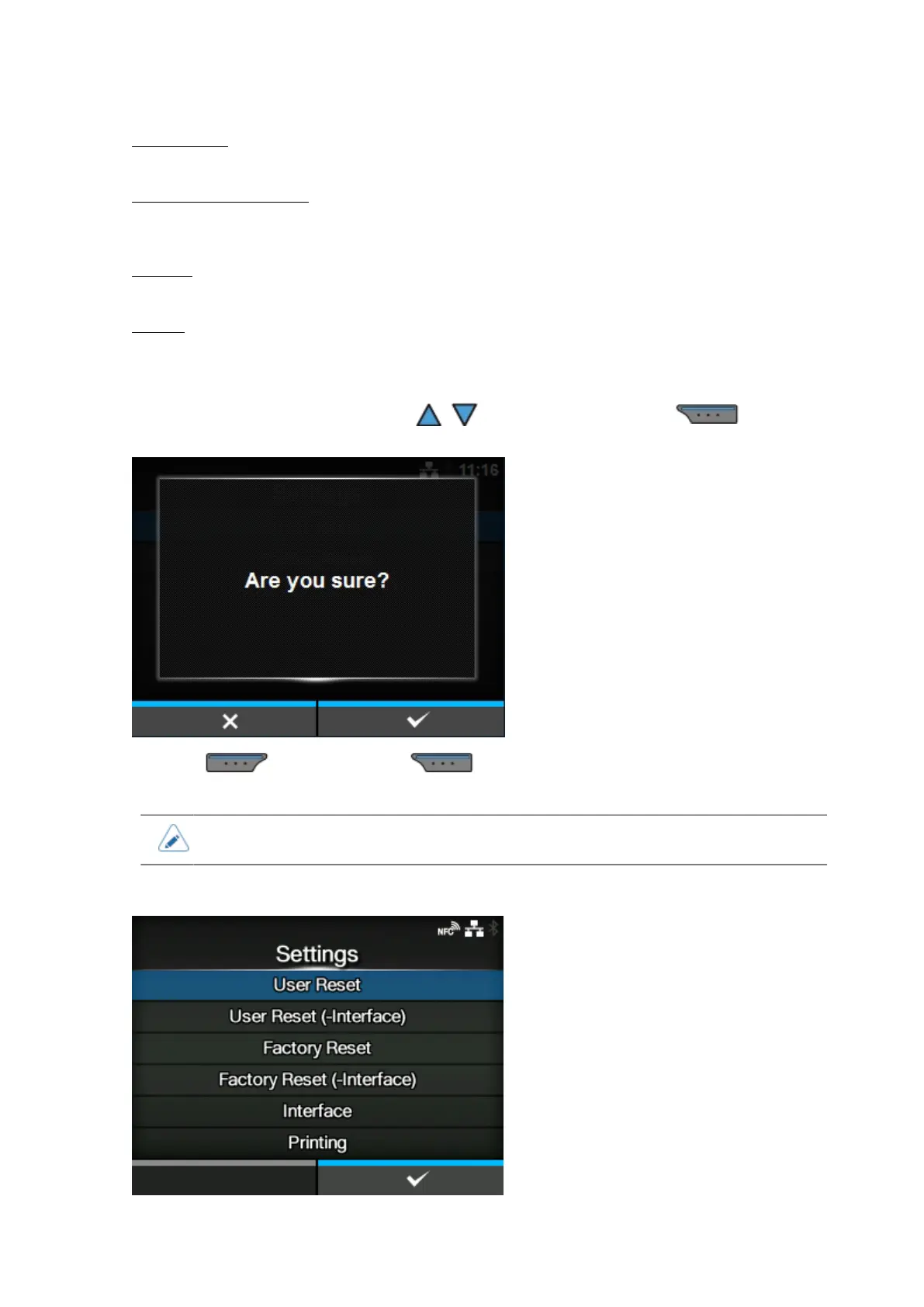
Select the item to be initialized using the / buttons and then press the button to
show the confirmation screen.
Press the button to cancel or button to perform the initialization.
The product will reboot after the initialization.
• The data to be initialized are the fonts and graphics registered in the product.
[Settings]



 To Next Page