487
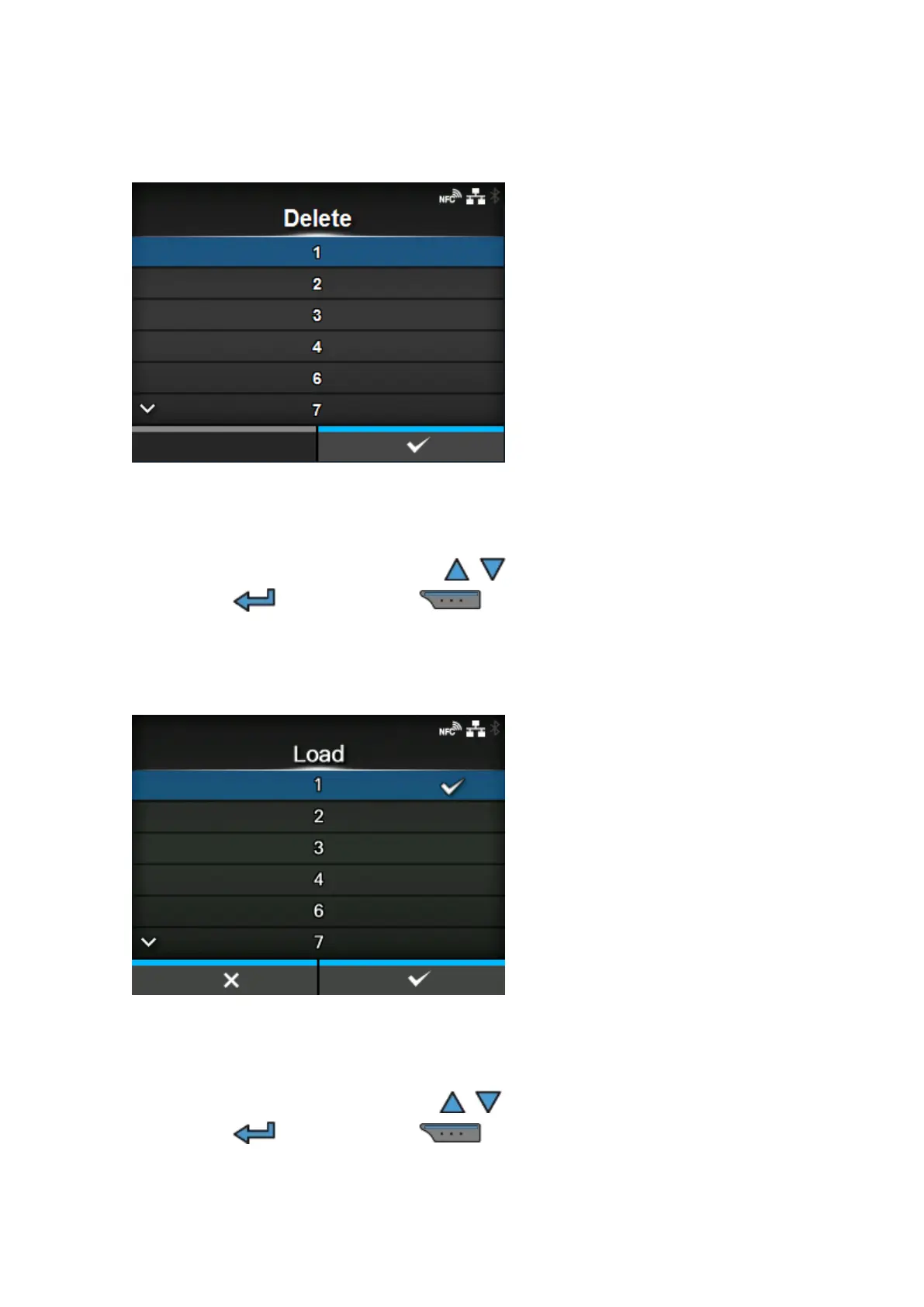
[Delete]
Delete the profile of the product.
The procedure to delete the profile is as follows:
1.
Select the profile to be deleted using the / buttons.
2.
Press the button or press the button to confirm.
The profile name is deleted from the list.
[Load]
Load the profile of the product.
The procedure to load the profile is as follows:
1.
Select the profile to be loaded using the / buttons.
2.
Press the button or press the button to confirm.
A check mark appears on the right side of the loaded profile name. And the name of the loaded
profile appears on the [Profiles] menu in the parentheses.



 To Next Page