[Profiles]
488
[Save]
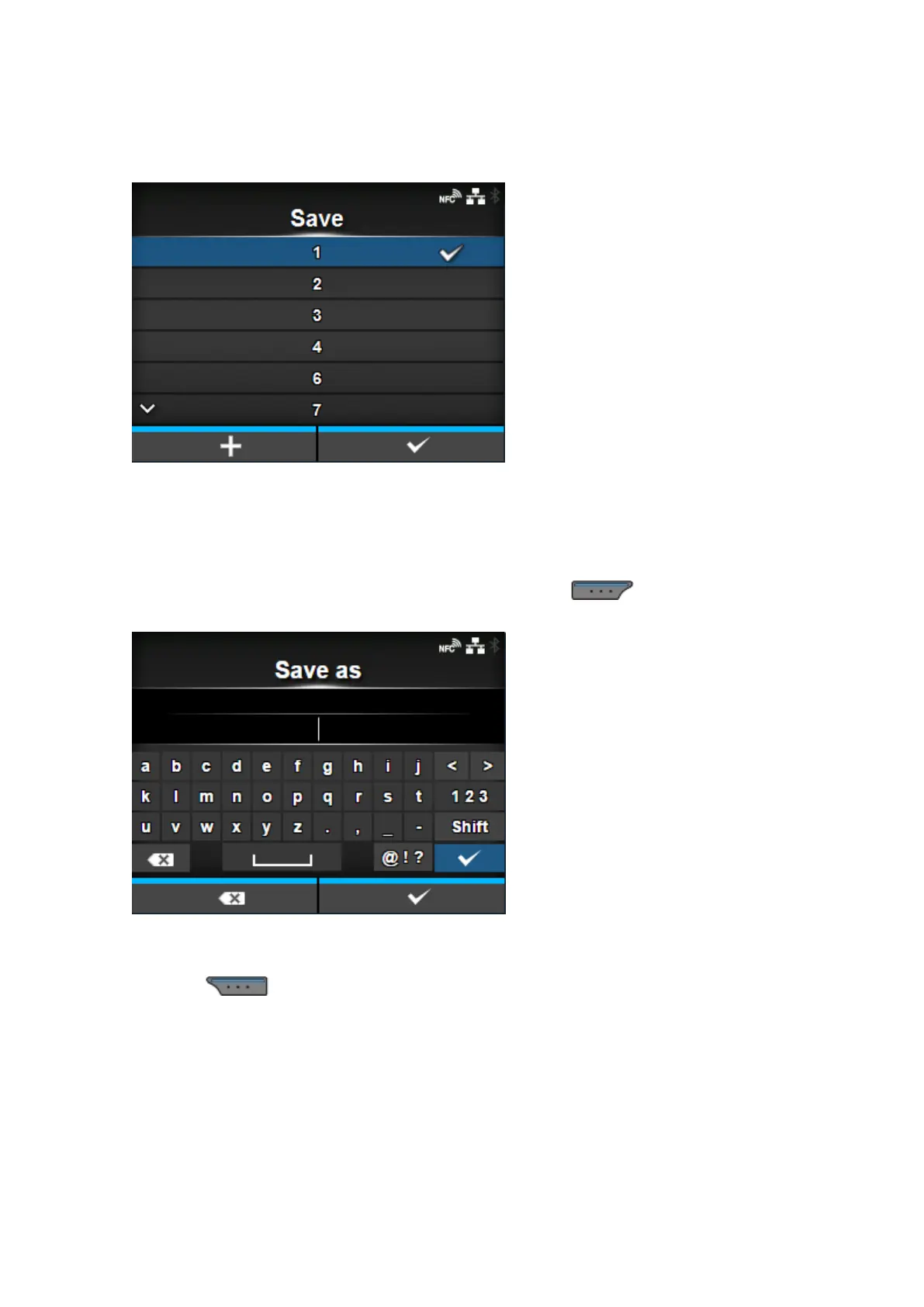
Save the current product settings as a new profile.
The screen shows a list of the profiles saved in the product. If no profile is saved, the screen shows an
empty list.
To save the current product settings as a new profile, press the button and enter the name
of the profile.
You can enter a maximum of 32 characters. You can use alphabets (capital and small letters),
numbers and symbols.
Press the button to confirm.
The new profile name appears on the list and is loaded.



 To Next Page