499
• The VOID Print function is not supported in dispenser and linerless modes.
• The VOID Print function is not available when the length of the print data is less than 8
mm (0.31").
• The VOID printing length becomes 4 mm (0.16") shorter when the media sensor type is
set to [Gap].
• The VOID printing length becomes 1 mm (0.04") shorter when the media sensor type is
set to [I-Mark].
• The backfeed amount of VOID printing is 30.0 mm (1.18"). However, if the image
length printed on the label to be checked is less than 30.0 mm (1.18"), the backfeed
amount will be the same as the image length.
• When [VOID Print] is set to [Enabled], VOID printing is forcibly done if a comparison
error occurs, even when no cutting is performed in cutter mode.
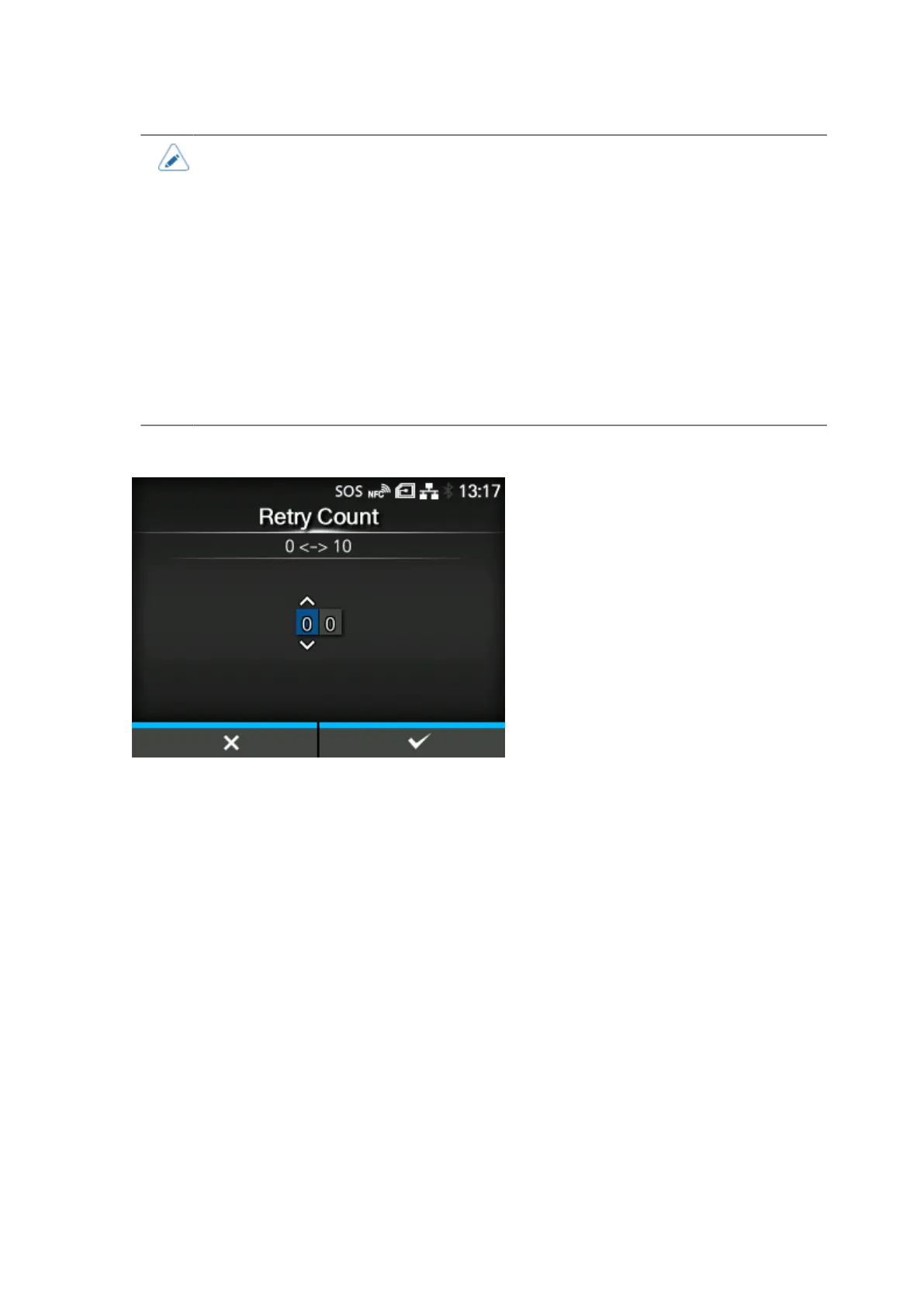
[Retry Count]
Set how many times the product will try to print and check the same barcode after VOID printing when
a barcode reading error or barcode comparison error occurs.
Appears only if you have selected [Enabled] in the [VOID Print] menu.
The setting range is from 0 to 10.
As long as the error continues to occur, the label is reprinted up to the number of times specified in this
setting.
For example, if you set it to 0, if the error occurs while checking the first label, the product pauses and
shows an error message after VOID printing. If set to 5, if the error continues to occur until the 6th
label, the product pauses after VOID printing for the 6th label, and shows an error message.



 To Next Page