[Barcode Checker]
498
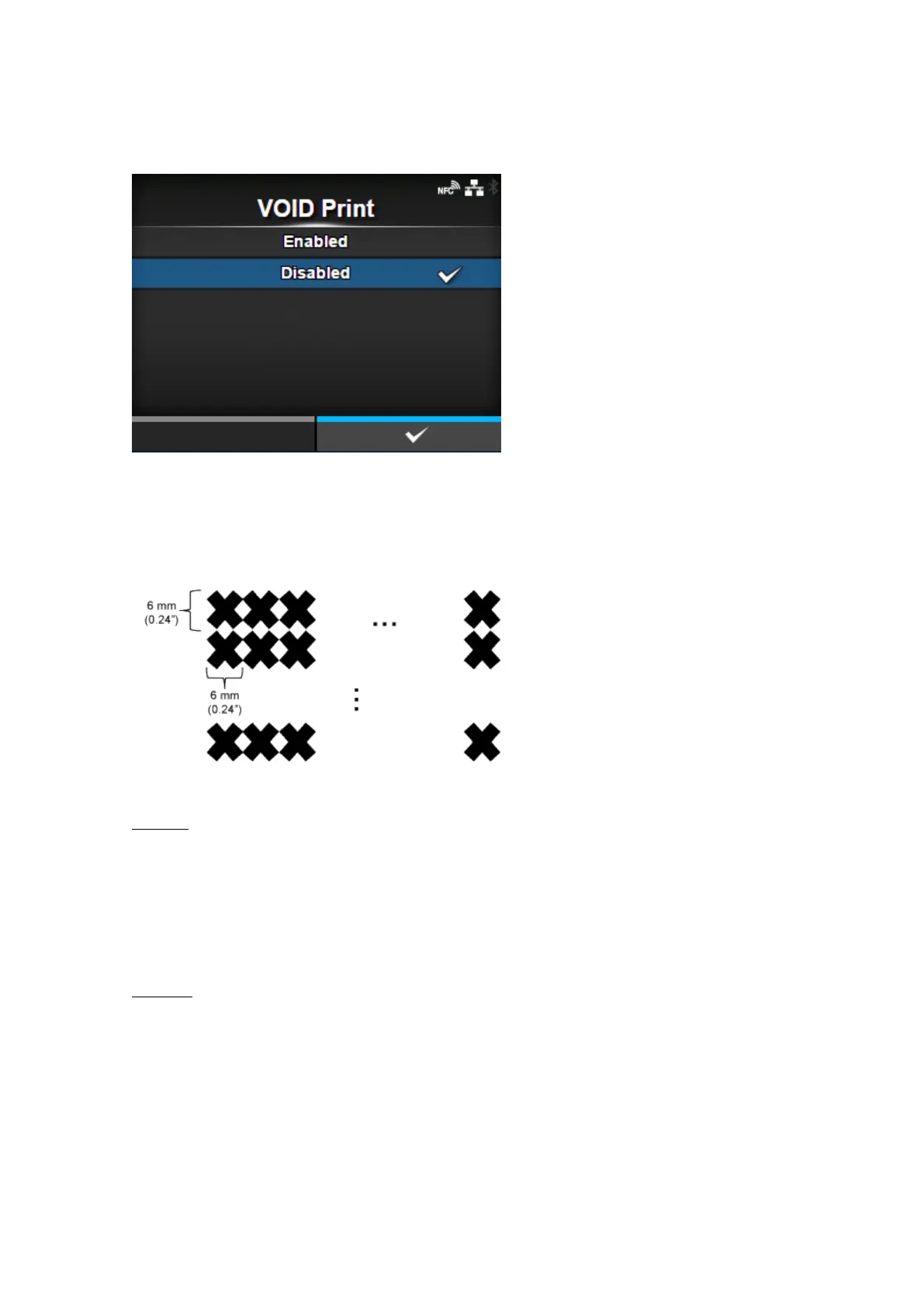
[VOID Print]
Set whether to print error marks on the media when a barcode reading error or barcode comparison
error occurs.
6 x 6 mm (0.24" x 0.24") error marks are printed within the width of the print data image and in a length
of up to 30 mm (1.18") from the trailing end of the label. The length varies depending on the image
length of the print data and the operation mode.
The options are as follows:
Enabled
If a reading error or comparison error occurs, the product prints error marks on the label without
pausing.
After VOID printing, the product prints and checks the same label until it reaches the number of
retries specified in [Retry Count]. If the error still occurs after the specified number of retries are
done, the product pauses after VOID printing, and shows an error message on the display.
Disabled
If a reading error or comparison error occurs, the product pauses and shows an error message on
the display.



 To Next Page