497
• When excluding first barcode(s) from the check target by setting [Start Position],
specify the number of barcodes without the excluded barcodes.
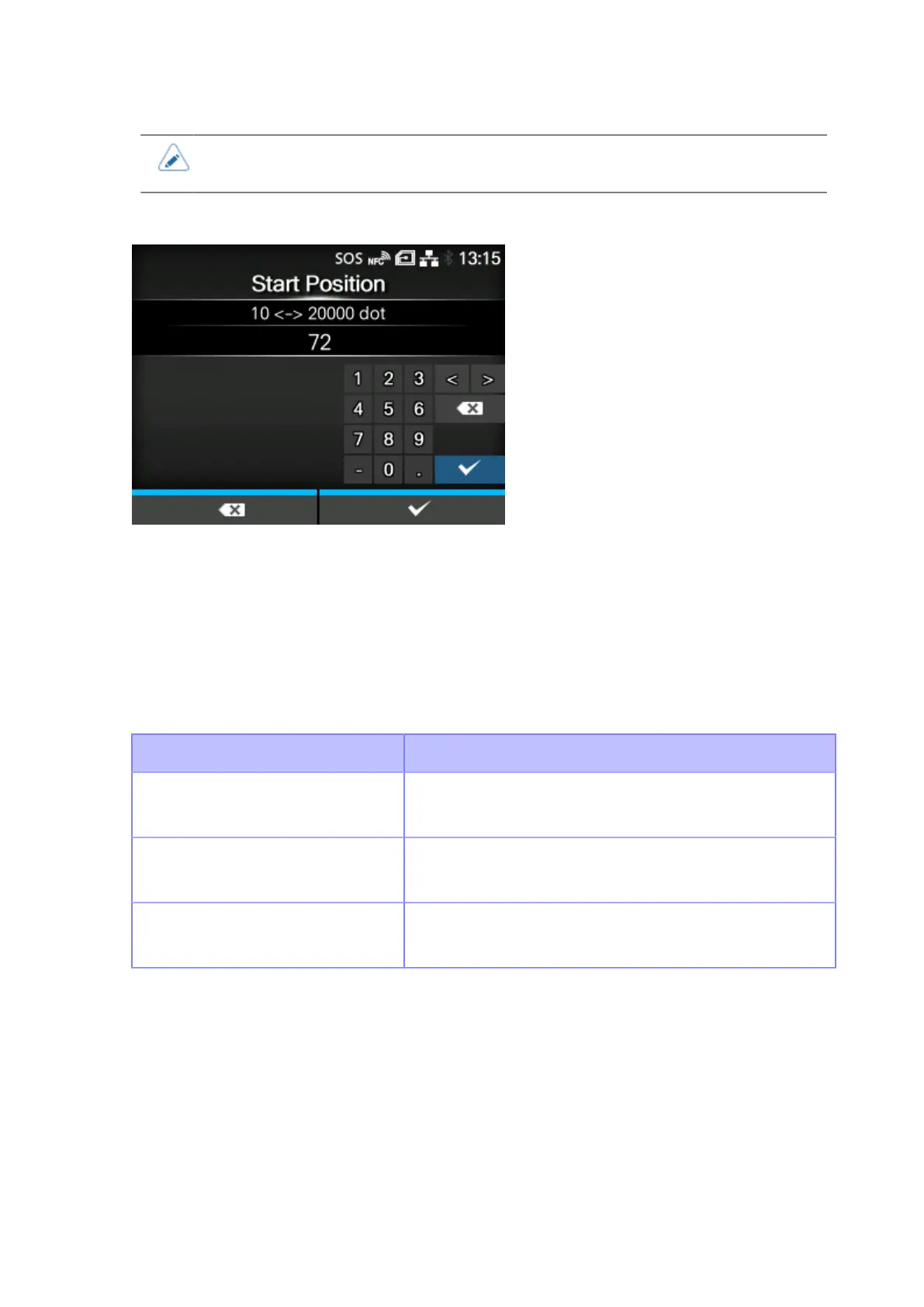
[Start Position]
Adjust the position at which the barcode check starts (position of the barcode checker at which reading
starts).
The barcode checker starts reading each media after the specified length passes from the printing
start position.
This setting can be used to exclude first barcode(s) from the check target when multiple barcodes are
printed on each media.
The setting range varies depending on the print resolution of the product.
The setting range is as follows:
Resolution CL4NX Plus
203 dpi
(1 dot = 0.125 mm (0.0049"))
10 to 20000 dots
305 dpi
(1 dot = 0.083 mm (0.0033"))
15 to 18000 dots
609 dpi
(1 dot = 0.042 mm (0.0017"))
30 to 9600 dots



 To Next Page