[Barcode Checker]
496
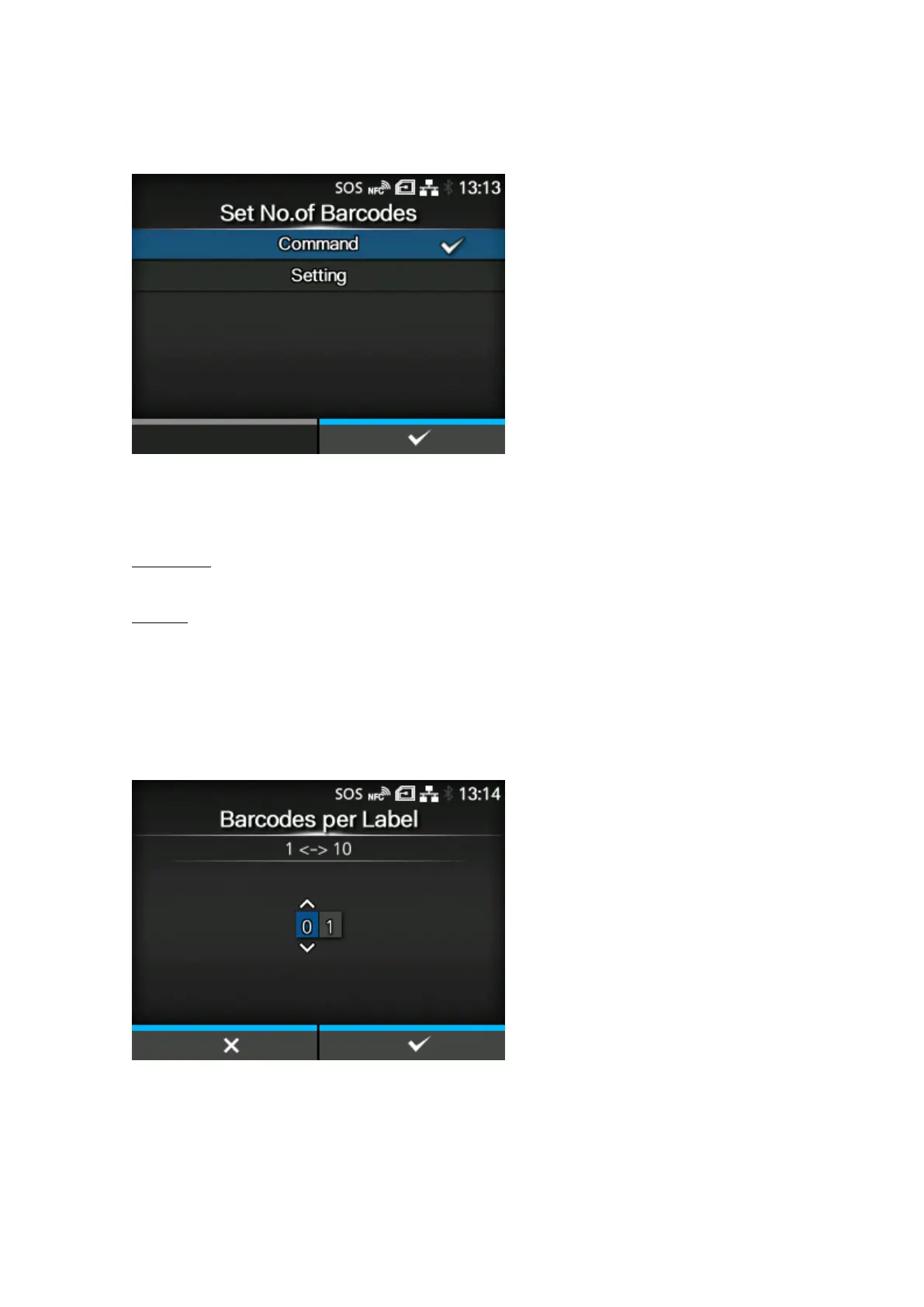
[Set No. of Barcodes]
Select the method to specify the number of barcodes per label.
Appears only if you have selected [Readable] in the [Mode] menu.
The options are as follows:
Commands
Set barcodes created by barcode commands as the target of the barcode readability check.
Settings
Include barcodes that are not created by barcode commands (such as graphic data or preprinted
barcodes) as the target of the barcode readability check.
You need to specify the number of barcodes per label in [Barcodes per Label].
[Barcodes per Label]
Specify the number of barcodes per label when you include barcodes which are not created by
barcode commands as the target of the barcode readability check.
Appears only if you have selected [Readable] in the [Mode] menu. Available only if you have selected
[Settings] in the [Set No. of Barcodes] menu.
The setting range is from 1 to 10.



 To Next Page