495
Logs
Manage the barcode check log data saved in the product.
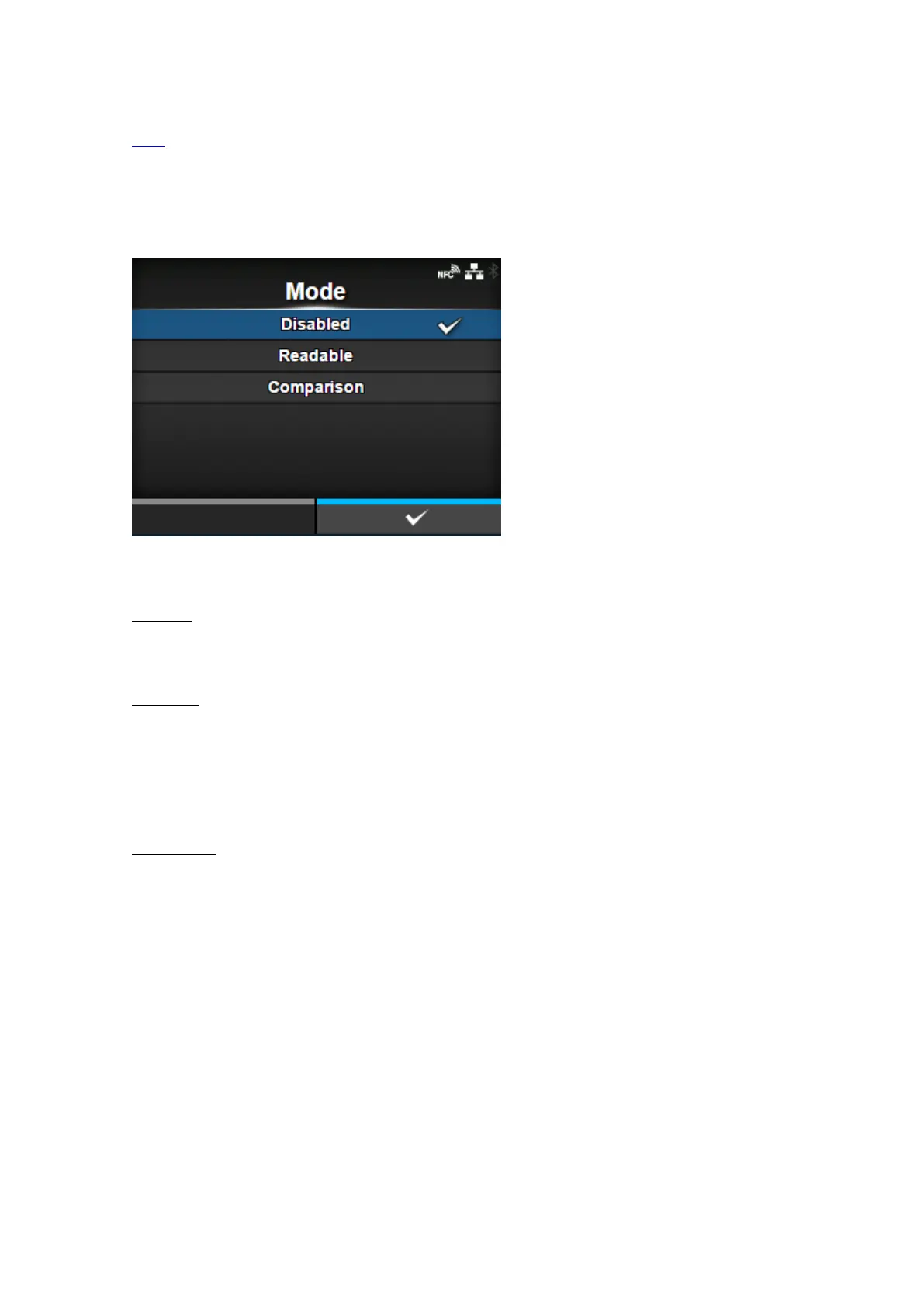
[Mode]
Select the check mode or disable the barcode check function.
The options are as follows:
Disabled
Disable the barcode check function.
Readable
Check if the printed barcodes are readable.
To include barcodes that are not created by barcode commands (such as graphic data or
preprinted barcodes) as the target of the barcode readability check, select [Settings] in [Set No. of
Barcodes], and specify the number of barcodes per label in [Barcodes per Label].
Comparison
Check if the read results of the printed barcodes match the barcode data in the print data. This
mode is for barcodes created by barcode commands.



 To Next Page