709
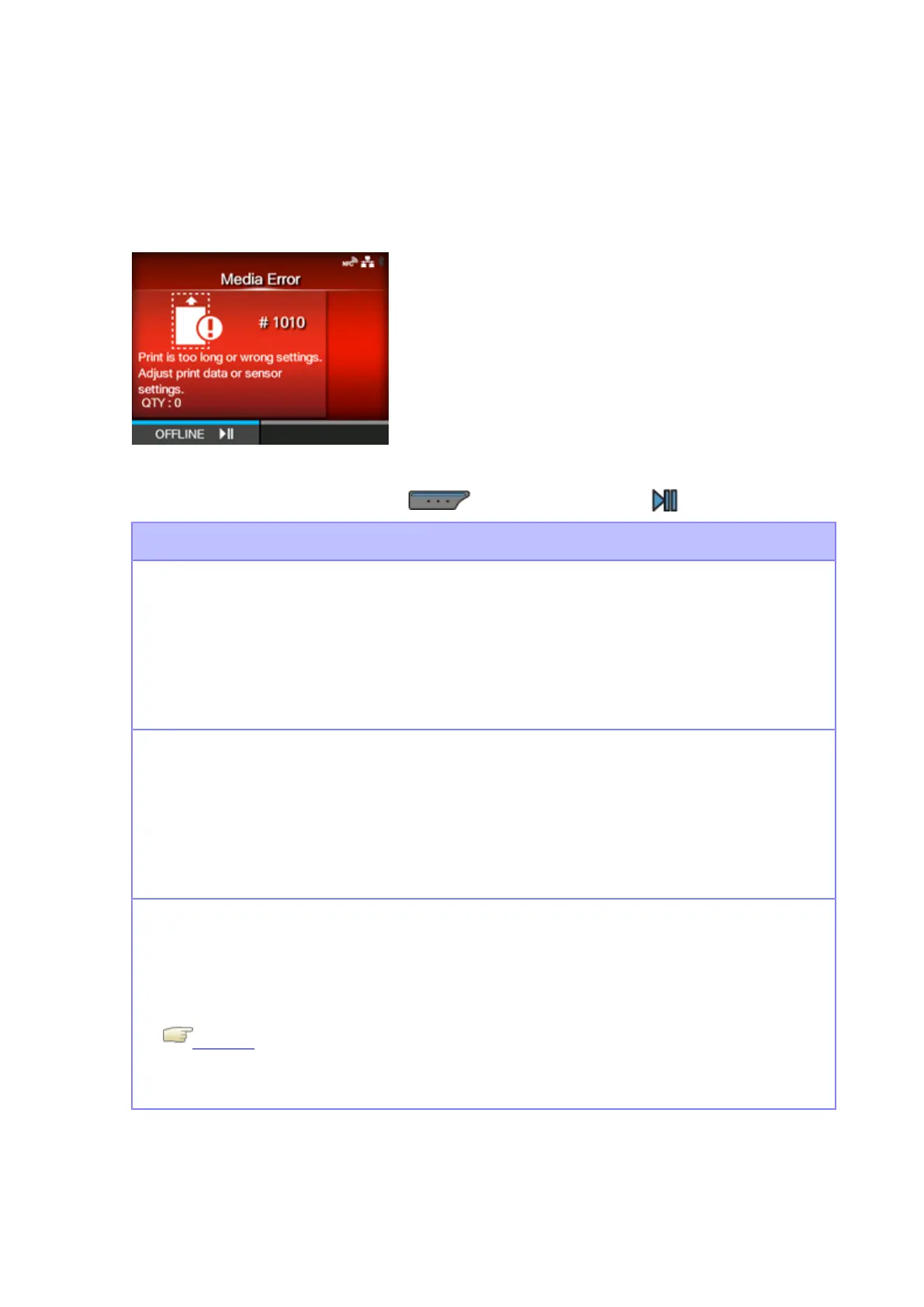
Error Message 1010 (Media Error)
When there is an error with the product, the error message appears on the screen.
Check the cause and countermeasure, and then take appropriate action.
To clear the error:
Open/close the print head, or press the button (OFFLINE) or the button.
Cause and Countermeasure
Cause (1)
The media size of the print data and the actual media size are different.
Countermeasure (1)
Check the media size of the print data and the actual media size again.
If this does not solve the problem, power the product off and then on again.
Cause (2)
The media size of the print data is longer than the actual media size.
Countermeasure (2)
Check the print data.
If this does not solve the problem, power the product off and then on again.
Cause (3)
The media is fed a longer distance due to an incorrect sensor level.
Countermeasure (3)
Adjust the media sensor level.
Calibrate
If this does not solve the problem, power the product off and then on again.



 To Next Page