736
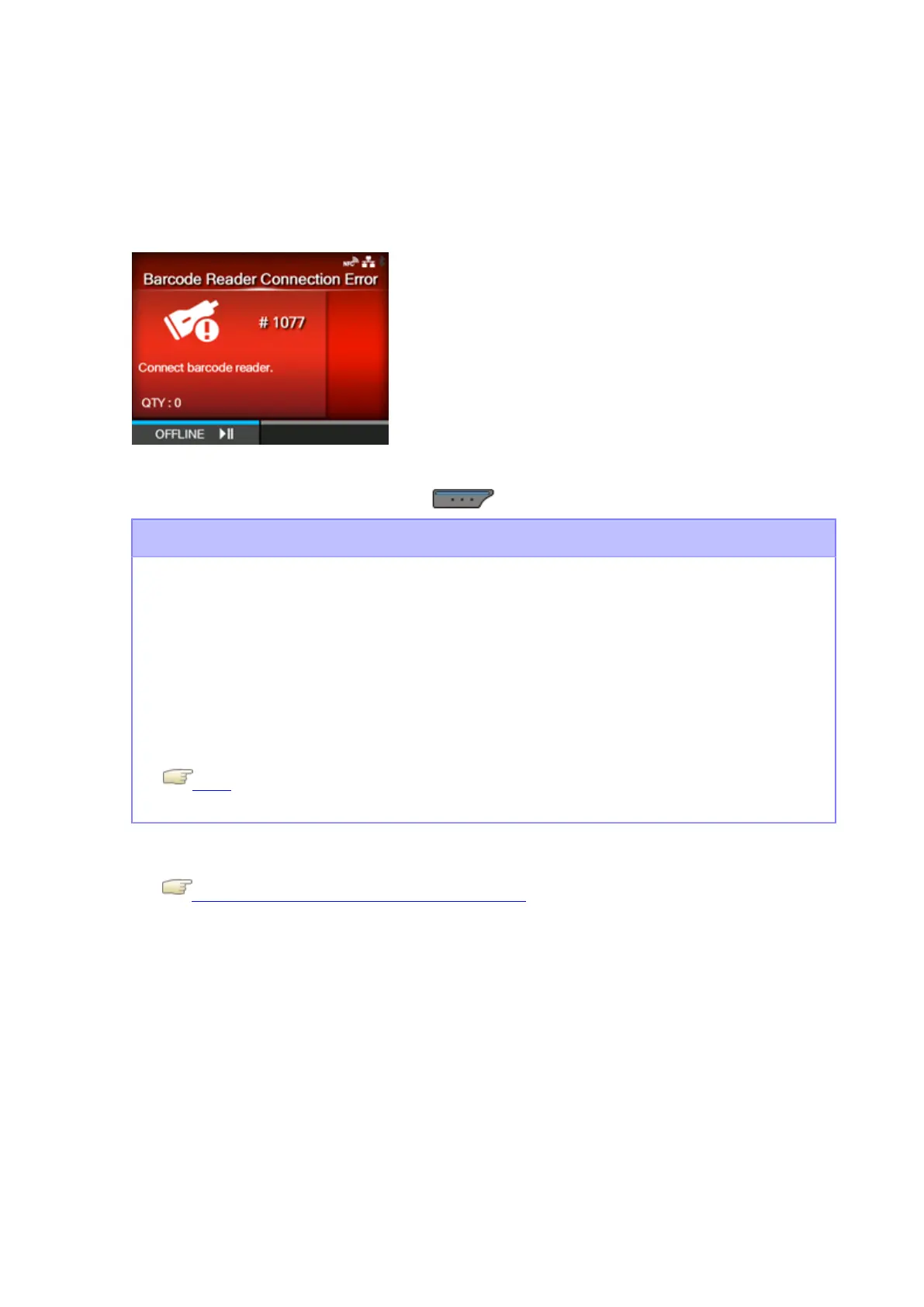
Error Message 1077 (Barcode Reader Connection Error)
When there is an error with the product, the error message appears on the screen.
Check the cause and countermeasure, and then take appropriate action.
To clear the error:
Connect the barcode checker, or press the button (OFFLINE).
Cause and Countermeasure
Cause
◦ Could not check the connection of the barcode checker.
◦ Communication between the barcode checker and the product fails.
Countermeasure
Check the barcode checker, and connect it correctly.
If you do not use the barcode check function, disable the barcode check mode.
Mode
Contact your SATO technical support center if the error cannot be resolved.
Contact Information for When You Are in Trouble



 To Next Page