63 22 726 D3561
D3561.201.01.03.02 05.2012
51
Sirona Dental Systems GmbH 4 Operation
Operating Instructions SINIUS / SINIUS CS 4.2 Control concept of touchscreen
båÖäáëÜ
during the activation of a preselected coolant and for an activated
counterclockwise rotation.
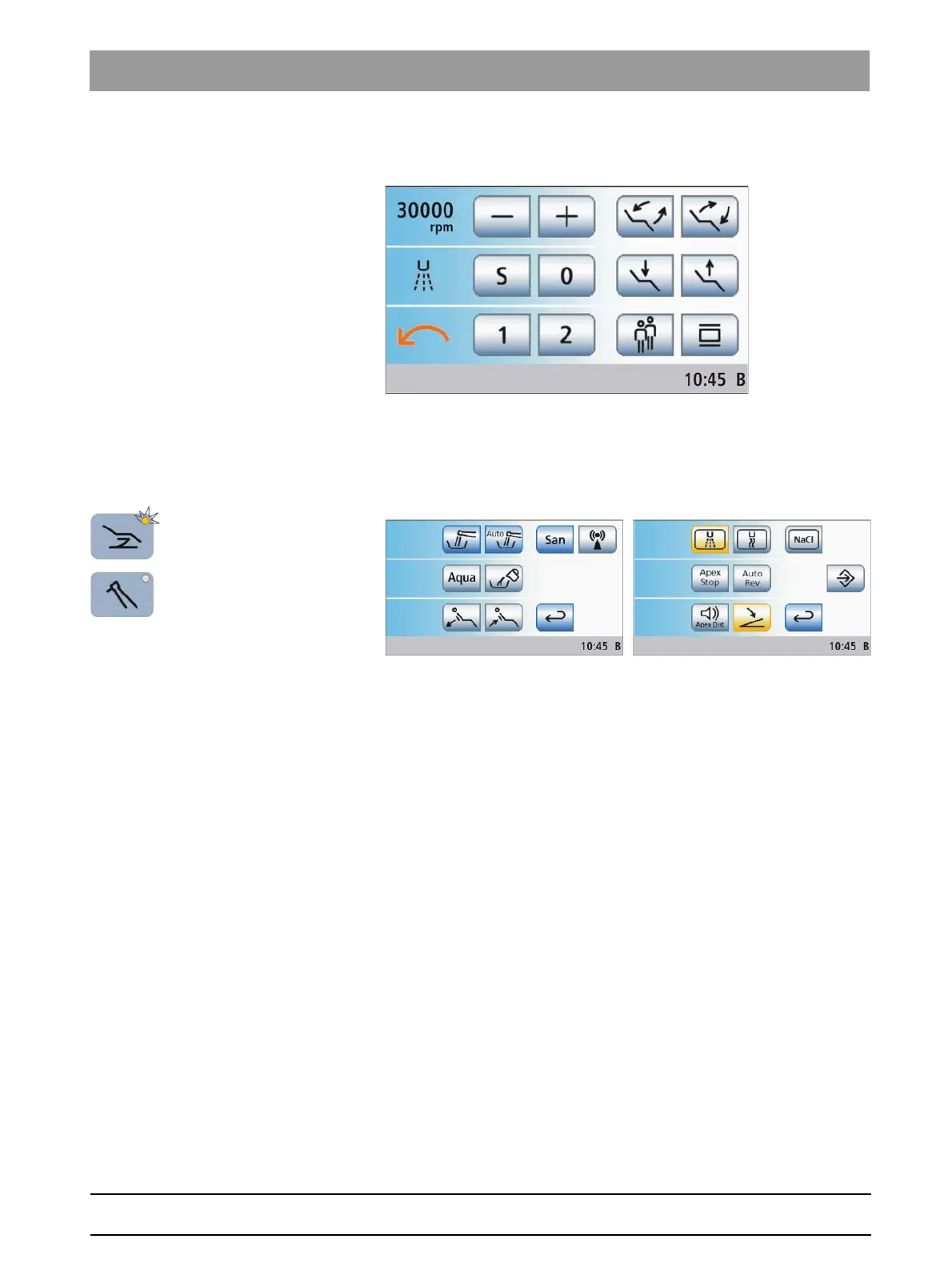
In the
Start program with instrument functions
mode the program change
keys
Chair
and
Instrument
can be used to display the relevant sub-screen.
Other general functions of the treatment center are listed in the
Start
sub-
screen; other instrument functions are listed in the sub-screen of the
removed instrument.
The functional scope of the treatment center in the
Start program with
instrument functions
operating mode is limited as follows:
● the motor-driven headrest can only be operated via the 4-way switch
● the speed or intensity levels of instruments are adjusted with the – or
+ keys rather than via quick setting keys or function levels
● the switch coolant on/off function, clockwise/counterclockwise
rotation function and the boost function for the ultrasonic handpiece
must be operated via foot control
● the hands-free touchscreen and fixed key operation via the 4-way
foot control plate of the foot control (cursor control) is not available
● the ApexLocator can only be used for manual measurements using
the file clamp in the
Start
sub-screen
● the treatment function for endodontic treatments is not available
The
Start program with instrument functions
mode is intended for users
who would like to retain the familiar control concept of other Sirona
treatment centers and who can do without the above functions.















 To Next Page