•
Calibration name
•
Result
•
Date
•
Whether this calibration is current
•
The operator
•
Reagent name, part number, lot number,
and expiration date
•
Comments.
4.
T
ap Detail.
5.
(Optional) For Uniformity, Background, and Dye calibration images, tap on an individual well on the
right side to see the results for a single well.
Troubleshoot normalization calibration failure
Normalization calibration is only required for the TaqMan
™
Arr
ay Card. For all other calibration
troubleshooting, see “Troubleshoot calibration failure” on page 95.
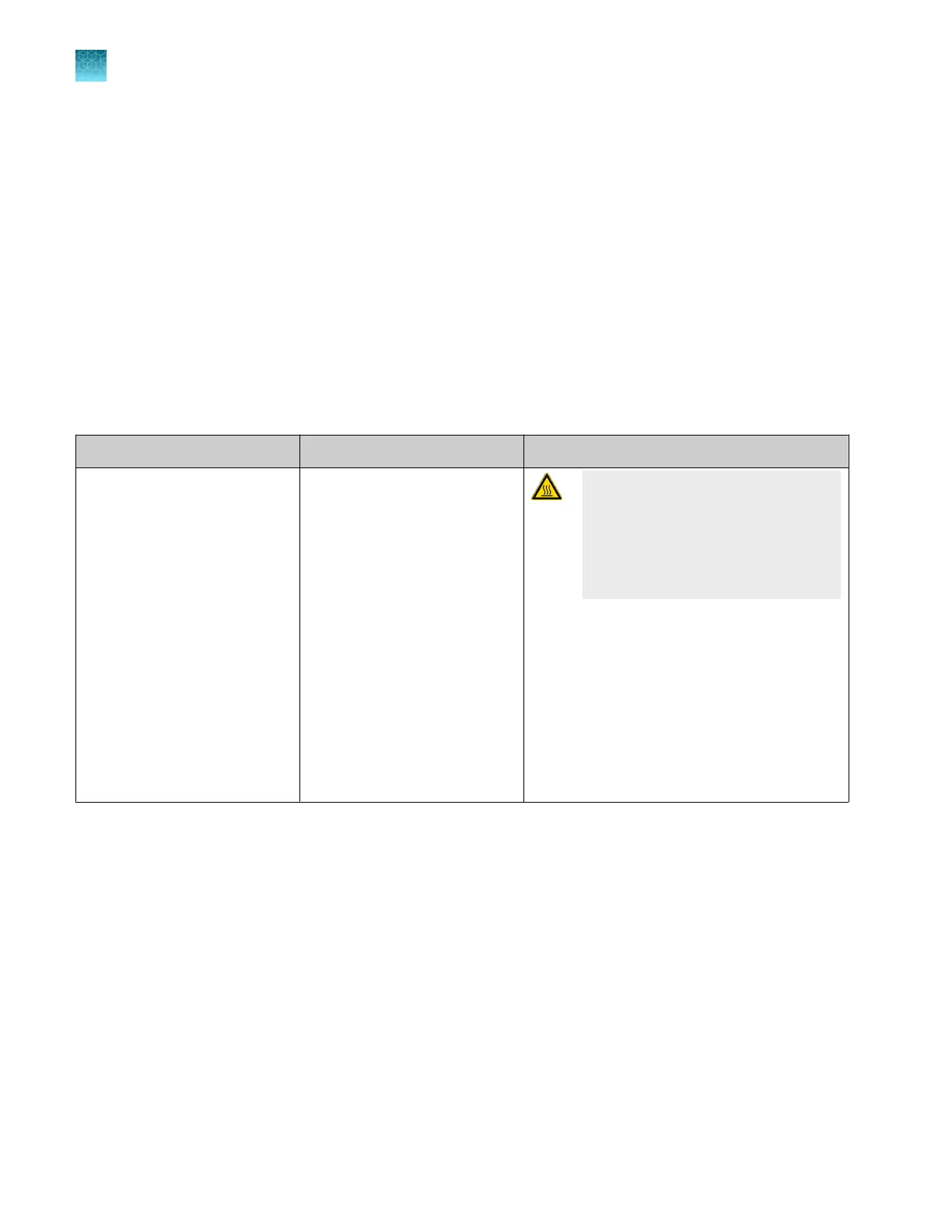
Observation Possible cause Recommended action
Normalization calibration failed
Abnormally low spectra across
all wells of the arr
ay card.
CAUTION! PHY
SICAL INJURY
HAZARD. During instrument
operation, the TaqMan
™
Array Card
temperature can reach 100°C. Allow
it to cool to room temperature before
handling.
1.
Confirm that you loaded the corr
ect array
card into the instrument. If not, perform
the calibration again using the correct
consumable.
2.
If you are using the correct array card,
perform the calibration again using a
dierent normalization consumable.
3.
If the calibration fails again, contact
Support.
Chapter 7 Calibrate and verify instrument performance
Perform ROI/uniformity, background, dye, and normalization calibrations for the TaqMan
™
Array Card block
7
102
QuantStudio
™
6 Pro Real-Time PCR System and QuantStudio
™
7 Pro Real-Time PCR System User Guide












 To Next Page