•
Instrument model name
•
Wired IP address
•
Wired MAC address
•
Wireless IP address
•
Wireless MAC address
•
Instrument serial number
•
Block serial number
•
Heated cover serial number
•
Block type
•
Software version
•
Firmware version
•
User interface version
•
Instrument server version
•
Heated cover firmware version
•
Block firmware version
3.
T
ap
(Back) t
o return to the Settings screen.
View the license agreement
1.
In the home screen, tap
(Settings)4About instrument.
The About Instrument scr
een is displayed.
2.
Tap EULA.
The end user license agreement (EULA) is displayed.
3.
(Optional) Tap Export.
4.
Tap Close.
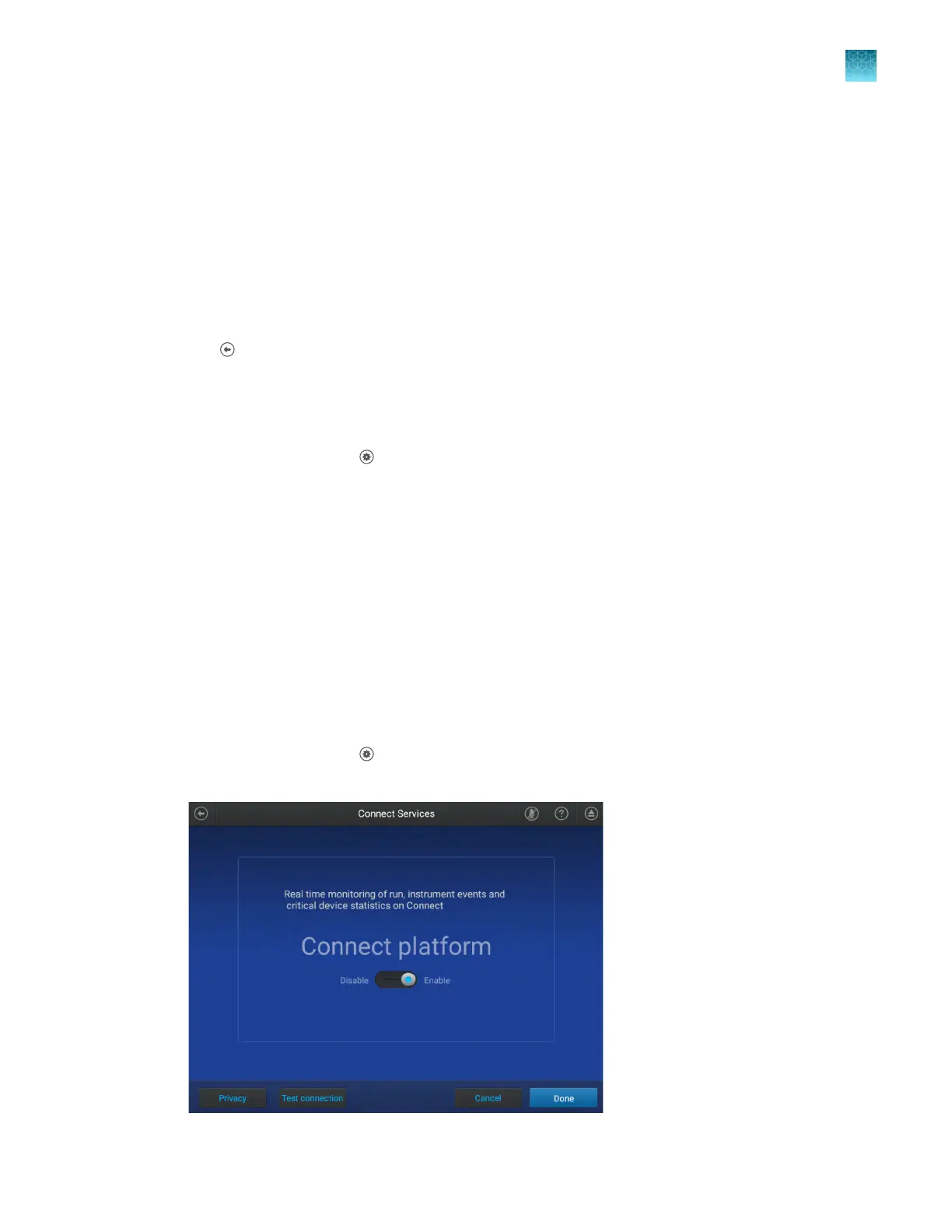
View the privacy policy for the Connect cloud-based
platform
1.
In the home screen, tap
(Settings)4Maint
enance and service4Connect services.
The Connect Services screen is displayed.
Chapter 11 Configure the instrument settings
View the license agreement
11
QuantStudio
™
6 Pro Real-Time PCR System and QuantStudio
™
7 Pro Real-Time PCR System User Guide
167












 To Next Page