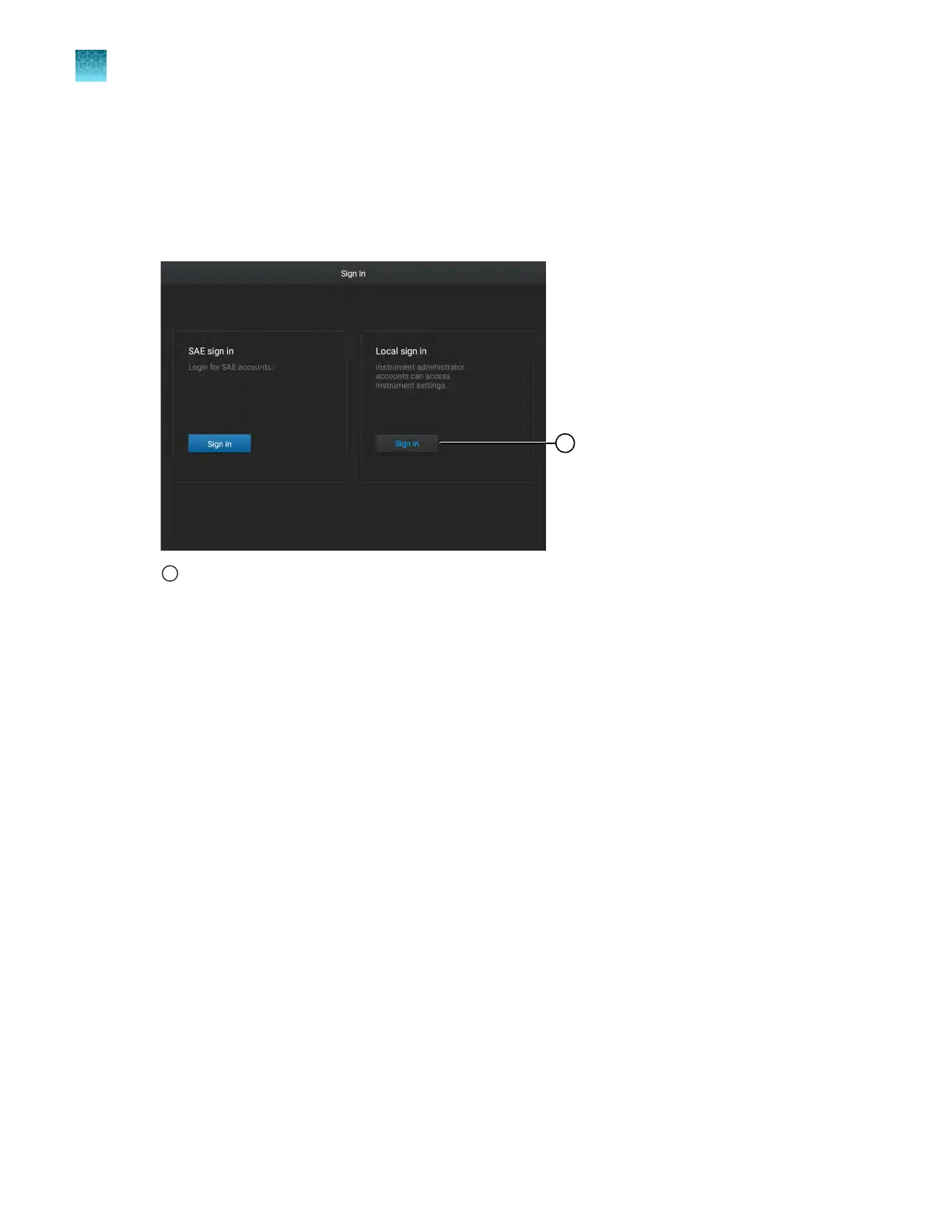
Sign in as a local administrator with SAE enabled
Sign in as a local administrator to access the instrument settings. Plate files are not accessible if you
are signed in as a local administrator.
1.
In the Sign In screen, tap Sign in under Local sign in.
1
Sign in for administrator
The L
ocal Administrator Sign In screen is displayed.
2.
In the Local Administrator Sign In screen, select your local administrator profile.
3.
Enter your PIN, then tap Enter.
The Settings screen is displayed.
Chapter 9 Use the instrument with the Security, Auditing, and E‑signatur
e (SAE) v2.0 module
Sign in as a local administrator with SAE enabled
9
146
QuantStudio
™
6 Pro Real-Time PCR System and QuantStudio
™
7 Pro Real-Time PCR System User Guide












 To Next Page