–
The instrument schedule is available.
–
Smart Help is available.
–
The same profile can be used for multiple instruments.
Connect instrument profile roles and functions
The first user who links their local instrument profile to their Connect account is assigned a Connect
profile with administrator role.
Instrument profile Location Functions allowed
Standard Connect
•
Create, save, open, import, and run plate files
•
Create and modify run settings
•
View and export data files
Administrator Connect All the permissions of a local administrator profile, plus the following
functions performed in Connect:
•
See a list of all the Connect profiles that are linked to the
instrument
•
Assign Connect administrator roles to one or more users
•
Remove a user from an instrument
•
Disconnect the instrument from Connect
•
Change the instrument name
Test the connection to the Connect platform
1.
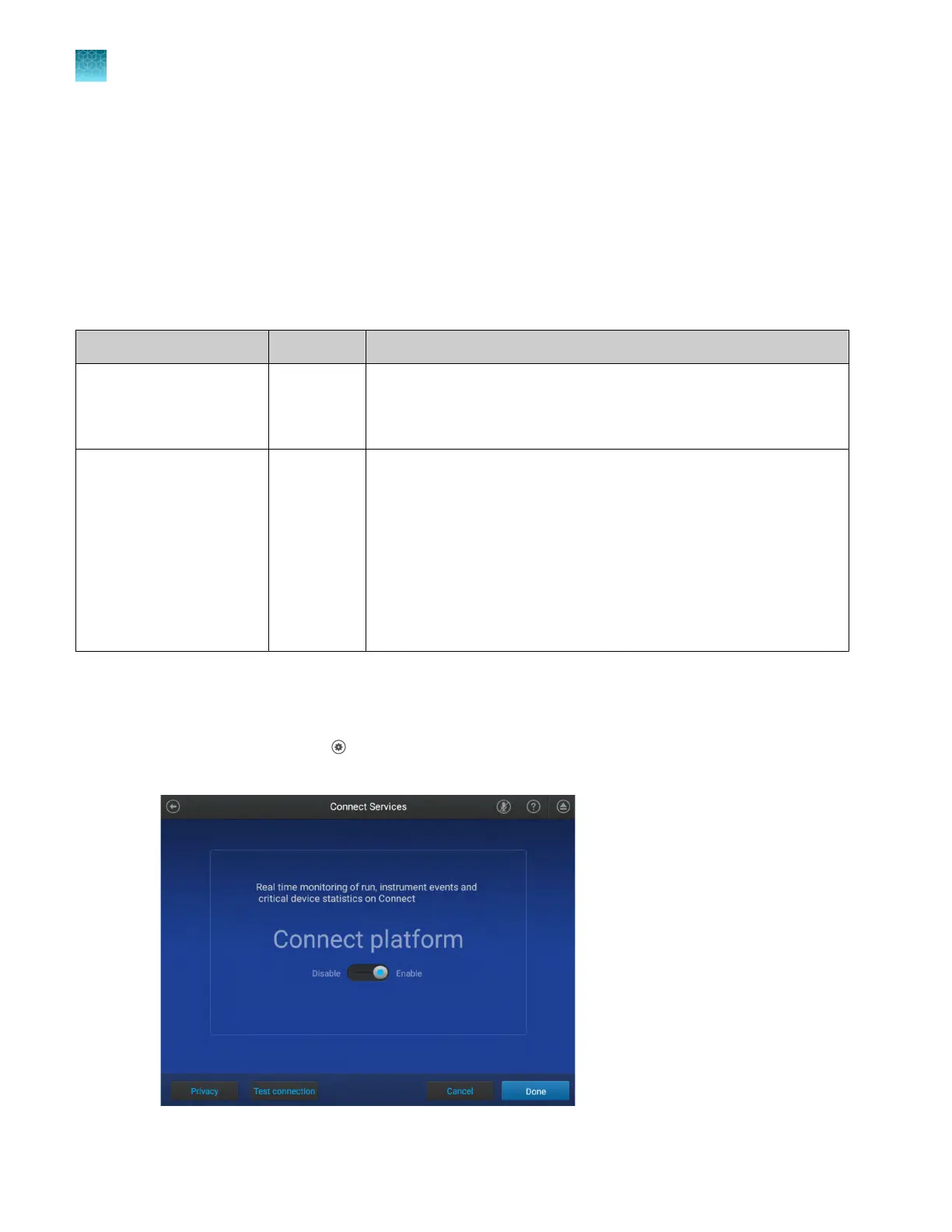
In the home screen, tap (Settings)4Maintenance and service4Connect services.
The Connect Services screen is displayed.
Chapter 8 Manage profiles
Connect instrument profile roles and functions
8
124
QuantStudio
™
6 Pro Real-Time PCR System and QuantStudio
™
7 Pro Real-Time PCR System User Guide












 To Next Page