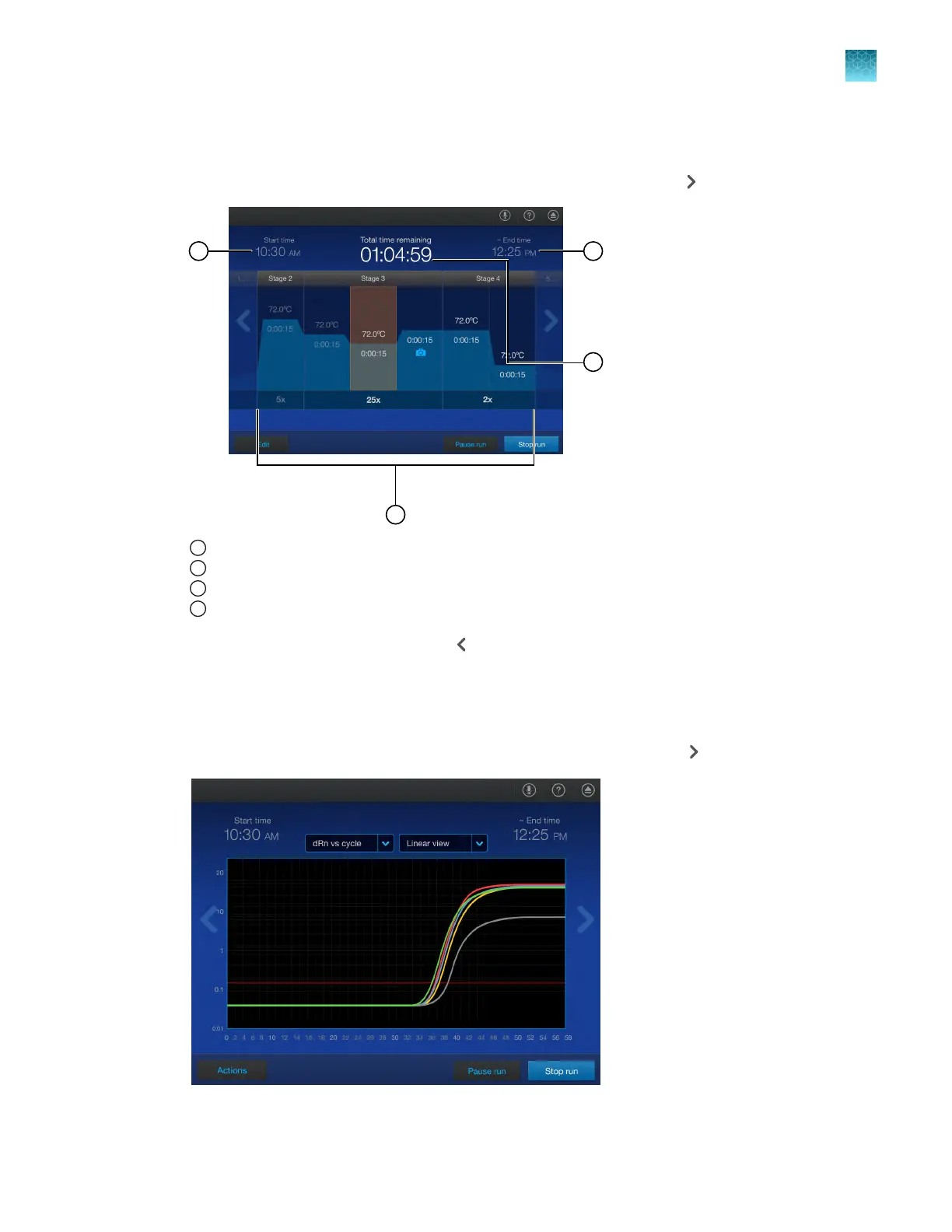
View the method during a run
1.
In the home screen during a run, swipe left once or tap the right arrow ( ) once.
1
Start time
2
Method, including the current stage
3
End time
4
Time remaining
2.
Swipe right once or tap the left arr
ow (
) once to return to the home screen.
V
iew real-time data and plots during a run
1.
In the home screen during a run, swipe left twice or tap the right arrow (
) twice.
Chapter 5 Options for a run
View the method during a run
5
QuantStudio
™
6 Pro Real-Time PCR System and QuantStudio
™
7 Pro Real-Time PCR System User Guide
73












 To Next Page