14.
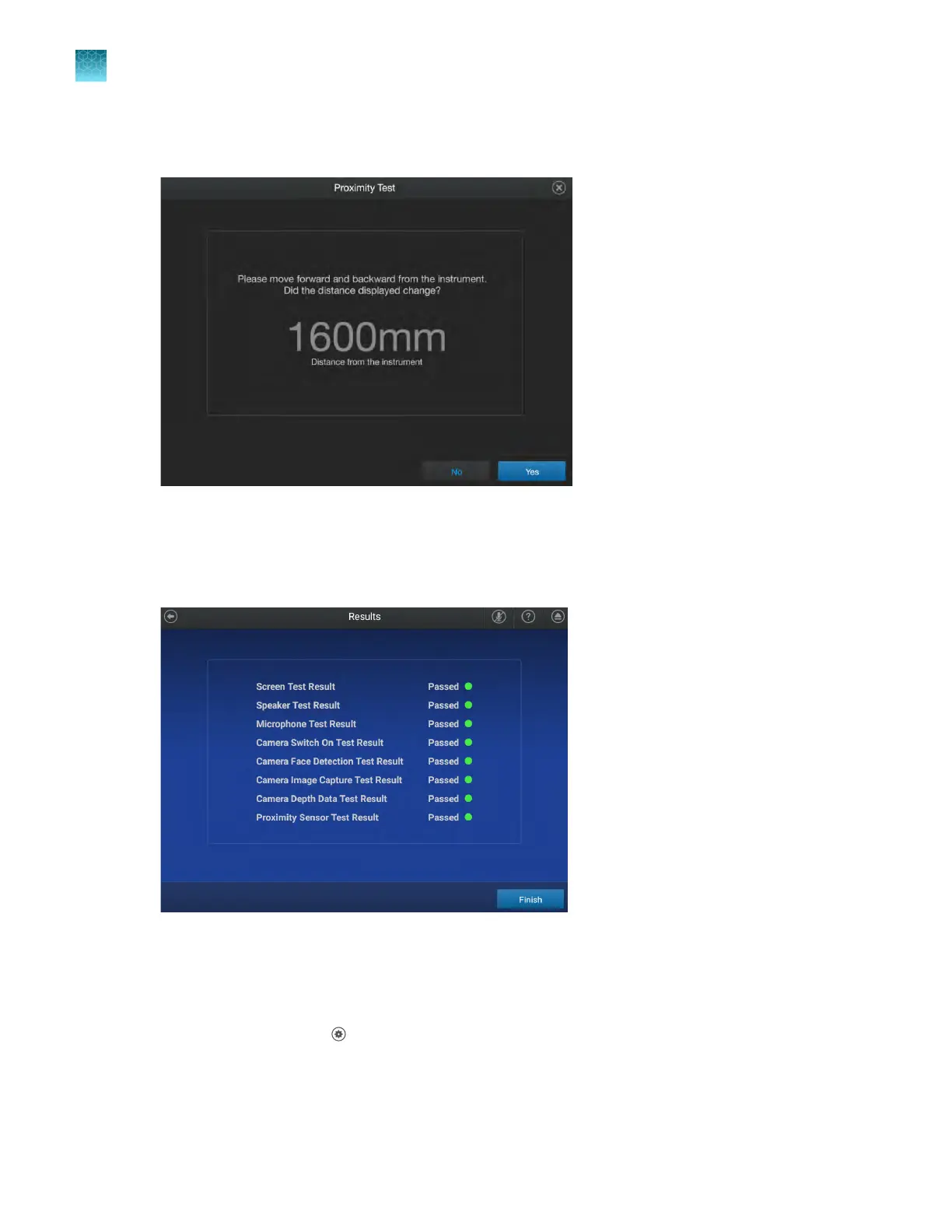
In the Proximity Test screen, move forwards towards the instrument and backwards away from
the instrument.
The distance on the instrument screen changes to show your distance from the instrument.
15.
T
ap Yes to complete the test.
The Peripheral Test screen is displayed. It shows a Pass or Fail result for each test.
16.
(Optional) T
ap Export to export the results.
View the instrument log
1.
In the home screen, tap
(Settings)4Maint
enance and service4Instrument log.
The Instrument Log screen lists the instrument event types with a time stamp.
Chapter 11 Configur
e the instrument settings
Configure maintenance and service settings
11
178
QuantStudio
™
6 Pro Real-Time PCR System and QuantStudio
™
7 Pro Real-Time PCR System User Guide












 To Next Page