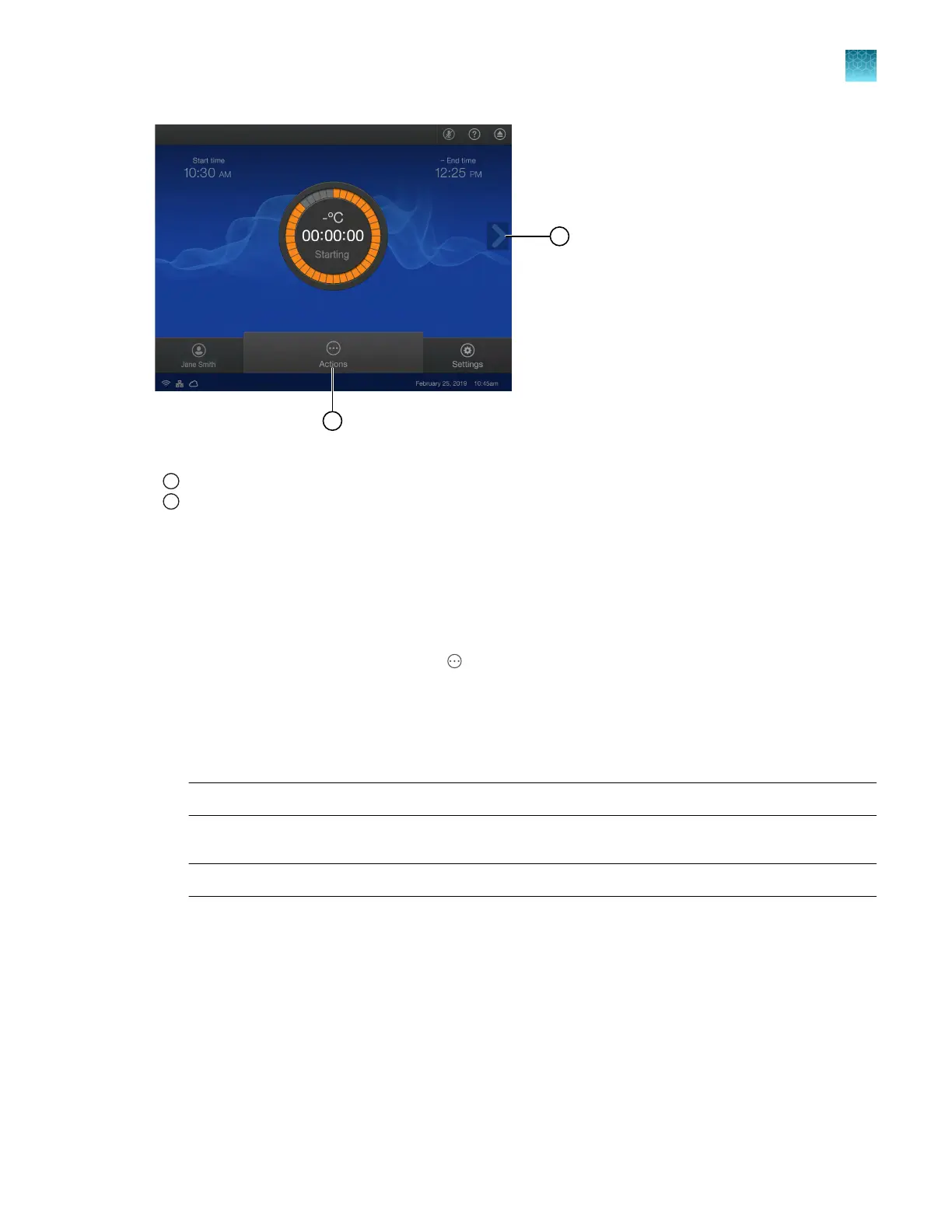
Figure 10 Home screen during a run
1
Arrow
2
Actions menu
Edit a plate file during a run
The tar
gets and samples can be added or edited after a run has started. The method cannot be edited
after a run has started.
1.
In the home screen during a run, tap
(Actions).
See Figur
e 10 on page 71.
2.
Tap Set up.
3.
In the Plate tab, tap a well or multiple wells.
Note: Use the plate view to edit or assign a well (see “Options to view a plate layout” on page 63).
4.
T
ap the Sample Information pane, then tap Samples.
Note: If no wells are selected, the pane is labeled Legend.
5.
Ent
er a sample name, then select a sample type from the dropdown list.
•
Unknown
•
Standard
•
No template control (NTC)
6.
Tap Target/SNP, then select Target or Assay from the dropdown list.
7.
Tap a row in the table, then tap Close4Done.
Chapter 5 Options for a run
Edit a plat
e file during a run
5
QuantStudio
™
6 Pro Real-Time PCR System and QuantStudio
™
7 Pro Real-Time PCR System User Guide
71












 To Next Page