Installation and instrument verification
The instrument is installed by a representative from Thermo Fisher Scientific. The following tasks will be
performed during the installation process:
•
Unpack the instrument and the computer
•
Install the instrument and the computer
•
Install QuantStudio
™
Design and Analysis Software v2 on the computer
•
Perform calibrations and RNase P verification
There is a recommended order to create instrument profiles and link Connect accounts to the
instrument (see “Recommended order to set up profiles” on page 123).
Overview of guest access
The instrument can be used without signing in. The following limits are in place if you do not sign in to
the instrument:
•
All actions are recorded to the guest profile.
•
You have access only to the public folder for selecting and storing experiments.
•
You cannot transfer data files to Connect.
•
Data files can only be transferred to a USB drive or a network drive.
The instrument can be configured so that guest access is not permitted (see “Require sign-in” on
page 122).
Use the instrument as a guest
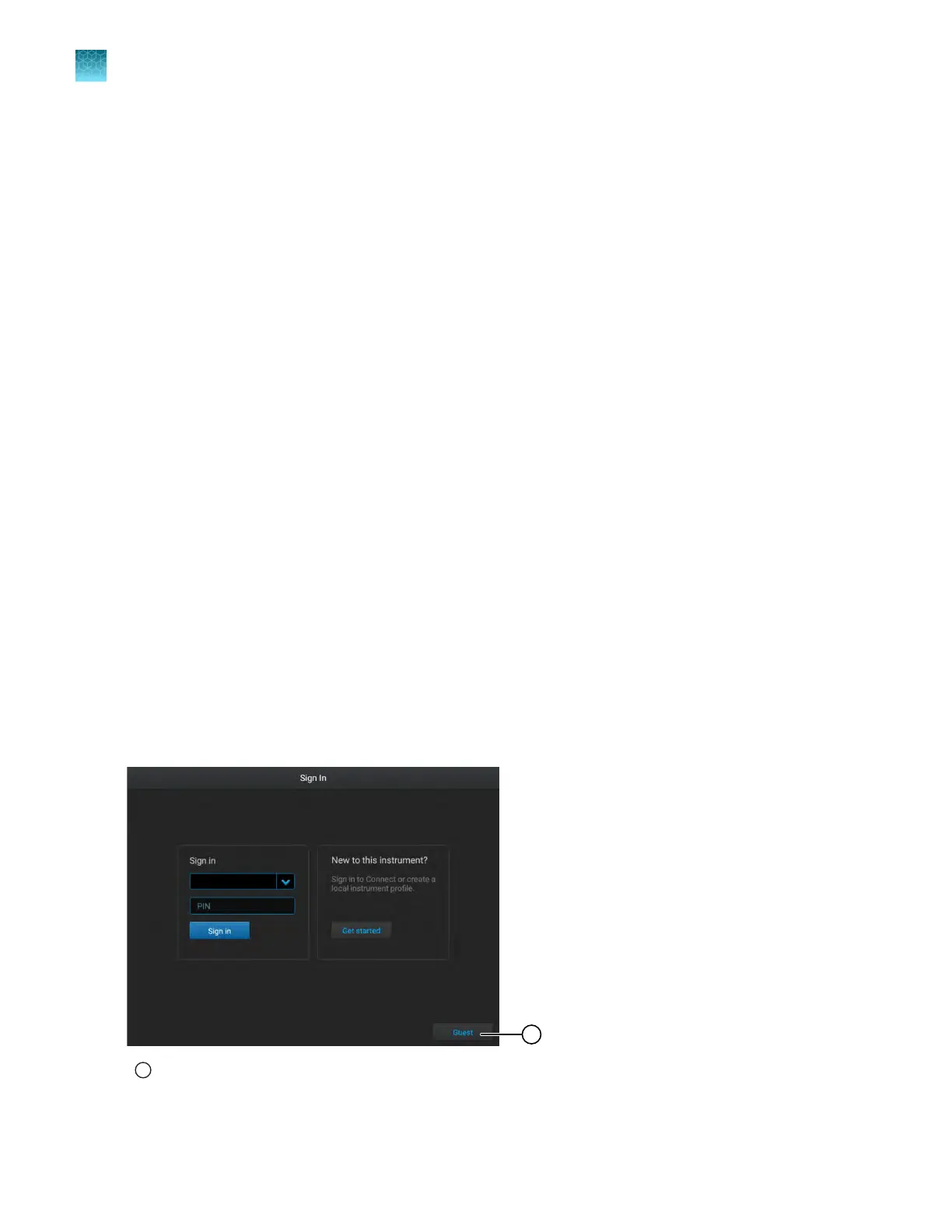
If the Guest button is not visible on the Sign In screen, guest access has been disabled. An
administrator must enable guest access (see “Require sign-in” on page 122).
1
Guest button
In the Sign-In scr
een, tap Guest.
Chapter 2 Get star
ted
Installation and instrument verification
2
42
QuantStudio
™
6 Pro Real-Time PCR System and QuantStudio
™
7 Pro Real-Time PCR System User Guide












 To Next Page