Enable or disable remote monitoring
The following items can be monitored remotely:
•
The progress of a run
•
Instrument events
•
Instrument statistics
1.
In the home screen, tap (Settings)4Maintenance and service4Connect services.
2.
Set the slider to the On or O position.
3.
Tap Done.
Update the software
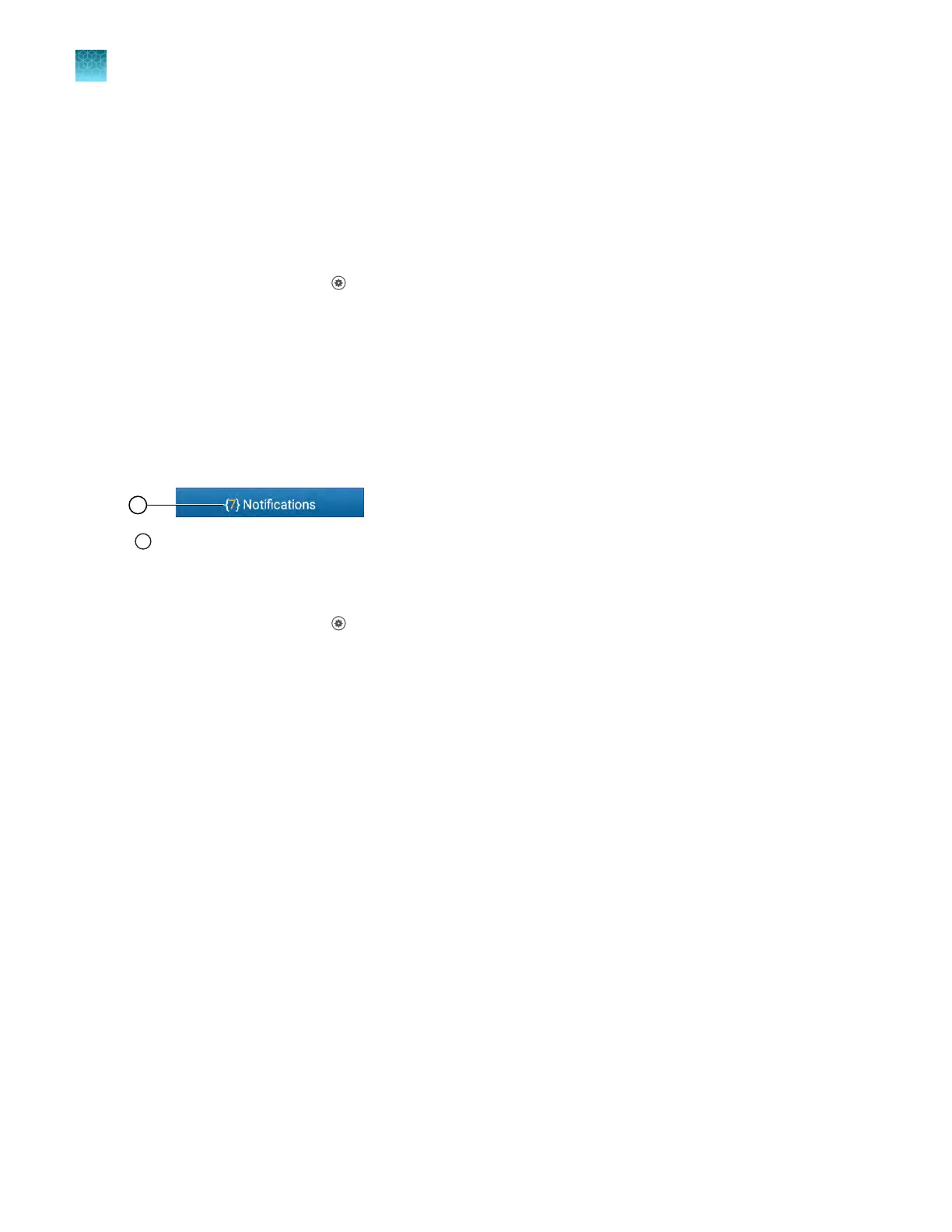
Software updates are displayed on the Notifications butt
on in the Settings screen when they are
available.
1
Notifications, including softwar
e updates
To enable notifications to be displayed on the home screen, see “Enable and disable home screen
notifications” on page 186.
1.
In the home screen, tap
(Settings)4Maint
enance and service4Software update.
The Software Update screen is displayed. It indicates whether a software update is available.
2.
Tap Update now.
The software will update.
The Software Update screen will display Update is complete when the software update is complete.
The instrument will restart.
The software can be repaired if the update failed (see “Repair the software” on page 181).
Chapter 11 Configur
e the instrument settings
Configure maintenance and service settings
11
180
QuantStudio
™
6 Pro Real-Time PCR System and QuantStudio
™
7 Pro Real-Time PCR System User Guide












 To Next Page