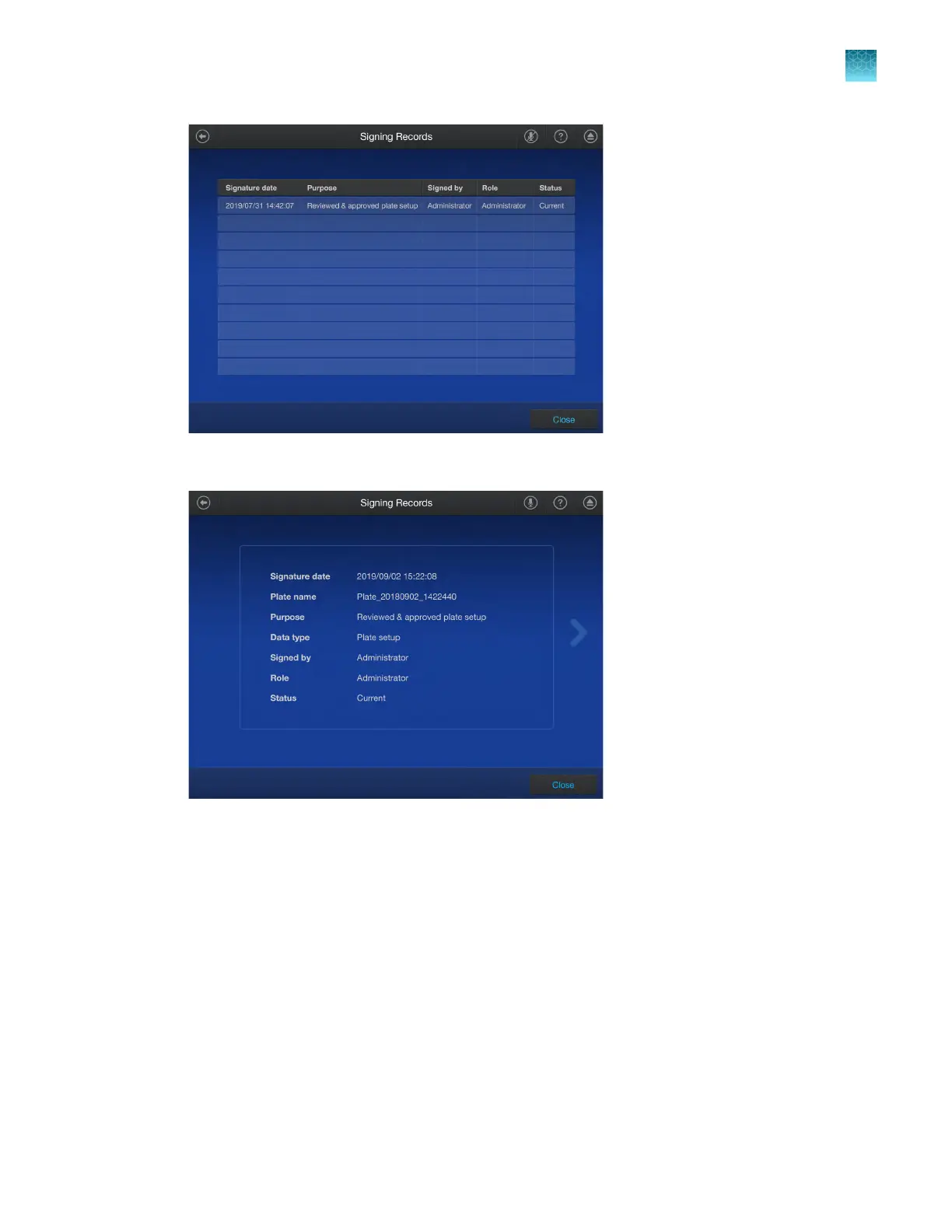
6.
T
ap a row to view the details.
7.
Tap Close to return to the Signing records screen.
View audit records
The audit records cannot be viewed on the instrument touchscreen. The audit records are viewed on
the QuantStudio
™
Design and Analysis Software v2 or on the SAE Administrator Console.
Chapter 9 Use the instrument with the Security, Auditing, and E‑signature (SAE) v2.0 module
View audit records
9
QuantStudio
™
6 Pro Real-Time PCR System and QuantStudio
™
7 Pro Real-Time PCR System User Guide
153












 To Next Page