4.
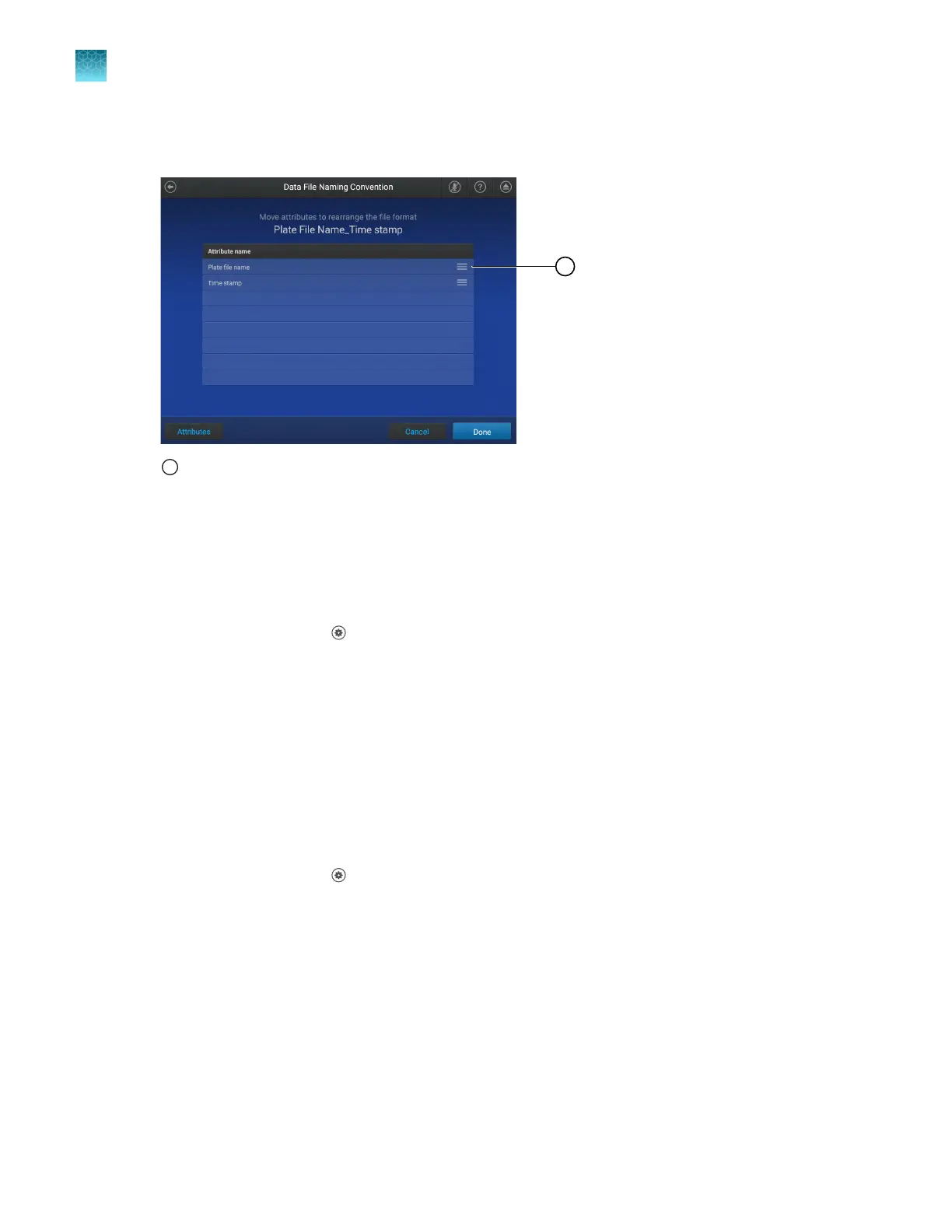
Tap the lines beside an attribute, then drag the attribute above or below the other attributes in the
table.
1
Location to tap and drag an attribute
The order of the attributes in the table is the order that they will appear in the data file name.
5.
T
ap Done.
View the notifications
1.
In the home screen, tap
(Settings)4Notifications.
The Notifications scr
een is displayed. It lists the notification and the date and the time that it was
received.
2.
Tap Close.
Enable and disable home screen notifications
When home screen notifications are enabled, the number of notifications appears on the Settings
button.
1.
In the home screen, tap
(Settings)4Notifications.
The Notifications scr
een is displayed.
2.
Set the slider to the On or the O position.
3.
Tap Close.
Chapter 11 Configur
e the instrument settings
View the notifications
11
186
QuantStudio
™
6 Pro Real-Time PCR System and QuantStudio
™
7 Pro Real-Time PCR System User Guide












 To Next Page