Decontaminate the sample block
Perform this procedure to eliminate fluorescent contaminants from the instrument sample block.
Contamination is generally evident in failed background calibrations where one or more wells
consistently exhibit abnormally high signals.
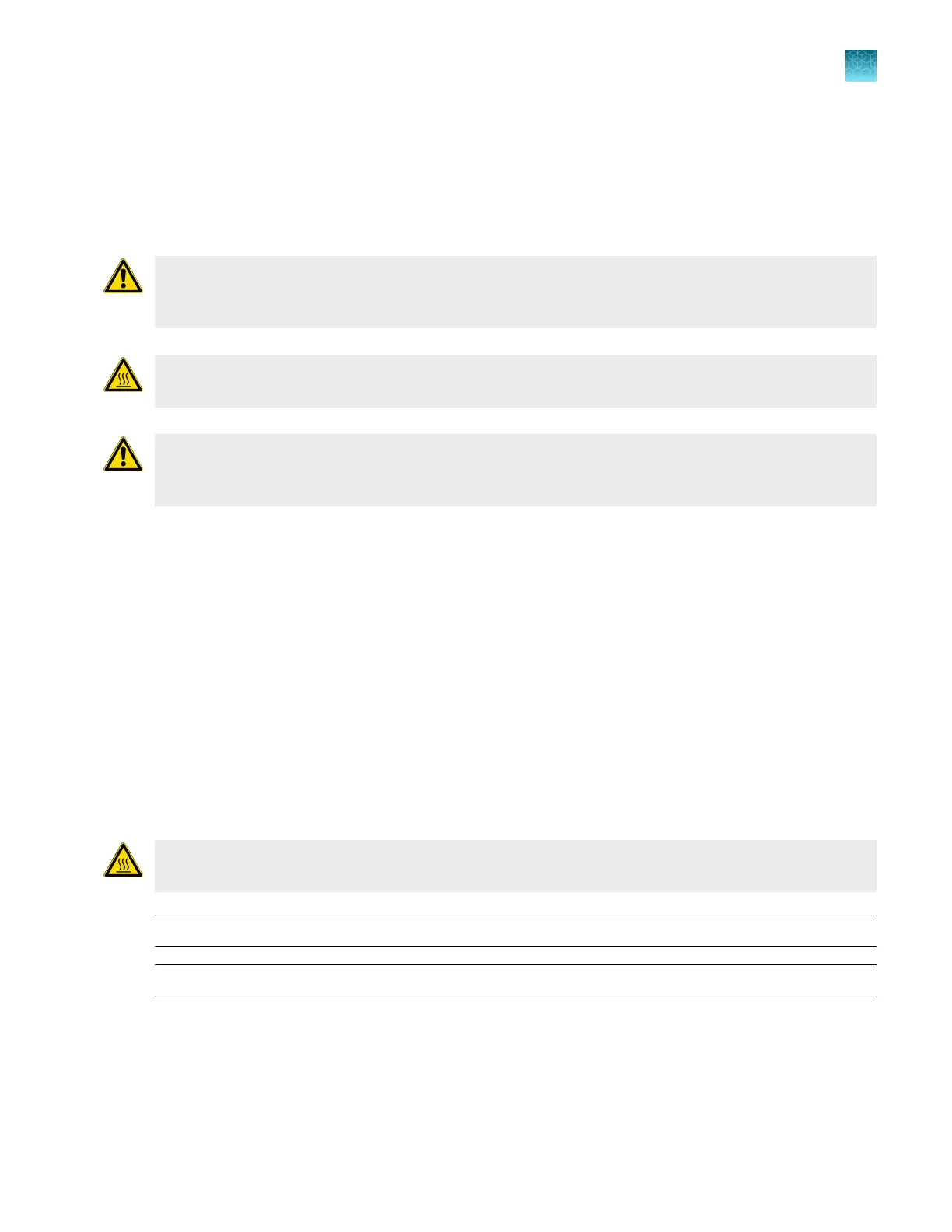
CAUTION! PHY
SICAL INJURY HAZARD. Do not remove the instrument cover. There are no
components inside the instrument that you can safely service yourself. If you suspect a problem,
contact Support.
CAUTION! PHY
SICAL INJURY HAZARD. During instrument operation, the sample block
temperature can reach 100°C. Allow it to cool to room temperature before handling.
CAUTION! Befor
e using a cleaning or decontamination method other than those recommended by
Thermo Fisher Scientific, confirm with Thermo Fisher Scientific that the proposed method will not
damage the equipment.
Materials required
•
Safety glasses
•
Powder-free gloves
•
Tissue, lint-free
•
Cotton or nylon swabs and lint-free cloths
•
Pipette (100-µL) with pipette tips
•
Deionized water
•
Ethanol, 95% solution
•
Bleach, 10% solution
Clean the sample block
CAUTION! PHY
SICAL INJURY HAZARD. During instrument operation, the sample block
temperature can reach 100°C. Allow it to cool to room temperature before handling.
IMPORTANT! W
ear powder‑free gloves when you perform this procedure.
IMPORTANT! Always use deioniz
ed water to rinse wells after cleaning with bleach or ethanol solution.
1.
Identify the contaminat
ed wells of the sample block (see “Identify contamination” on page 95).
2.
Remove the sample block and heated cover (see “Remove the block” on page 158).
3.
Place the sample block and heated cover on a clean surface.
Chapter 10 Maintain the instrument
Decontaminat
e the sample block
10
QuantStudio
™
6 Pro Real-Time PCR System and QuantStudio
™
7 Pro Real-Time PCR System User Guide
159












 To Next Page