Use the instrument when the SAE server is oine
If your SAE administrator has configured your instrument to allow use when the SAE server is oine
(Client oine login System setting in the SAE module), you can use the instrument for the period of
time specified by the SAE administrator for Client oine login.
Note: If you have not previously signed in to the instrument with your SAE account, you cannot sign in
when the SAE server is oine.
All SAE records are retained if the instrument is disconnected from an SAE server. When the instrument
is reconnected to the SAE server, SAE records are uploaded to the server.
The following functions are not available when the SAE server is oine:
•
Account lockout, password reminder, mandatory password change
•
Disable SAE
•
Change Password
E-signature requirements to start a run
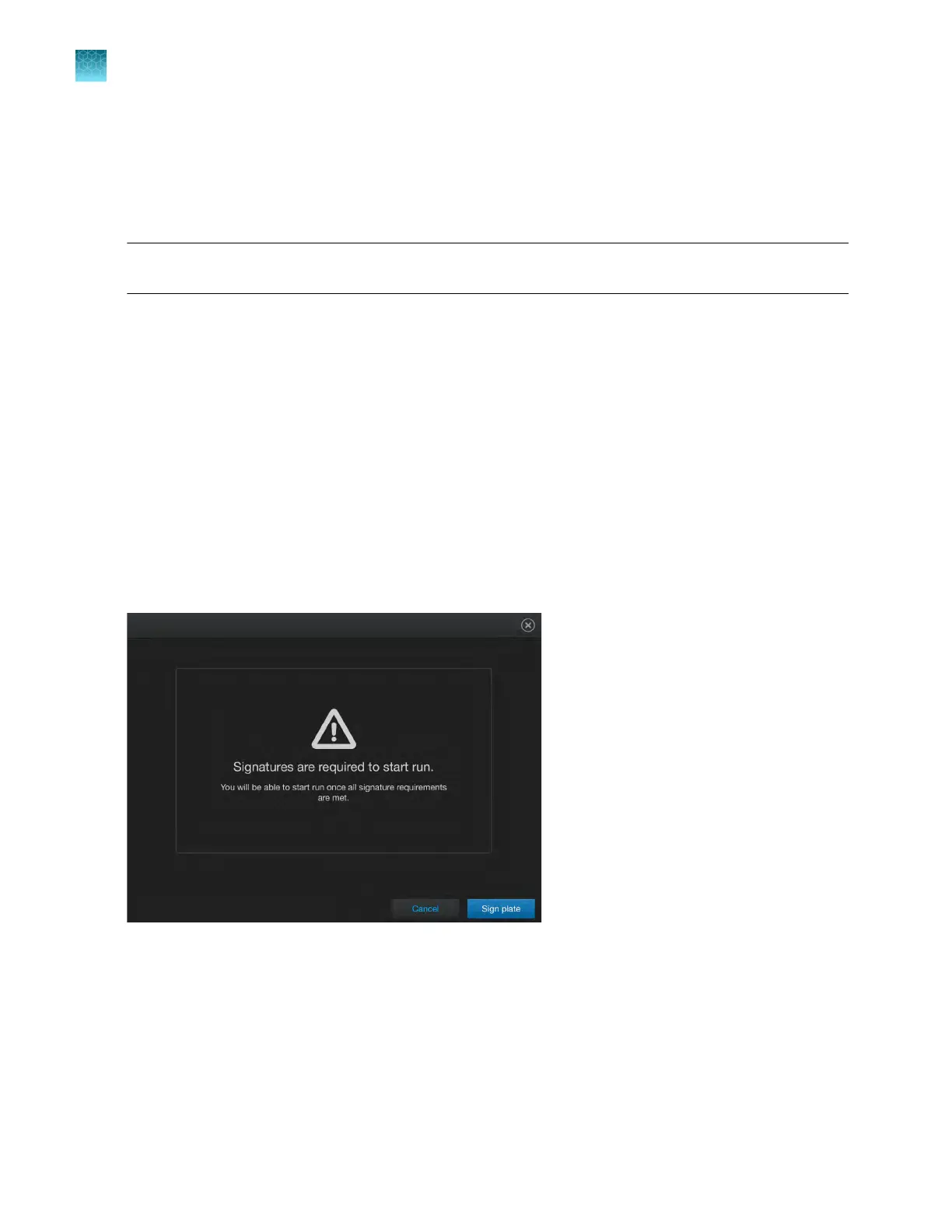
Depending on the way your SAE administrator has configured your instrument, E-signatures may be
required when you start a run. If starting a run is configured to require signatures, a message is
displayed when you start a run.
Tap Sign plat
e to sign the plate and start the run.
Chapter 9 Use the instrument with the Security, Auditing, and E‑signatur
e (SAE) v2.0 module
Use the instrument when the SAE server is oine
9
154
QuantStudio
™
6 Pro Real-Time PCR System and QuantStudio
™
7 Pro Real-Time PCR System User Guide












 To Next Page