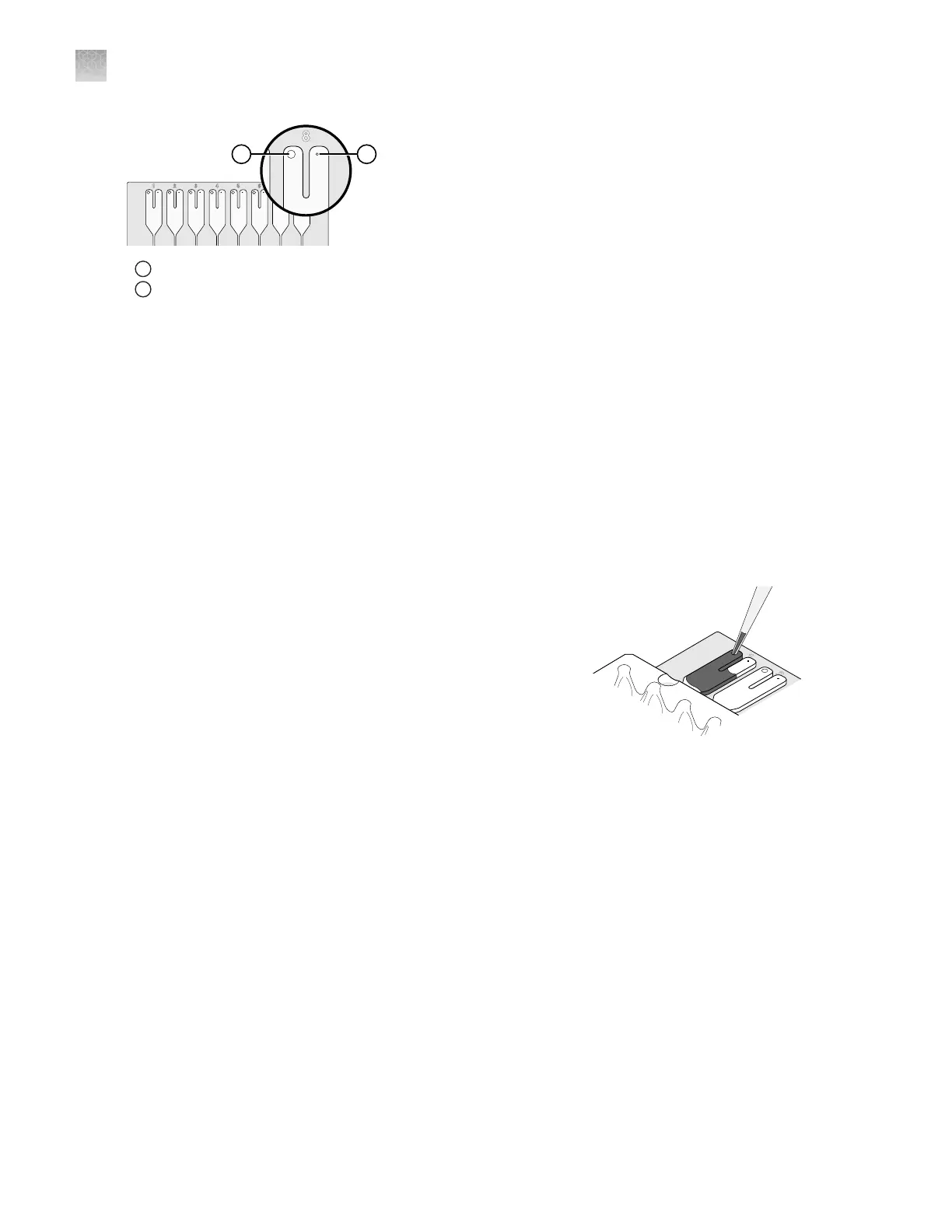
1
Fill port
2
Vent port
Load the PCR reaction mix
Before removing the card from its packaging:
•
Prepare each sample-specific PCR reaction mix.
•
Allow the card to reach room temperature.
1.
Carefully remove the card from its packaging.
2.
Place the card on the benchtop with its foil‑side down.
3.
Load 100 µL of the sample‑specific PCR reaction mix into a micropipette.
4.
Hold the micropipette in an angled position, then place
the tip into a fill port of the card.
5.
Slowly dispense the entire volume of reaction mix so
that it sweeps in and around the fill reservoir toward
the vent port.
Centrifuge the card
1.
Load the cards into the centrifuge buckets.
a.
Place the bucket on the benchtop with its label facing the front of the bench.
b.
Insert the cards into the card holder, ensuring that:
•
The fill reservoirs extend upwards out of the card holder.
•
The reaction wells face the label‑side of the card holder.
c.
Insert blank balance cards into any empty positions of the card holder. All three positions in
the card holder must be filled.
Appendix C Detailed procedures for preparation of a TaqMan
™
Array Card
Load the PCR reaction mix
C
204
QuantStudio
™
6 Pro Real-Time PCR System and QuantStudio
™
7 Pro Real-Time PCR System User Guide












 To Next Page