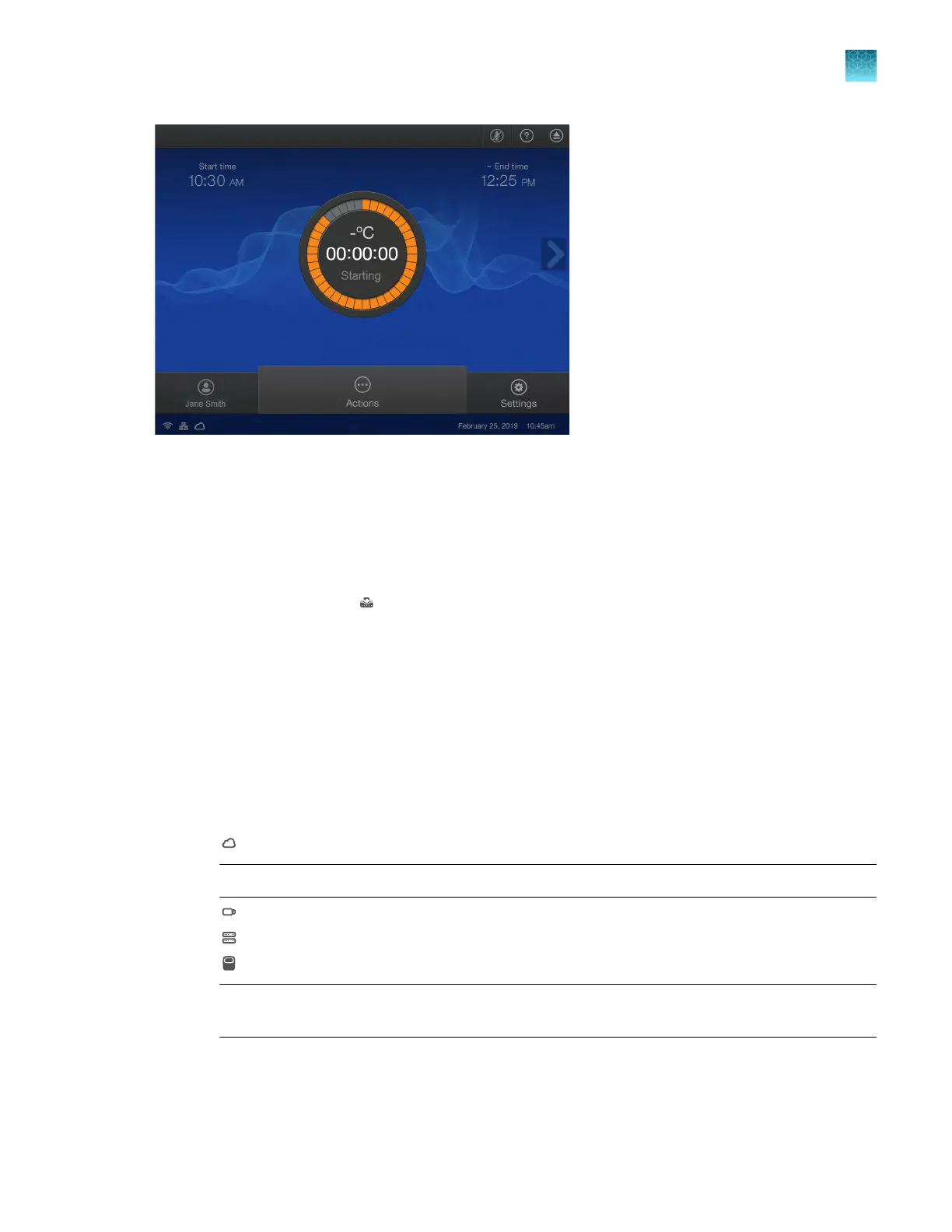
Figure 7 Home screen during a run
F
or options during a run, see Chapter 5, “Options for a run”.
Repeat the last run
The last run is associated with the profile. It is not the last run for the instrument.
1.
In the home screen, tap
(Run last).
The Plat
e Properties screen is displayed.
2.
(Optional) In the Plate Properties screen, edit the Data file name.
The default file name is the template name appended with the current date and time.
To edit the default file name, see “Manage the file name convention of the data file” on page 185.
3.
(Optional) Use the barcode scanner.
See “(Optional) Scan a barcode using a barcode scanner” on page 51.
4.
Tap the location to send the data.
•
Connect platform
Not
e: You must be signed in with a Connect profile.
•
USB drive
•
Network drive
•
This instrument
Not
e: This option is not available if you are using the instrument as a guest. You must be
signed in.
The connection status of each location is displayed.
Chapter 3 Create and run plates on the instrument
Options to run a plate
3
QuantStudio
™
6 Pro Real-Time PCR System and QuantStudio
™
7 Pro Real-Time PCR System User Guide
49












 To Next Page