2.
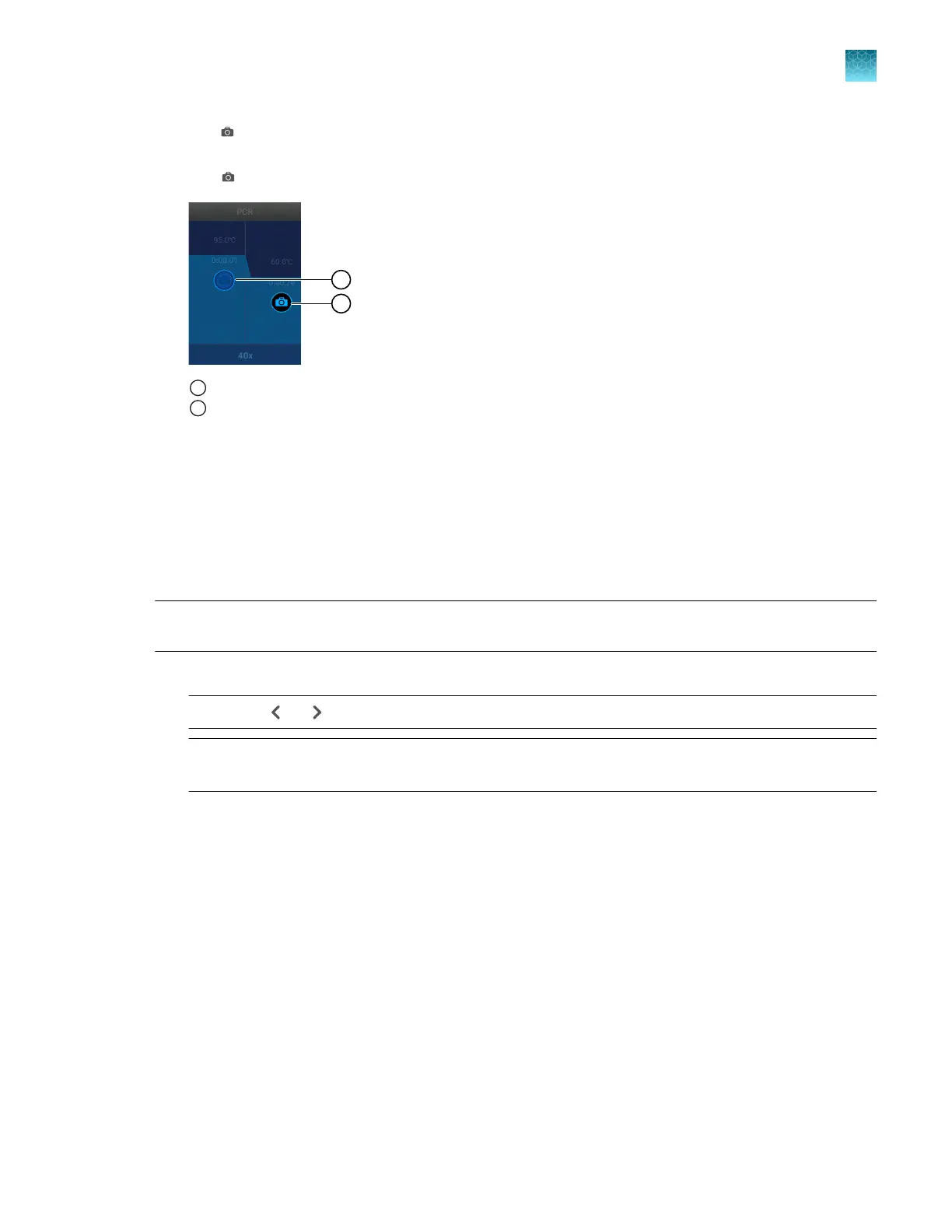
Tap (Data collection location) to designate a step as a data collection location or to remove
data collection from the step.
The (Data collection location) button functions as an on-o switch.
1
Data collection is o
2
Data collection is on
3.
T
ap Done.
Set up or remove VeriFlex
™
Zones
VeriFlex
™
Zones are only available for 96-well blocks.
•
The QuantStudio
™
6 Pro System has three VeriFlex
™
Zones.
•
The QuantStudio
™
7 Pro System has six VeriFlex
™
Zones.
Note: For more information about compatibility of plate files with VeriFlex
™
Zones between the two
instruments, see “VeriFlex
™
Zones” on page 18.
1.
In the Method tab, tap Edit4Advanced4 V
eriFlex
™
Zones / Auto Delta.
Note: Use
or to navigate through the method if it is not all displayed.
Note: The PCR stage pr
ovides the option of VeriFlex
™
Zones or the Auto Delta feature. Ensure that
the VeriFlex
™
Zones option is selected.
Chapter 4 Edit a plate before starting a run
Options to edit the method of a plate file
4
QuantStudio
™
6 Pro Real-Time PCR System and QuantStudio
™
7 Pro Real-Time PCR System User Guide
59












 To Next Page