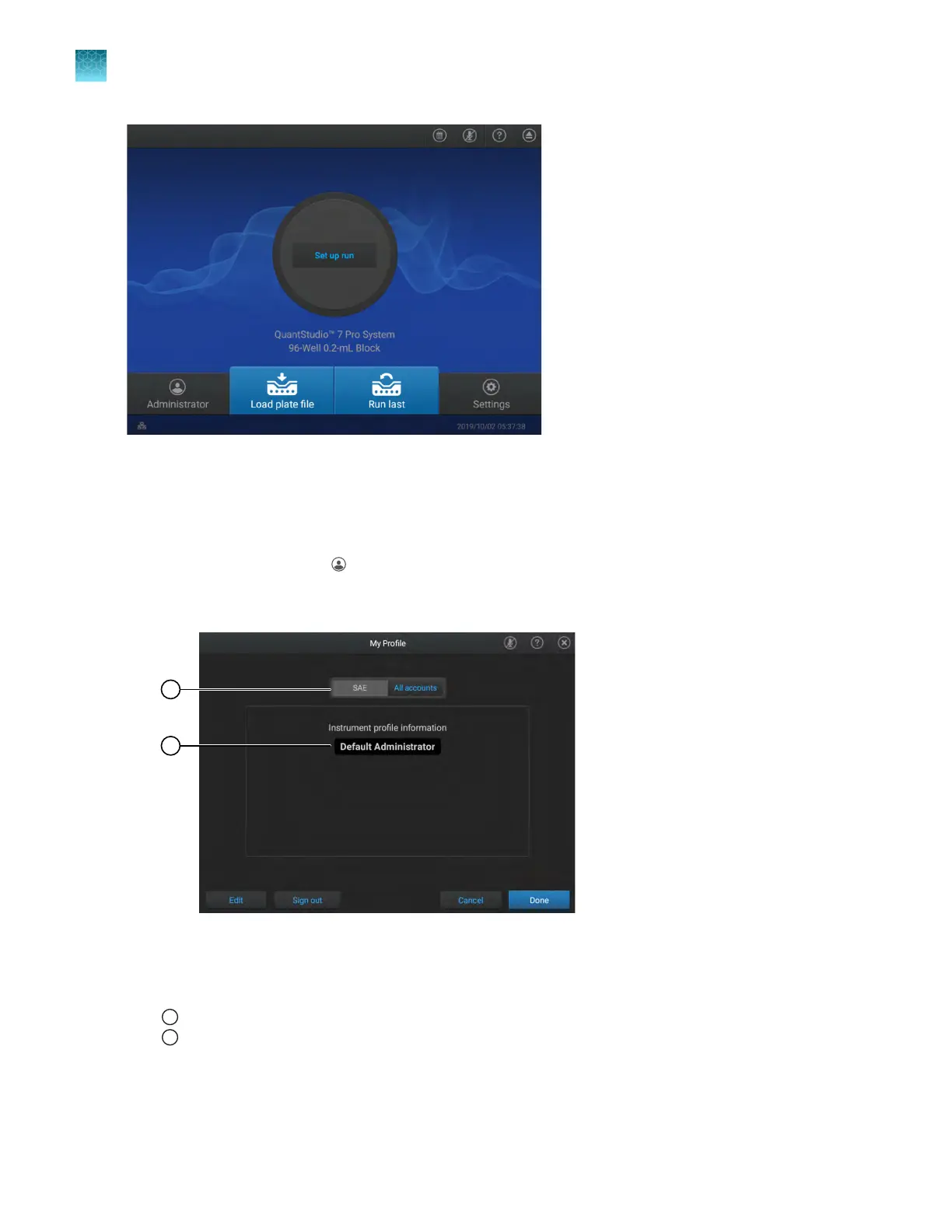
Figure 20 Home screen
Sign out with SAE enabled
1.
In the home scr
een, tap
(P
rofile).
The My Profile screen is displayed. The SAE button is selected and the profile that is signed in is
listed.
Figure 21 My P
rofile screen
1
SAE butt
on is active
2
Profile that is signed in
2.
T
ap Sign out, then tap Yes to confirm.
You are signed out and the Sign in screen is displayed.
Chapter 9 Use the instrument with the Security, Auditing, and E‑signatur
e (SAE) v2.0 module
Sign out with SAE enabled
9
148
QuantStudio
™
6 Pro Real-Time PCR System and QuantStudio
™
7 Pro Real-Time PCR System User Guide












 To Next Page