Transfer a data file immediately after a run
This section describes the transfer of a data file immediately after a run. To transfer a data file or a set of
data files at a later time, see “Transfer data files at a later time” on page 81.
In the home screen, the status dial displays Run complete when a run is complete. The home screen
also shows the location that the data file was transferred to. The location for transfer was selected
before the run was started (see “Create and run a plate from a system template or a saved plate file” on
page 47 and “Repeat the last run” on page 49).
If the automatic sign-out feature is enabled and the set time has elapsed, the instrument with display
the Sign In screen. Data files cannot be transferred from the home screen. They can be transferred at a
later time (see “Transfer data files at a later time” on page 81).
Data files will be transferred to the location that was selected before the run was started, even if the
user was automatically signed out.
1.
In the home screen after a run is complete, tap Transfer file.
2.
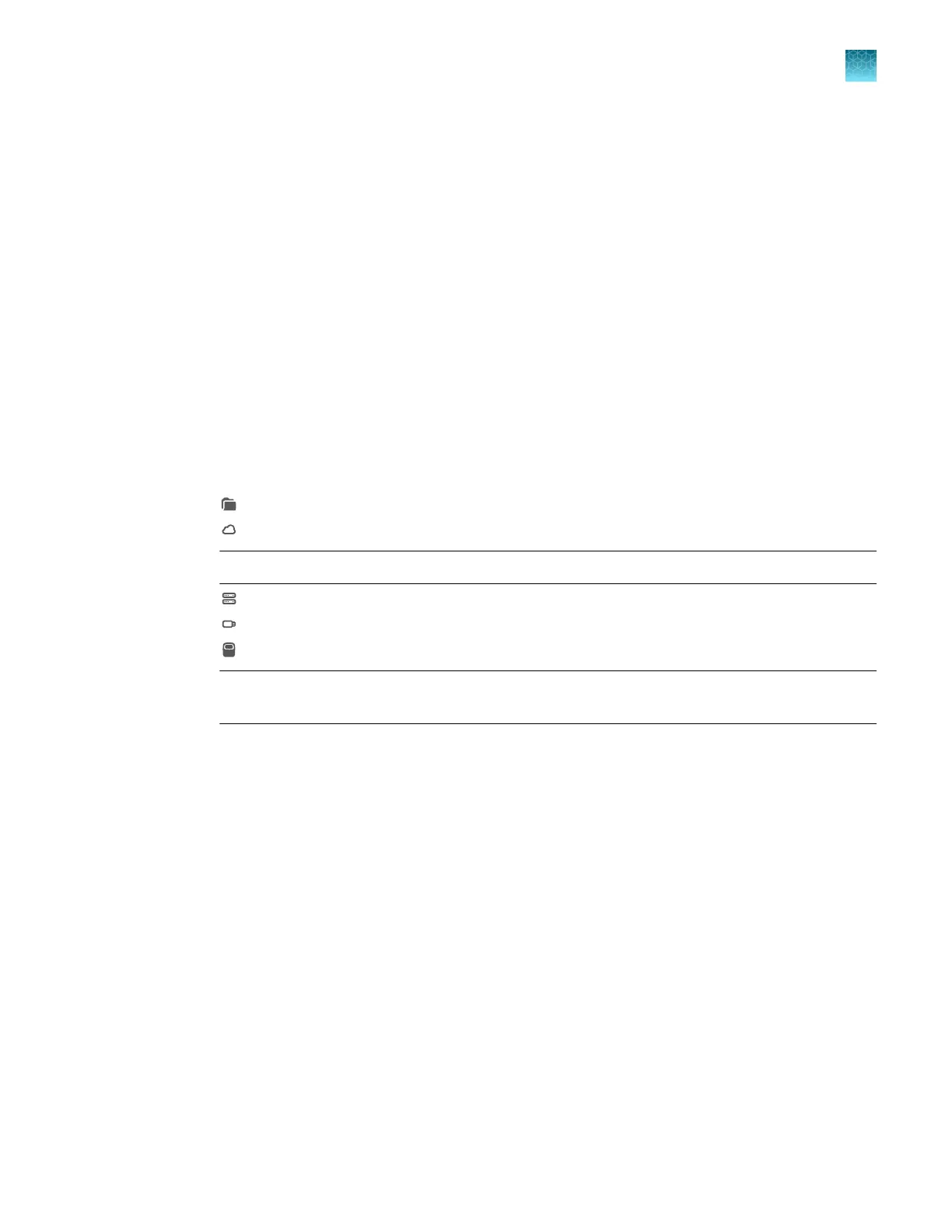
Select the destination for the data file.
•
Public
•
Connect
Not
e: You must be signed in with a Connect profile.
•
Network Drive
•
USB Drive
•
My Instrument
Not
e: This option is not available if you are using the instrument as a guest. You must be
signed in.
3.
T
ap OK, then tap Transfer.
Transfer data files at a later time
This section describes the transfer of a data file or a set of data files at any time. To transfer a data file
immediately after a run, see “Transfer a data file immediately after a run” on page 81.
•
Guests can only transfer guest data files.
•
A user that is signed in can transfer their own data files.
•
Administrators can transfer all data files.
Chapter 6 V
iew and manage files
Manage data files
6
QuantStudio
™
6 Pro Real-Time PCR System and QuantStudio
™
7 Pro Real-Time PCR System User Guide
81












 To Next Page