Connect and Cloud definitions
The terms Connect, Cloud, Thermo Fisher Connect, and Thermo Fisher Cloud are used interchangeably
on the instrument touchscreen. The term Connect is used in this document.
The following icons are used interchangeably on the instrument touchscreen:
•
•
The icon is used in this document.
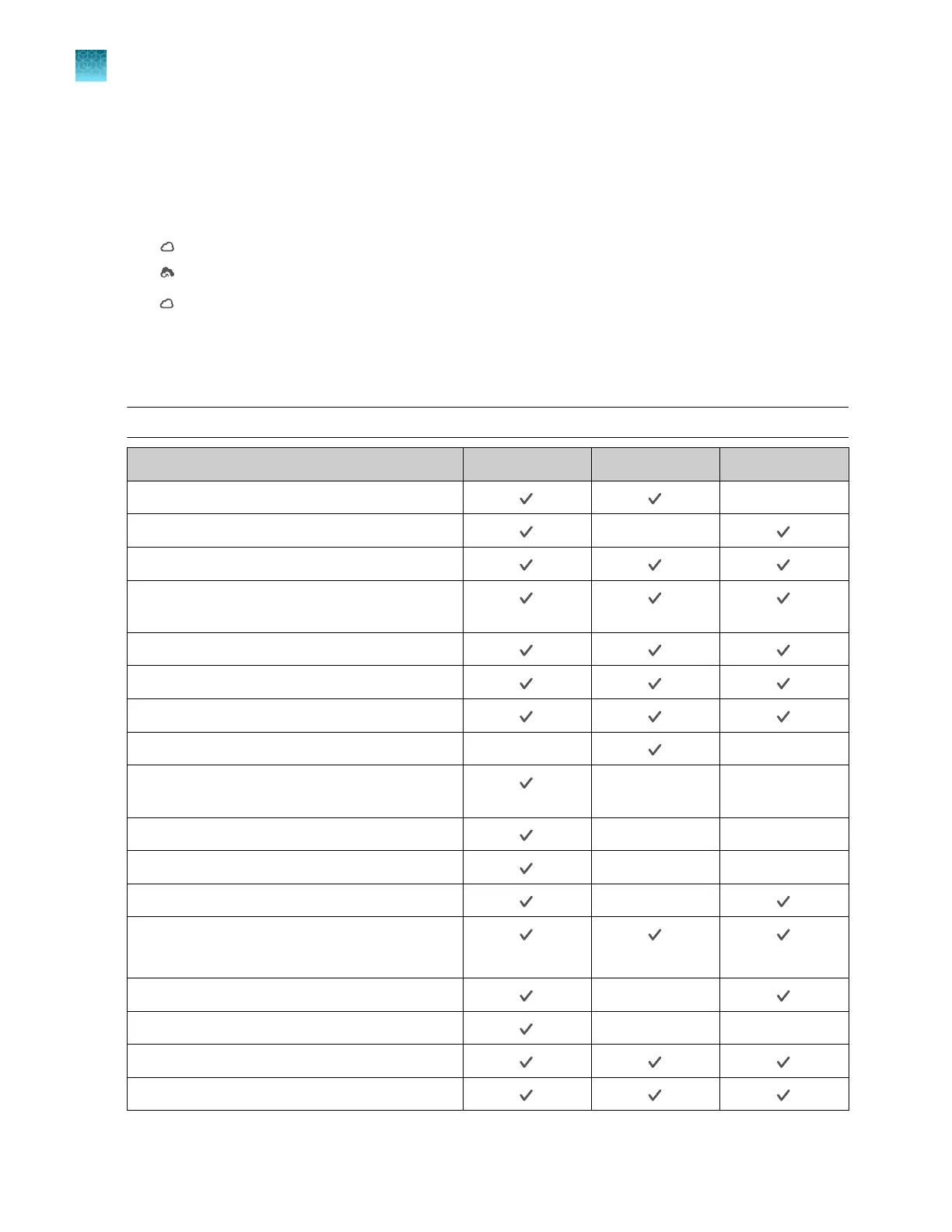
Instrument, desktop software, and Connect platform features
The instrument and the software include the features described below.
Note: System templates cannot be edited. They can be edited, then saved as a separate plate file.
Feature Instrument Desktop Connect
Use as guest (no sign in)
—
Schedule a run
—
Open system templates
Open system templates, edit them, and save
them as plate files
Open plate files created on the desktop software
Open plate files created on the Connect platform
Open plate file created on the instrument
Send plate files to the instrument run queue —
—
Access the plate file associated with last run on
the instrument
— —
Load plate in instrument
— —
Start run
— —
View real-time data during a run
—
View results after a run is complete
(Limited)
See instrument status (run in progress)
—
Send email notifications
— —
Check calibration status
Analyze and export results
Chapter 1 Product information
Software description
1
26
QuantStudio
™
6 Pro Real-Time PCR System and QuantStudio
™
7 Pro Real-Time PCR System User Guide












 To Next Page