8.
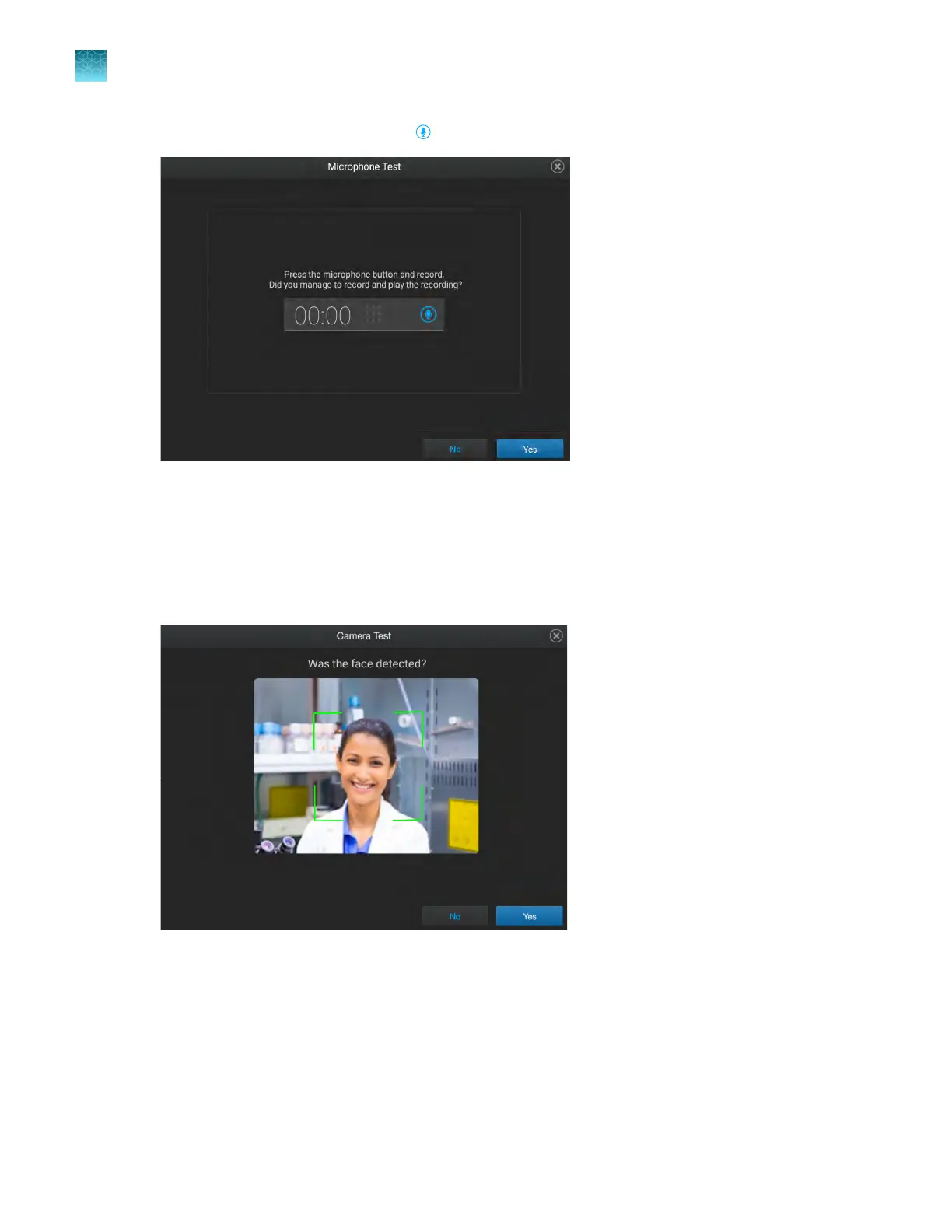
In the Microphone Test screen, tap to record.
9.
T
ap Yes to proceed.
10.
In the Camera Test screen, tap Yes to confirm that the camera is on.
A preview is displayed if the camera is on.
11.
In the Camera Test screen, tap Yes to confirm that the camera detects a face.
12.
In the C
amera Test screen, tap Capture to capture an image, then tap Yes to confirm that an
image was captured.
The image should appear clear and in focus.
Chapter 11 Configur
e the instrument settings
Configure maintenance and service settings
11
176
QuantStudio
™
6 Pro Real-Time PCR System and QuantStudio
™
7 Pro Real-Time PCR System User Guide












 To Next Page