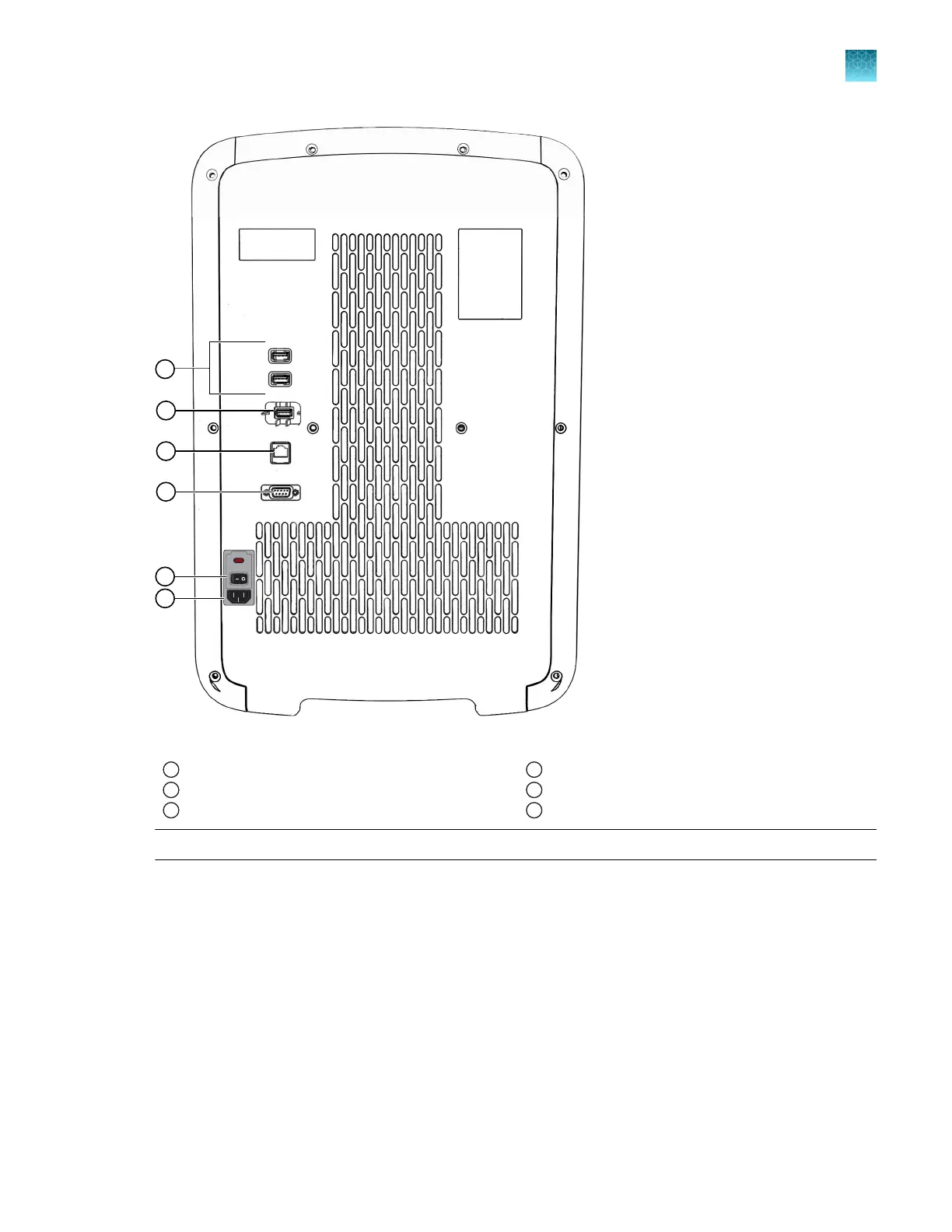
Figure 4 Back of the instrument
1
USB ports
2
Wi-Fi dongle port
3
Ethernet port
4
RS-232 port (service use only)
5
ON/OFF switch
6
Power inlet receptacle
Note: The instrument r
ecognizes only one external storage device at a time for data transfer.
The USB ports at the rear of the instrument can be used for external devices, for example, a mouse or a
k
eyboard.
Chapter 1 P
roduct information
Instrument hardware description
1
QuantStudio
™
6 Pro Real-Time PCR System and QuantStudio
™
7 Pro Real-Time PCR System User Guide
21












 To Next Page