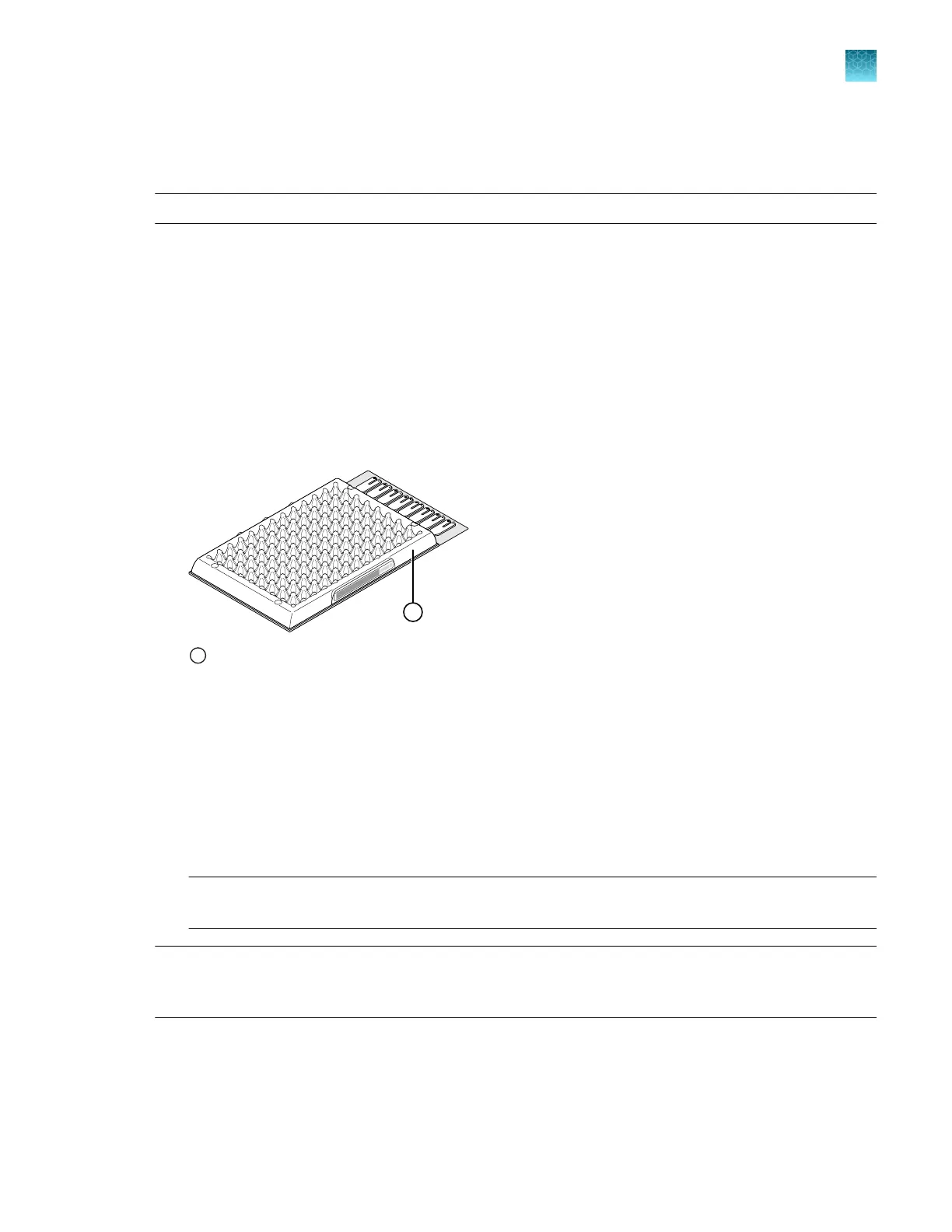
This procedure explains how to create all of the array cards required to calibrate the block, but not all of
them are required for at each calibration. Before preparing array cards for calibration, determine which
calibrations are required (see “Calibration and verification schedule” on page 85).
Note: For more information on the array card loading procedure, contact Technical Support.
1.
Remove the tubes of calibration solutions from the freezer, allow them to thaw, then vortex the
tubes to mix the contents well.
2.
Remove the TaqMan
™
Array Cards from their box and place them on a clean, dry surface.
3.
Mark the side of the empty array cards with the following items:
•
Backgr
ound
•
FAM
™
•
ROI
•
ROX
™
•
VIC
™
•
FAM
™
/ROX
™
•
VIC
™
/ROX
™
1
Location to mark each TaqMan
™
Arr
ay Card
4.
F
or each array card, pipet 100 µL of the appropriate calibration solution into each of the eight
reservoirs in the array card.
See “Load the PCR reaction mix” on page 204.
5.
Centrifuge the array cards, then check each array card for the correct fill.
See “Centrifuge the card” on page 204.
6.
Seal the array cards.
See “Seal the card” on page 206.
IMPORTANT! If an arr
ay card is sealed improperly, it can leak and contaminate the sample block
and/or it can cause the associated calibration or RNase P test to fail.
IMPORTANT! Aft
er the array cards are sealed, store them in a dark place. Do not expose the array
cards to light until you are ready to use them. The dyes in the array cards are photosensitive. Prolonged
exposure to light can diminish the fluorescence of the dye.
Chapter 7 Calibrate and verify instrument performance
Perform ROI/uniformity, background, dye, and normalization calibrations for the TaqMan
™
Array Card block
7
QuantStudio
™
6 Pro Real-Time PCR System and QuantStudio
™
7 Pro Real-Time PCR System User Guide
99












 To Next Page