20
Peltier Thermostatted Single Cell Holder
Thermo Scientific Evolution 200 Series User Guide 325
2. Select Temperature controller status and click OK.
The status monitor appears above the data display.
Related Topics
Temperature and Stir Speed Settings
Configuring a Target Temperature
Using the Peltier Controller to Set Temperature and Stir Speed
To start the controller, turn on the power switch on the controller back panel.
Startup Mode
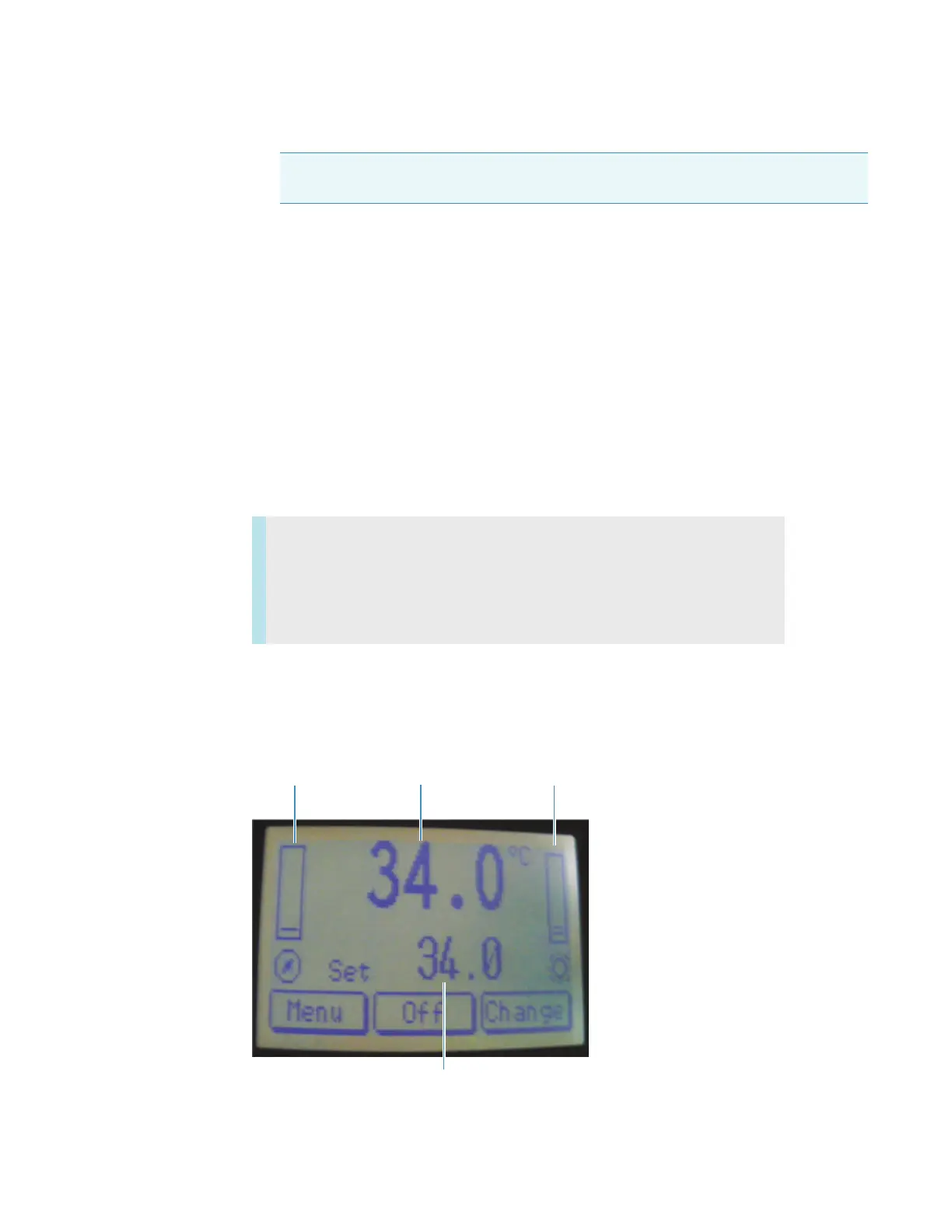
After the controller power is turned on, the display appears in one of three modes: Stand-By,
Normal, or Alarm. The image below indicates Normal mode.
Note The temperature controller option appears only when a temperature controller
software driver is installed.
Contents
• Startup Mode
• Standby Mode
• Normal Mode
Actual block
temperature
Stirring
speed
Heating/cooling
power scale
Block set temperature









 To Next Page