28
Smart Sipper
Thermo Scientific Evolution 200 Series User Guide 413
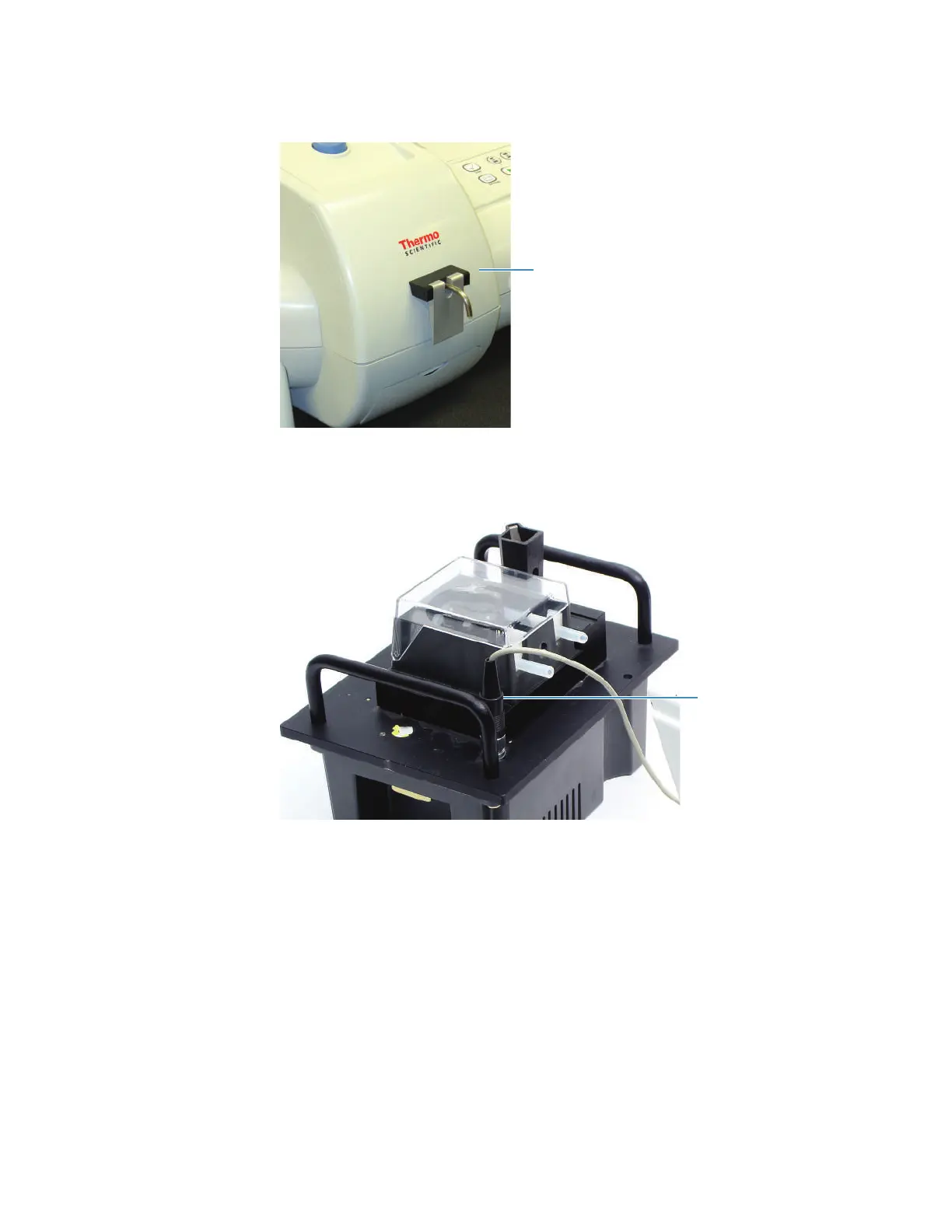
7. Connect the cable from the Sipper front panel to the socket on the Smart Sipper base and
hand tighten the collar.
Align the pins before plugging in the connector.
Related Topics
Installing Pump Tubing
Installing a Flow Cell
Installation
Installing a Flow Cell
The provided cell holder accommodates 12.5 mm x 12.5 mm flow cells. Other compatible
holders and flow cells are available. All compatible cell holders have a central screw that
mounts to the Smart Sipper base.









 To Next Page