141
Smart Camera / Vision-Sensor / 1D-/2D-Code-Scanner / OCR Reader
11.13.3. Configuration
The image comparison module includes the following configuration:
• Output Image.
• Reference Image.
• Threshold Image.
11.13.3.1. Output Image
Objective
The differences between the reference image and the current image are displayed as
a binary image after clicking the Output Image. Errors are marked white, accepted
values are marked black.
Property
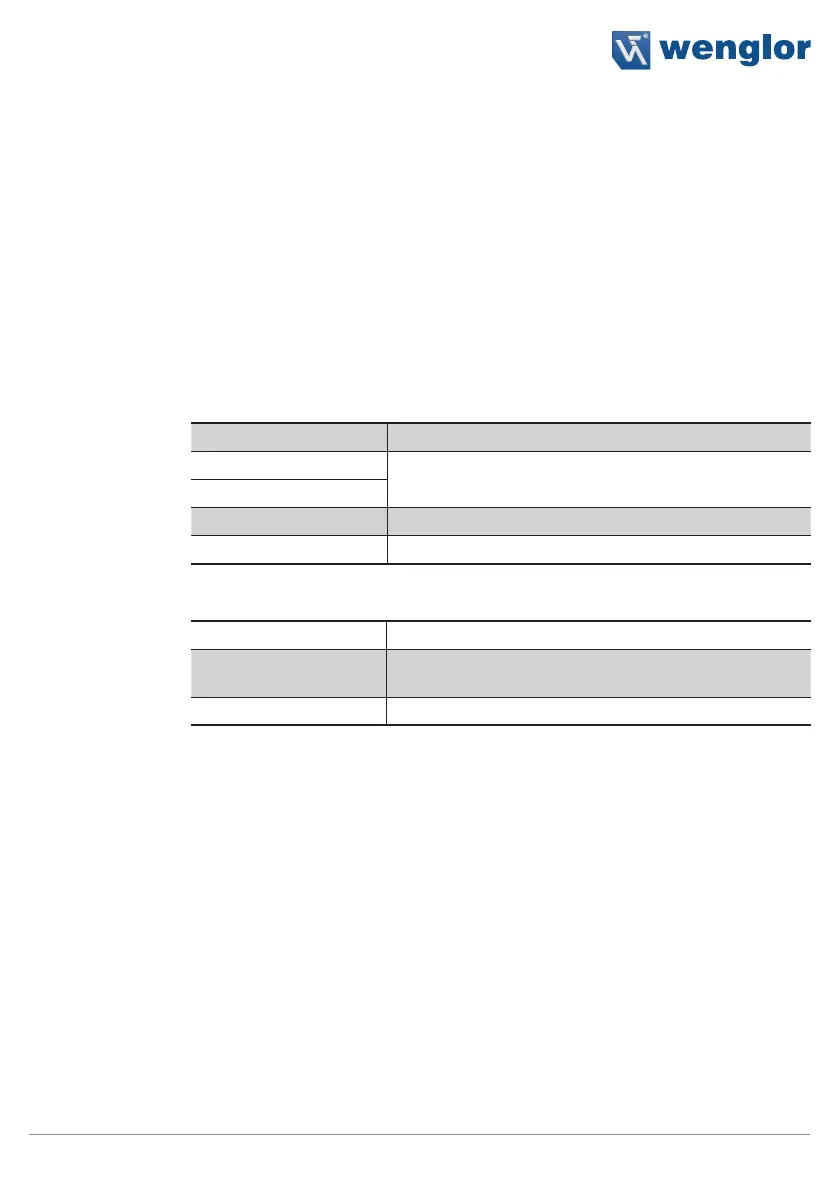
The following settings/results are displayed:
Image Type Display of the image type
X (px)
Coordinate of the sensor image coordinate system (see
section 18.3)
Y (px)
Width (px) Image width
Height (px) Image height
The following settings/results are displayed under Binary:
Size Number of pixels in the image
Bits per Pixel Display of the number of bits required to transmit one
pixel
Channel Type The binary channel type is displayed.



 To Next Page