143
Smart Camera / Vision-Sensor / 1D-/2D-Code-Scanner / OCR Reader
11.14. Modules OCR (optical character reader)
11.14.1. Overview
Goal
Read letters, numbers and symbols.
Prerequisites
1. The sensor is correctly connected (see section 5.5).
2. Connection has been established from the sensor to the software
(see section 10.1.1).
3. The camera is configured / images are selected (see section 11.2).
4. If applicable, tracking is configured (see sections 11.3.2 and 11.4).
Procedure
First specify the region within which the characters are located. Then select the seg-
mentation settings. The next step involves associating the detected character with a
letter or a number.
11.14.2. Parameter Settings
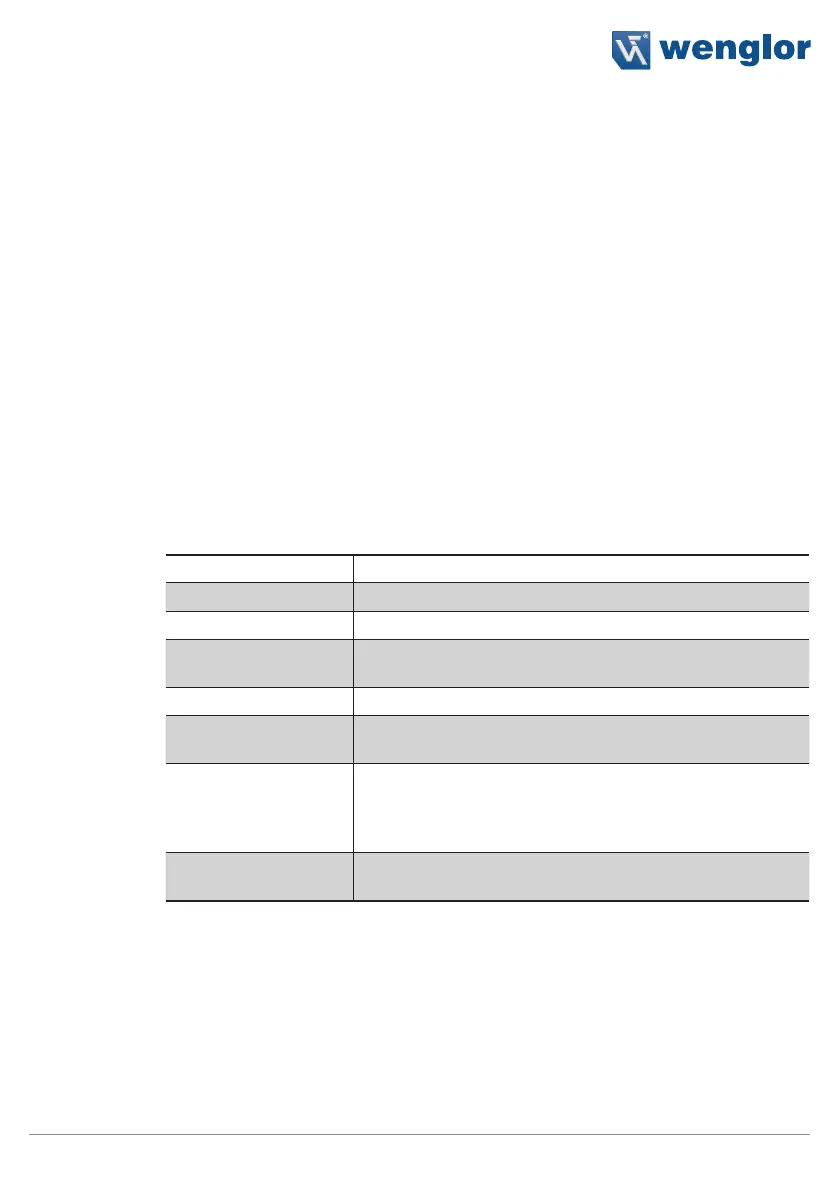
Characteristic
The following settings/results are displayed:
Processing time [ms] Sensor processing time for the module
Module status Error codes for troubleshooting support (see section 18.6).
Segments found Number of detected characters
Reading results Read-out of all reading results for all detected lines. The lines
are separated from each other by a line feed (LF).
Input image Selection of the channel for image input
Coordinate system Selection can be made regarding how the OCR module
should be tracked.
Reading timeout [ms] The time during which an attempt is made to read the cha-
racters. If reading is not successful within this period of time,
the process is aborted and the reading results are rendered
invalid.
Maximum number of
segments
The maximum number of segments is specified.



 To Next Page