EN
18
Installation and Connection
5.4. LED Display
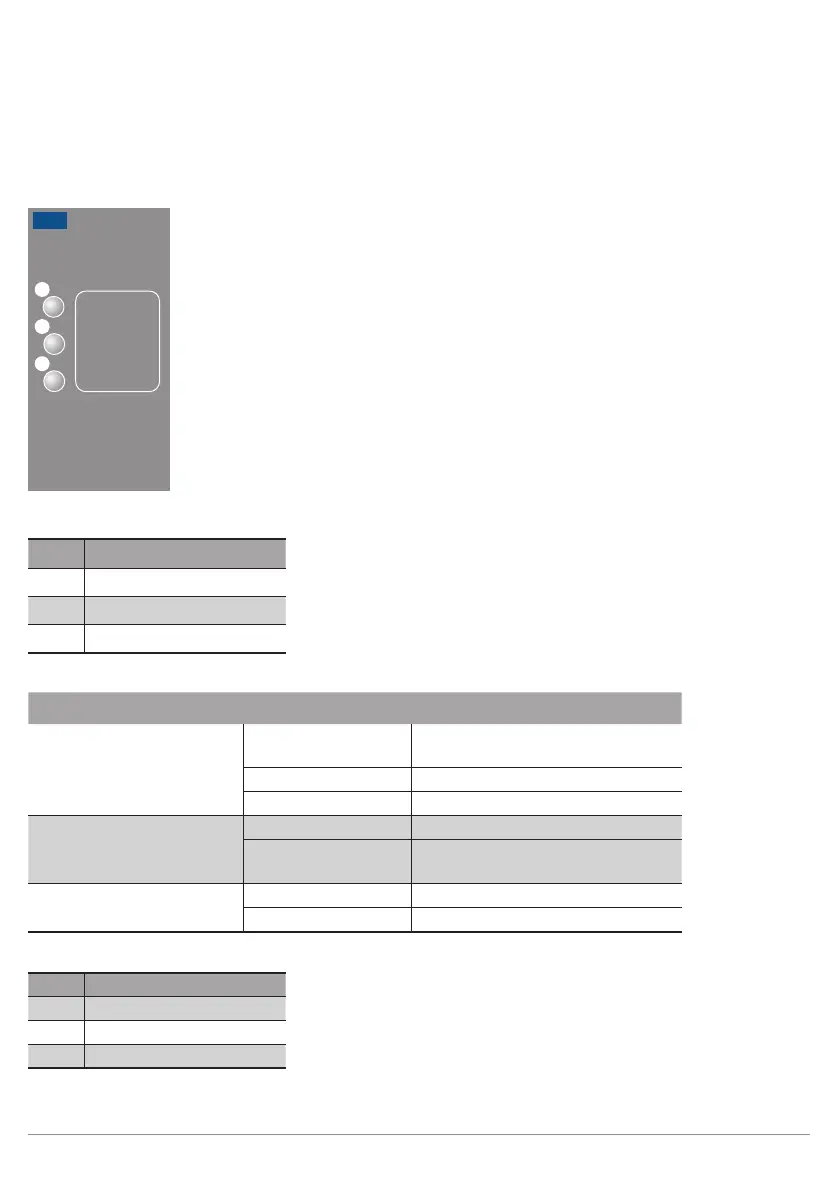
The LEDs on the back of the weQube indicate the following (rear view of the weQube with display at top):
85
84
78
T12
Profinet
LED Function
84 Communication status
78 Module status
85 Link/act LED
Designation Status Function
CS (communication status)
(only available with Profinet
devices)
Off Connection (AR) established with
controller
Green Protocol not initialized
Red No connection (AR) to controller
MS (module status)
(only available with Profinet
devices)
Red Error (class: fatal)
Blinking red Detection function, can be switched
on via engineering tool
L/A Green Link available
Blinking green Communication
Ethernet/IP
LED Function
84 Network status
78 Module status
85 Link/Act-LED



 To Next Page