153
Smart Camera / Vision-Sensor / 1D-/2D-Code-Scanner / OCR Reader
11.15.4.1. Examples
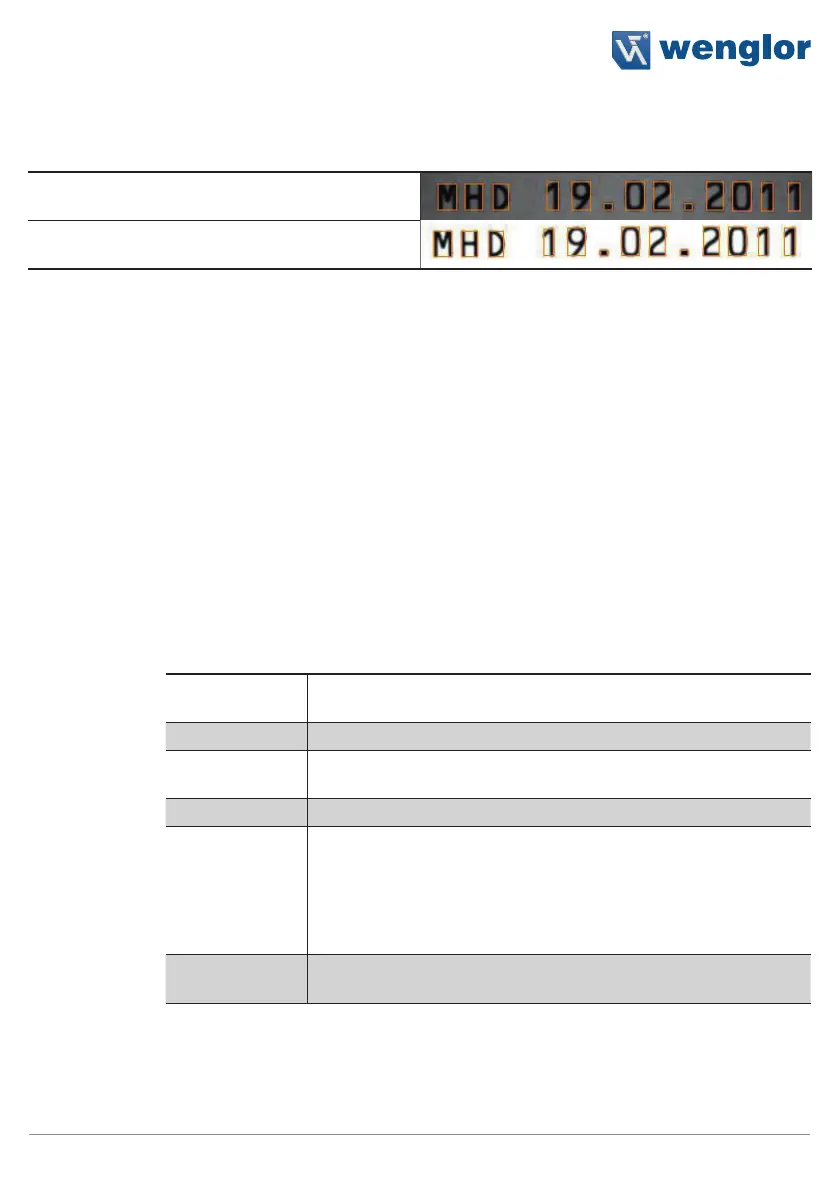
Dark illumination, structures in the characters are
not visible.
Background over-illuminated, small structures in
the background are not visible.
11.16. Pattern Matching Module
11.16.1. Overview
Objective
Recognize objects in an image
Prerequisite
1) The sensor is correctly connected (see section 5.5).
2) Connection has been established from the sensor to the software (see section
10.1.1).
3) The camera is configured / images are selected (see section 11.21).
Procedure
First of all, specify the object or a distinctive element of the object which needs to
be recognized. Then specify tolerances for rotational orientation. Teach in and you’re
done.
11.16.2. Setting Parameters
Characteristic
The following settings/results are displayed:
Processing Time
[ms]
Sensor processing time for the module
Module Status Error code for troubleshooting support (see section 18.6)
Number of
Results
The number of detected objects is displayed.
Input Image Selection of the channel for image input
Reading Timeout
[ms]
The time during which the sensor attempts to detect the object. If
nothing has been successfully detected after this duration has ex-
pired, the search is aborted and the result is set to invalid.
Time can be set within a range of 0 to 20 seconds in steps of 1 ms.
Aborting the read attempt takes about 20 ms. The module’s minimum
processing time is thus also 20 ms.
Maximum Num-
ber of Results
The maximum number of objects to be detected can be selected. Up
to 20 objects can be detected simultaneously.



 To Next Page