53
Smart Camera / Vision-Sensor / 1D-/2D-Code-Scanner / OCR Reader
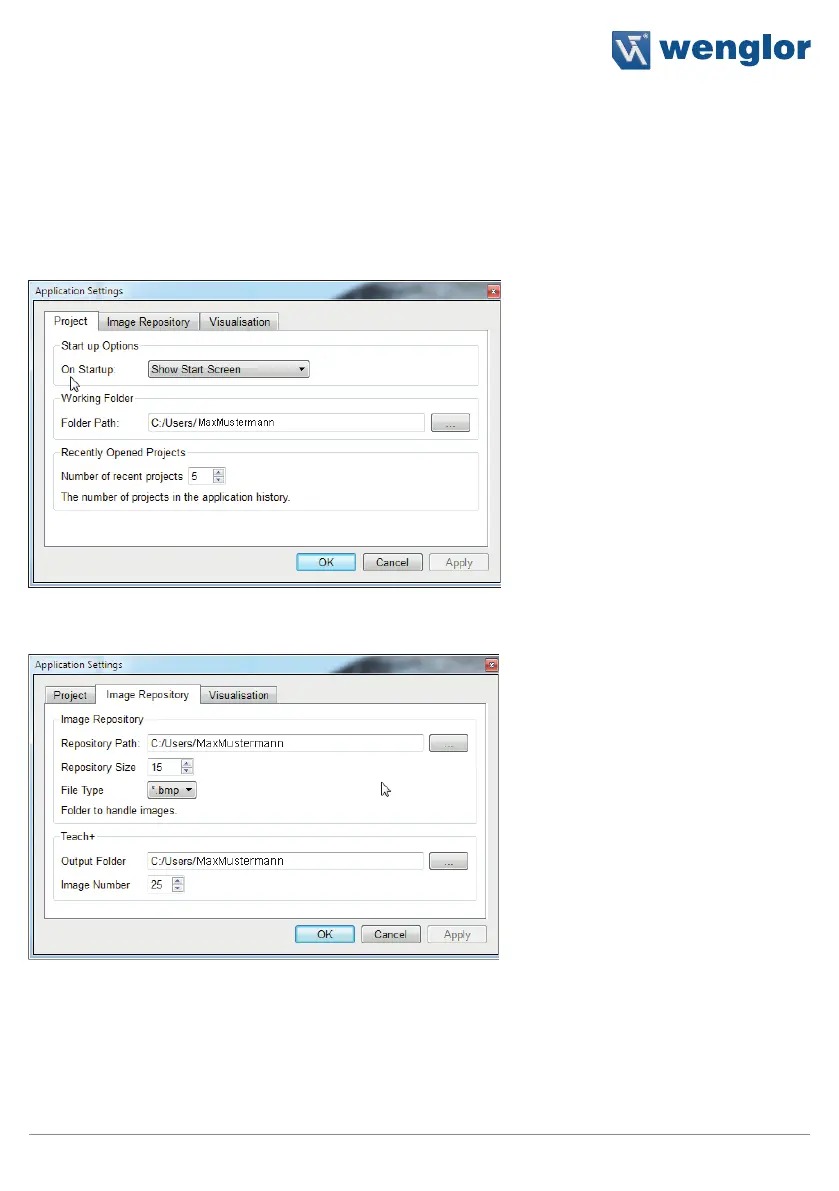
10.2.2.3. Settings
Options:
Further settings can be selected under options.
Projects:
Selection of options for program
initialization:
• Show initial window
• Open last project
• Open a certain project
• Connect to a certain device
Work folder:
A work folder can be selected. This
folder is automatically suggested as a
directory path when opening and sav-
ing projects.
Recently opened projects:
The number of recently opened
projects can be saved. These can be
displayed by clicking Recent projects
in the File menu.
Image archive:
The directory path for the image archive can be selected, as well as the number of images and the image format
(*.bmp or *.png).
The directory path and the number of images to be recorded are selected for the Teach+ function.



 To Next Page