EN
66
General Layout of weQube Software
10.2.4. Image Area
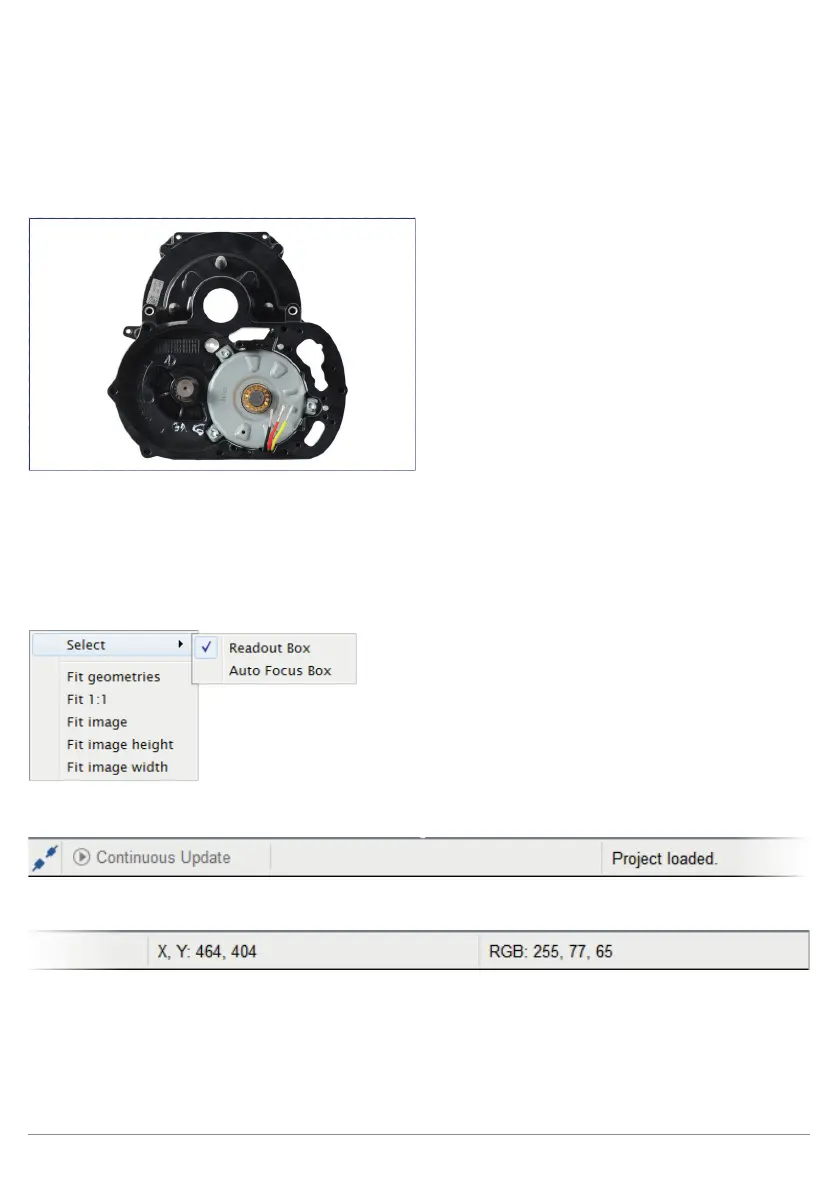
A selected image is displayed in large format in the image area, for which all of the setting options can be
configured.
Current sensor images as well as image files which have been stored to the PC can be displayed in the image
area. The image files must have matching parameters (width, height and depth of focus). weQube software
can load an image sequence by means of multiple selection. All of the following images must have the same
image parameters as the first one. This makes it possible to process live images, and allows for processing of
recorded sample images for the purpose of configuration. A context menu is opened by right clicking in the
image area. The context menu varies depending on the image and the currently used module.
10.2.5. The Status Bar
'
The status bar, which includes general information and image coordinates, as well as current red, yellow and
blue values at the location of the mouse pointer, is located at the bottom edge of the program window.



 To Next Page