49
Smart Camera / Vision-Sensor / 1D-/2D-Code-Scanner / OCR Reader
10.2.1. Common Layout Features
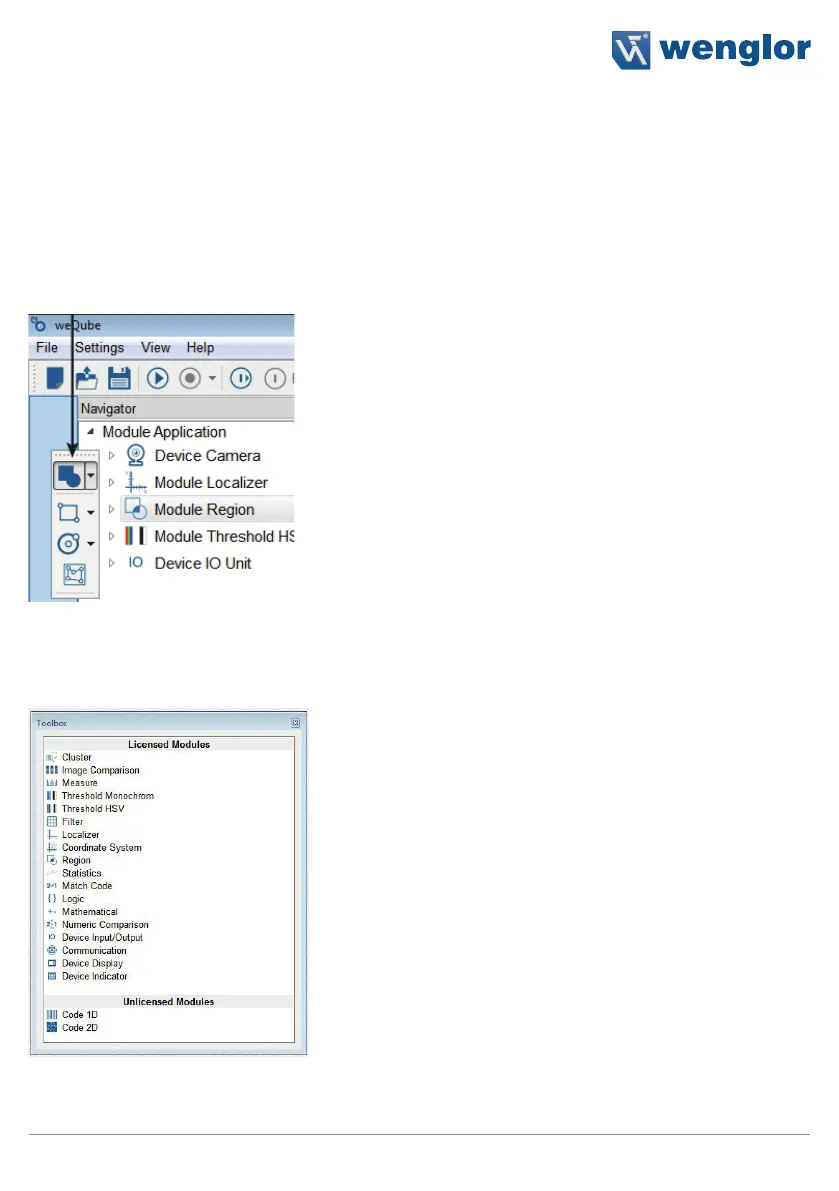
Numerous parts of the user interface can be set up individually. For example, the toolbar and the function field
can be set to any desired position. After clicking into the dotted area at the left or at the top (a cross appears
at the corresponding location), the area can be detached from the layout. This field can then be positioned at
any desired position in the foreground, or it can be docked within the layout by holding the field until the blue
area highlights the desired position.
Field to be moved
The window navigation field together with settings and results, the image container viewer, the profile, the
module toolbox, the histogram and the device list area can be freely positioned or docked. These areas are
characterized by the following common layout.
The software saves the layout of the areas.



 To Next Page