187
Smart Camera / Vision-Sensor / 1D-/2D-Code-Scanner / OCR Reader
14.2. Page Layout
The website is subdivided into 4 areas:
1. Language selection
The website can be changed from English (default language) to German with the language selection function.
2. Display
The current display appears on all pages just like it does at the sensor itself.
3. Category selection
The web-based settings are subdivided into five categories.
• General device information: overview page with general information regarding the weQube
• Device settings: network and display setting for the weQube, as well as sensor configuration and pass-
word change
• Project: project administration settings
• Teach-in: generate Teach+ files and teach characteristics in to the sensor
• Live image: the current sensor image is displayed
4. Page content
Depending on which category is selected, the corresponding page content is displayed.
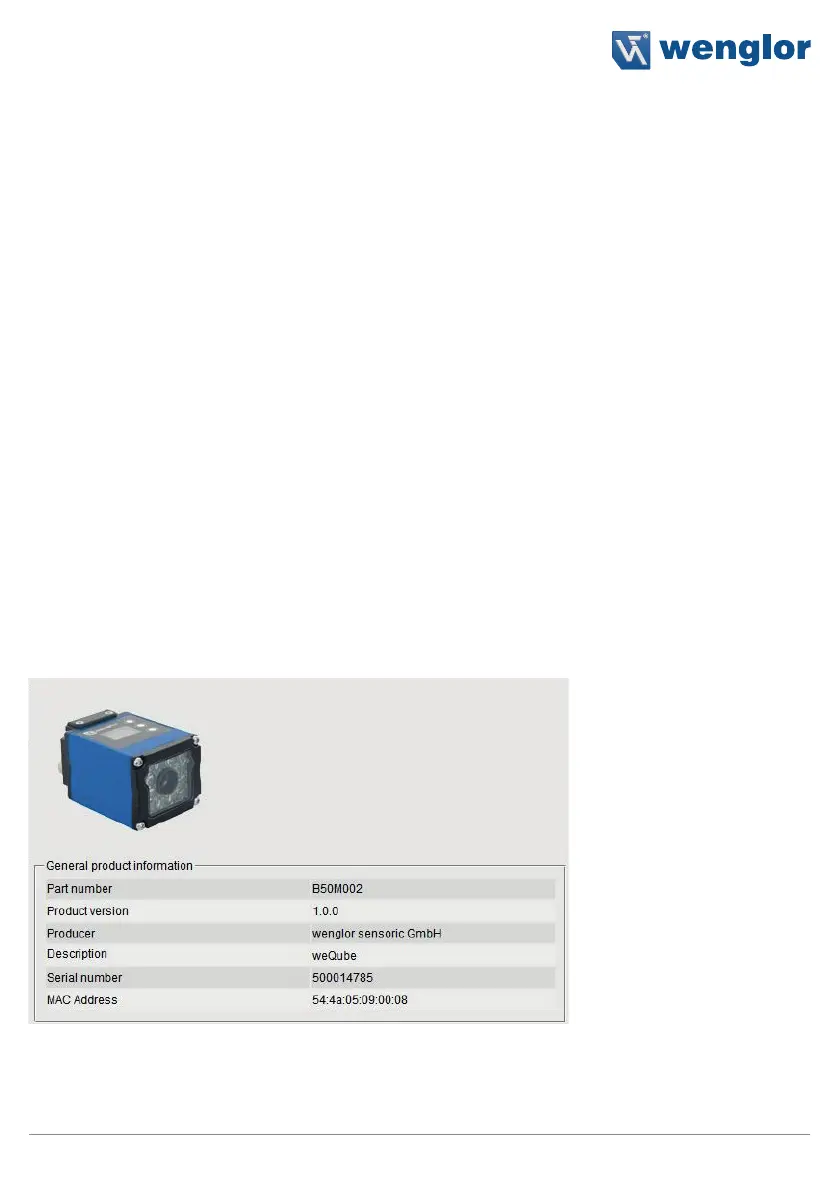
14.3. Device, General
After a connection has been established, the “Device, General” overview page is displayed.



 To Next Page