EN
64
General Layout of weQube Software
10.2.3.9. Module Tools
There are specific functions for each module which are described in the sections for each respective module.
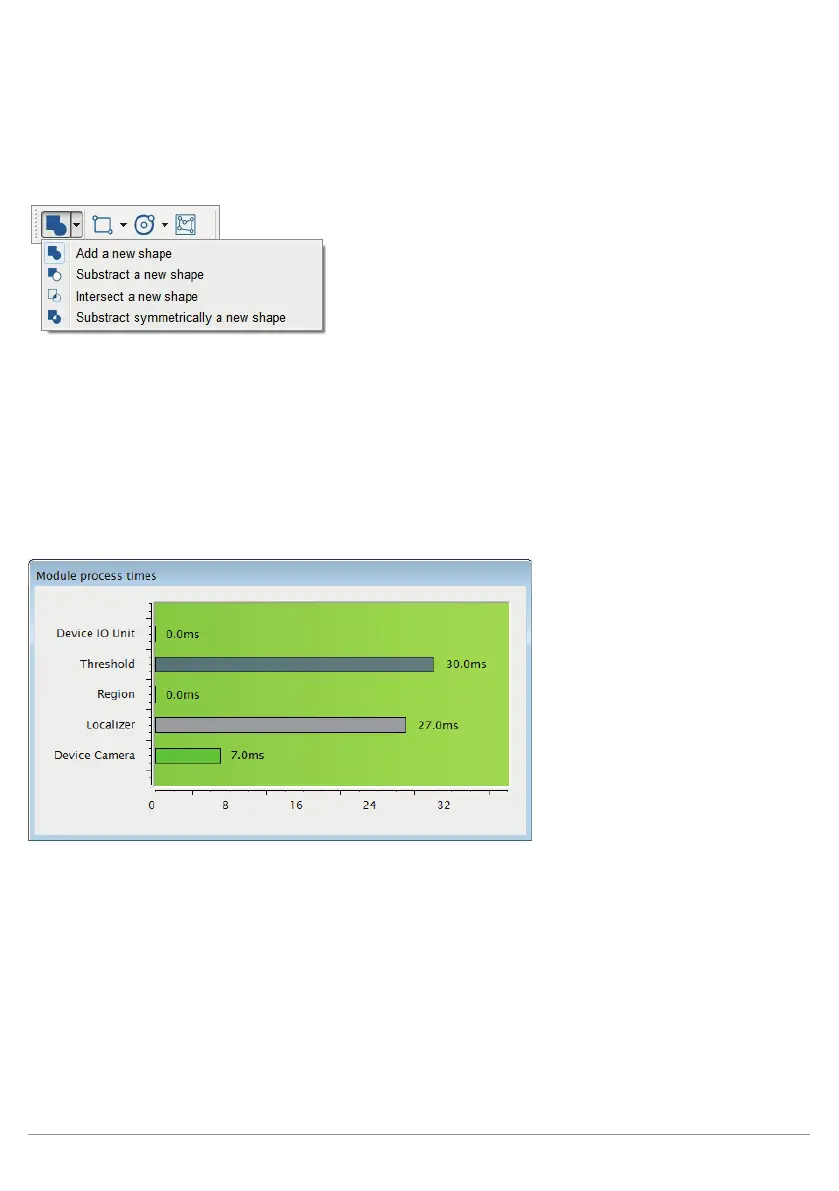
Figure: Example of a Function Window for the Region Module
Note: Not all of the modules have functions. Module tools, if any are available, only appear as long as a module
is selected – otherwise they remain hidden.
10.2.3.10. Online Data Monitoring Module
There are four different windows in the Online Data Monitoring screen which include service information con-
cerning the connected weQube.



 To Next Page