EN
60
General Layout of weQube Software
10.2.3.5. Toolbox
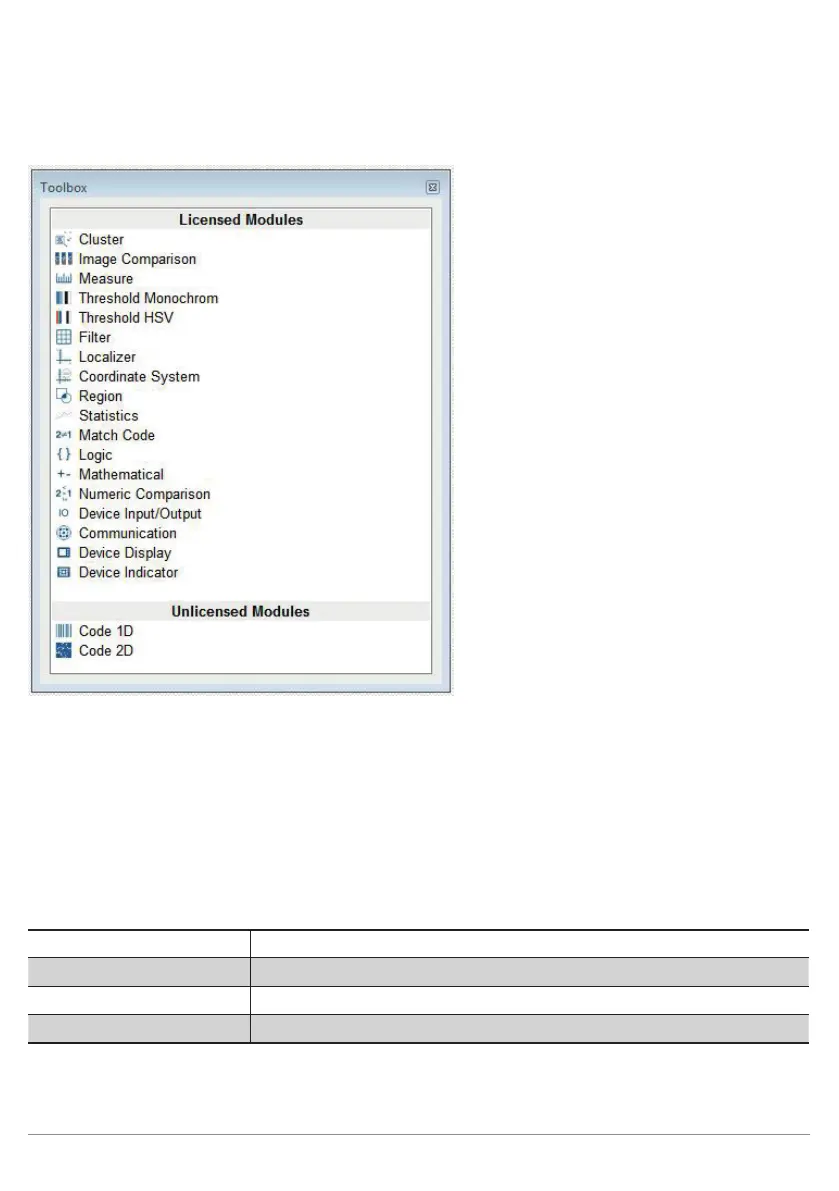
Figure: Toolbox Display Area
All modules are displayed in the Toolbox area which can be accessed by clicking Toolbox in the View menu.
Differentiation is made between licensed and unlicensed modules. Licensed modules can be added to the
project / inspection program by means of drag and drop, or by double clicking the respective module.
10.2.3.6. Network Tools
Various windows can be accessed from the “Network Tools” menu.
Device List Opens the device list as described in section 10.1.1.1
Search Network Opens the search network dialog box as described in section 10.1.1.2
File Manager Opens the file manager as described in section 10.1.1.3
Characteristics Opens the sensor’s settings as described in section 10.1.1.4



 To Next Page